
8 AI Infographic Makers That Turn Plain Text Into Visuals
Paste your text, pick a style and get a shareable infographic.

Key Takeaways
- Best all-rounder: Venngage
- Fastest text to visual: Napkin AI
- Interactive data: Infogram
- Free for research notes: Gemini Notebook
These 8 AI infographic makers turn plain text, documents or data into clear visuals, so you can explain an idea, a report or a process without hiring a designer.
Top 8 AI infographic makers at a glance
| Tool | Best for | Free plan |
|---|---|---|
| 1. Venngage | Infographics from documents | Yes |
| 2. Napkin AI | Text to quick visuals | Yes |
| 3. Piktochart | Reports and infographics | Yes |
| 4. Gemini Notebook | Infographics from your sources | Yes |
| 5. Infogram | Interactive data visuals | Yes |
| 6. EdrawMax AI | Infographics from webpages | Yes, daily limit |
| 7. Visual Paradigm Online | Low-cost charts and steps | Yes, non-commercial |
| 8. Infography | Blog posts to infographics | 1 free infographic |
Jump toVenngageNapkin AIPiktochartGemini NotebookInfogramEdrawMax AIVisual Paradigm OnlineInfography
The 8 best AI infographic makers in 2026
1. Venngage
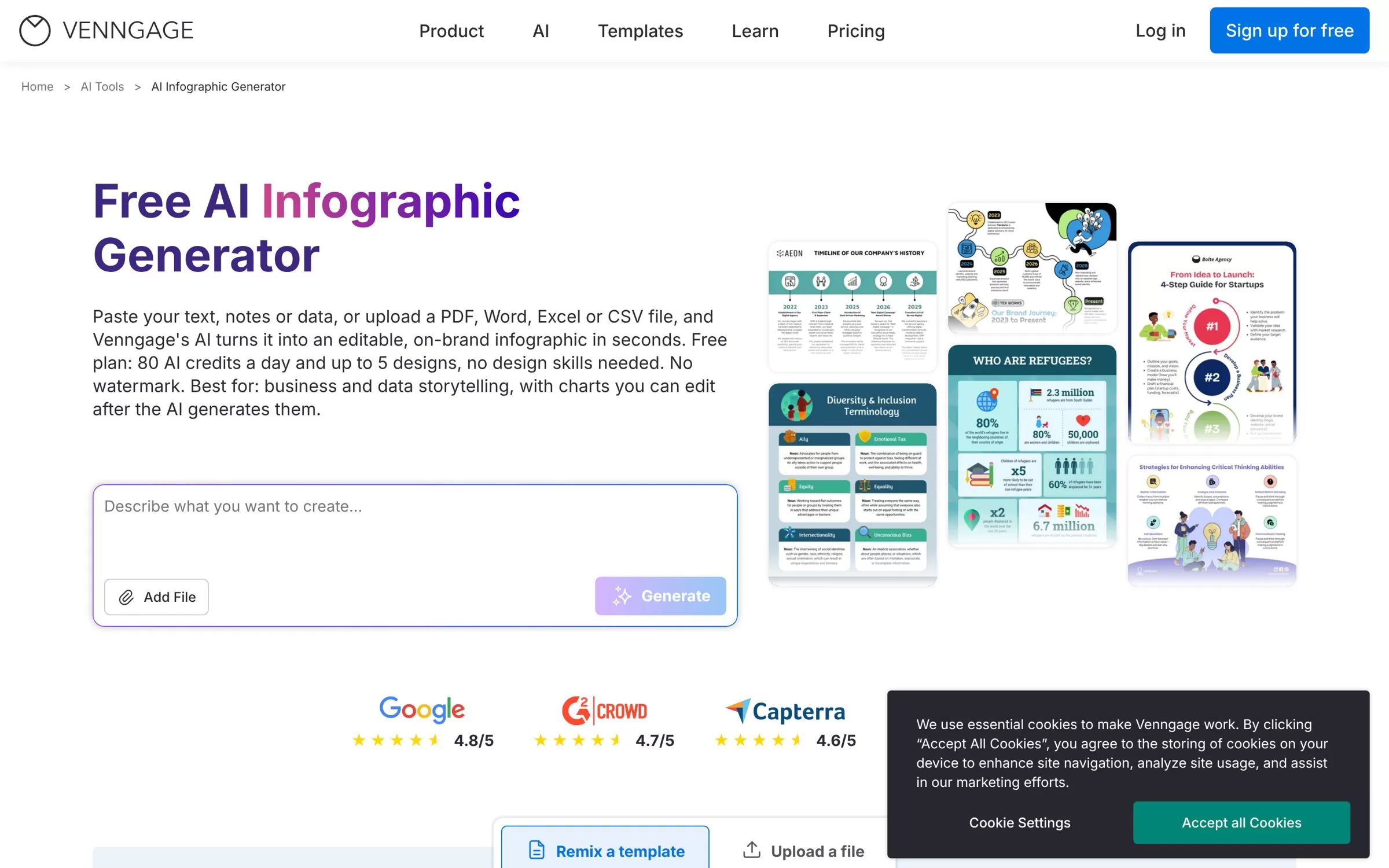
Venngage turns pasted text, notes or data, or an uploaded PDF, Word, Excel or CSV file, into an editable, on-brand infographic in seconds. It suits founders and marketers who want report-style infographics with charts they can edit afterwards.
Best for: Turning documents and data into infographics
Free plan: Yes, 80 AI credits a day and up to 5 designs
Price: Premium from $10 a month billed yearly, or $19 billed monthly
Website: venngage.com
2. Napkin AI
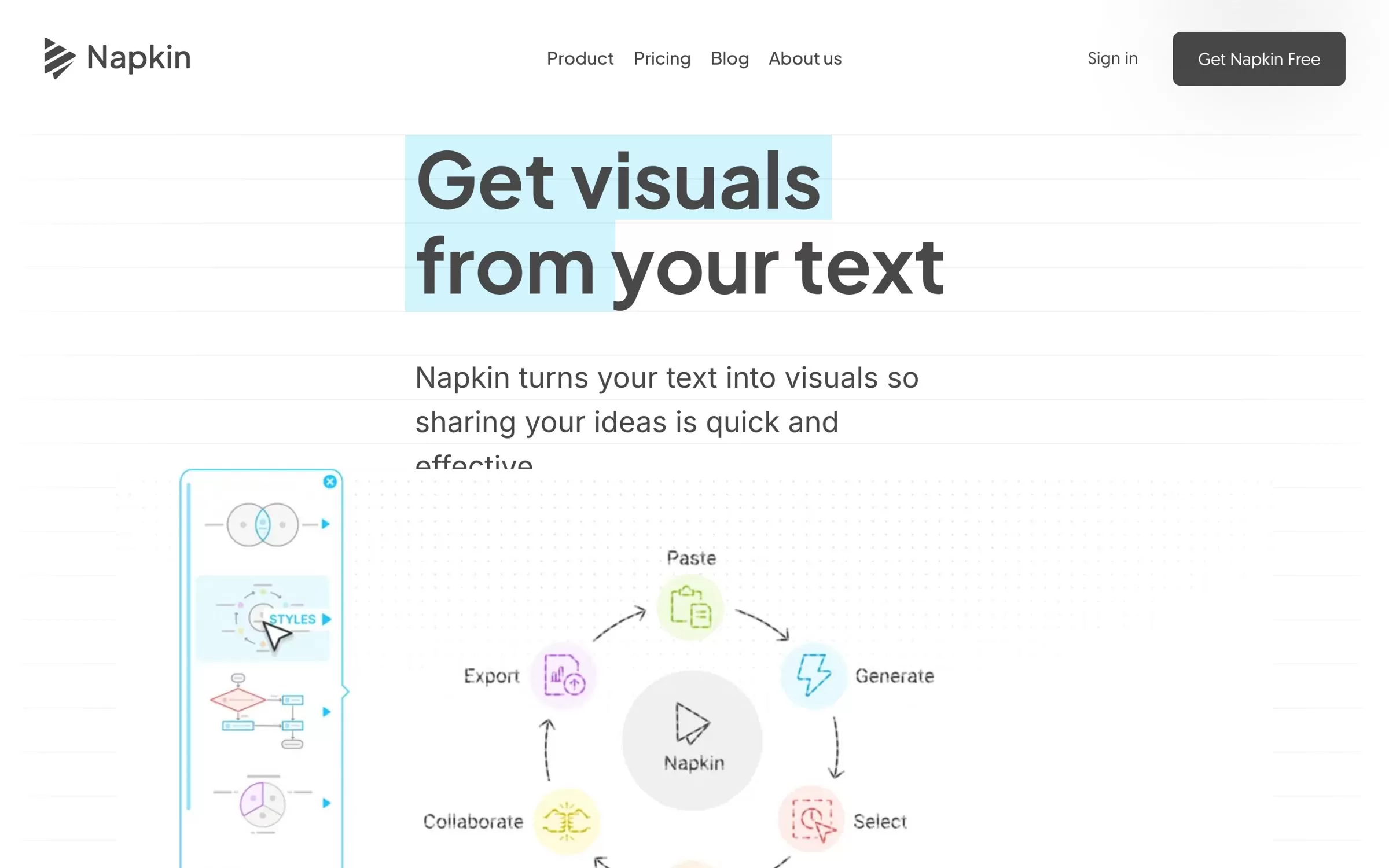
Napkin AI turns your text into diagrams, flowcharts, mind maps, infographics and data charts, so you paste a paragraph and pick the visual you like. It creates visuals in 60+ languages, whatever language your input is in.
Best for: Turning a paragraph into a visual in one click
Free plan: Yes, 500 AI credits a week, with Napkin branding on visuals
Price: Plus from $9 a month billed yearly, or $12 billed monthly
Website: napkin.ai
3. Piktochart
With Piktochart AI you can create infographics, reports and presentations in seconds, then polish them in a drag-and-drop editor. It is a good pick for small teams that make visual reports every month.
Best for: Infographics, reports and presentations
Free plan: Yes, 60 AI credits and 2 PNG downloads
Price: Pro from $10 per member a month billed annually, or $15 billed monthly
Website: piktochart.com
4. Gemini Notebook
Gemini Notebook, the new name for Google's NotebookLM, can generate an infographic from the sources in your notebook through the Studio panel. You choose the language, level of detail and orientation; in India a visible watermark is added automatically.
Best for: Turning notes and research into an infographic
Free plan: Yes, sign up free with a Google account (18+ for infographics)
Price: Free; higher limits come with Google AI plans
Website: notebook.google
5. Infogram
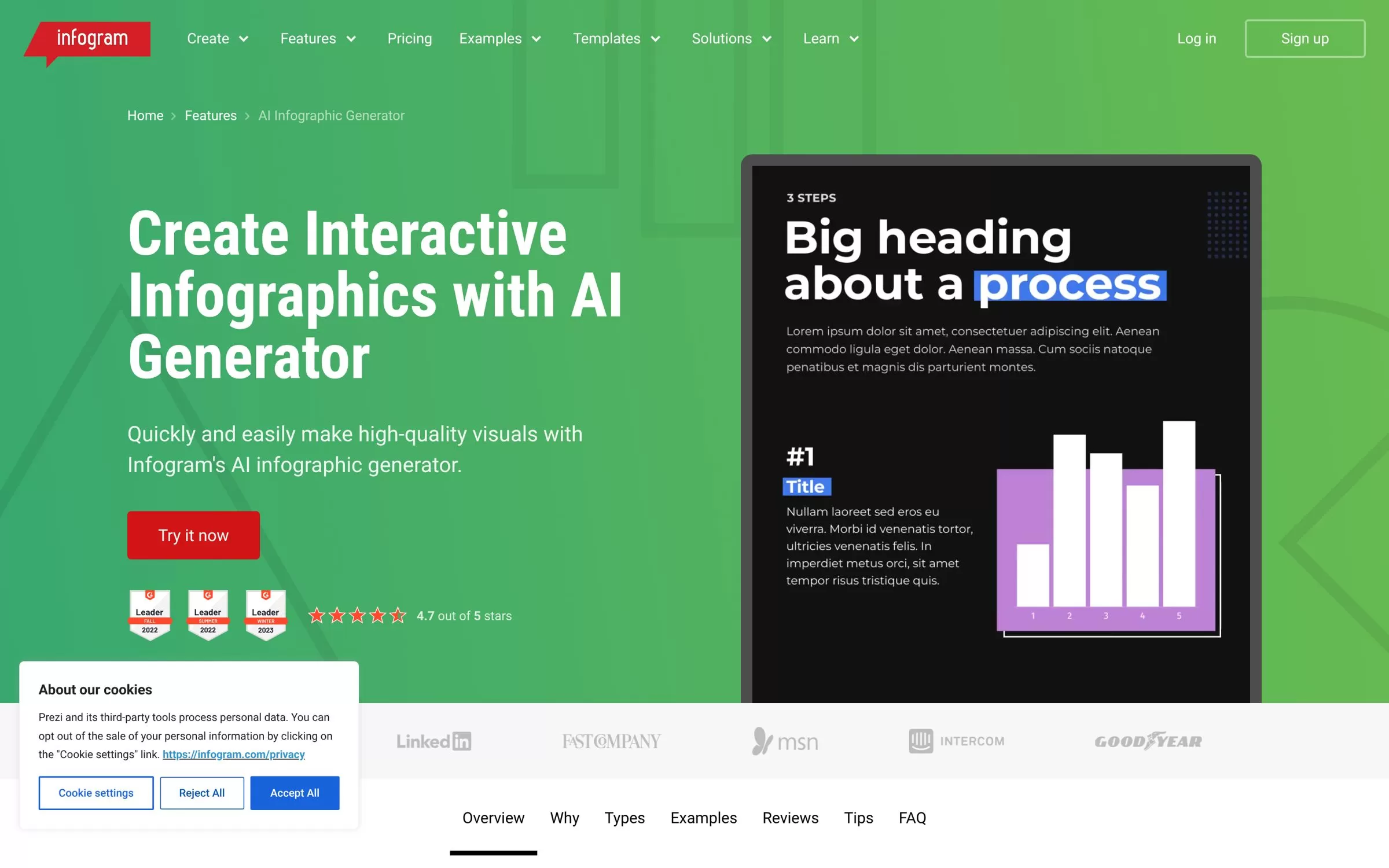
Infogram builds interactive infographics: you pick a template and describe your topic or paste your data, and the AI drafts it. Its free Basic plan offers 35+ interactive chart types and 13 map types, and Pro adds 800+ map types, which helps for data-heavy posts and reports.
Best for: Interactive charts and maps
Free plan: Yes, Basic plan with up to 10 projects
Price: Pro at $19 a month billed yearly
Website: infogram.com
6. EdrawMax AI
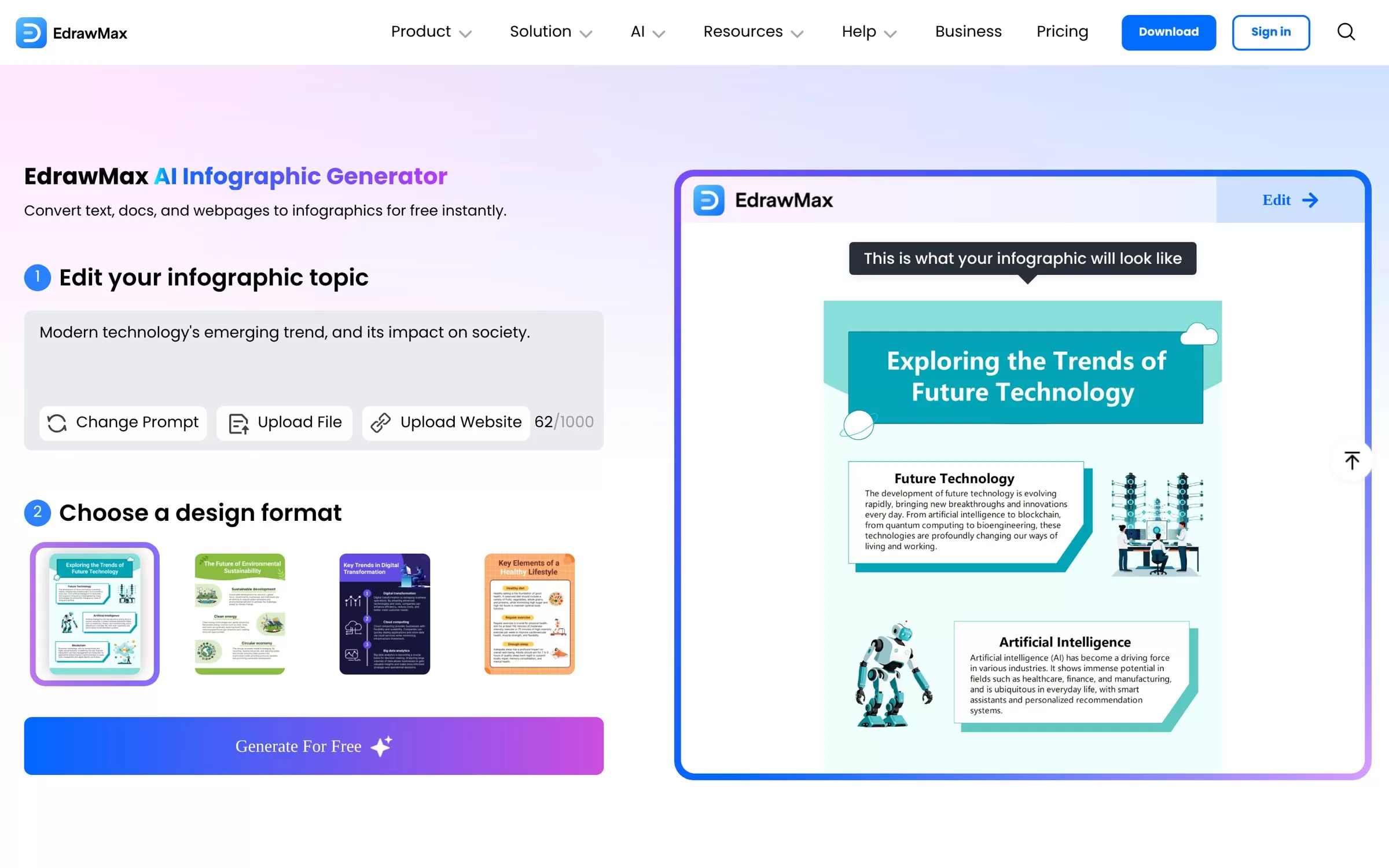
The EdrawMax AI Infographic Generator converts text, documents and webpages into infographics, with a choice of design formats. You can type a topic, upload a file or paste a website link, then edit the result.
Best for: Turning a webpage or file into an infographic
Free plan: Yes, free to use with a daily usage limit
Price: Basic at US$7.9 a month, or US$70.8 a year
Website: edrawmax.com
7. Visual Paradigm Online
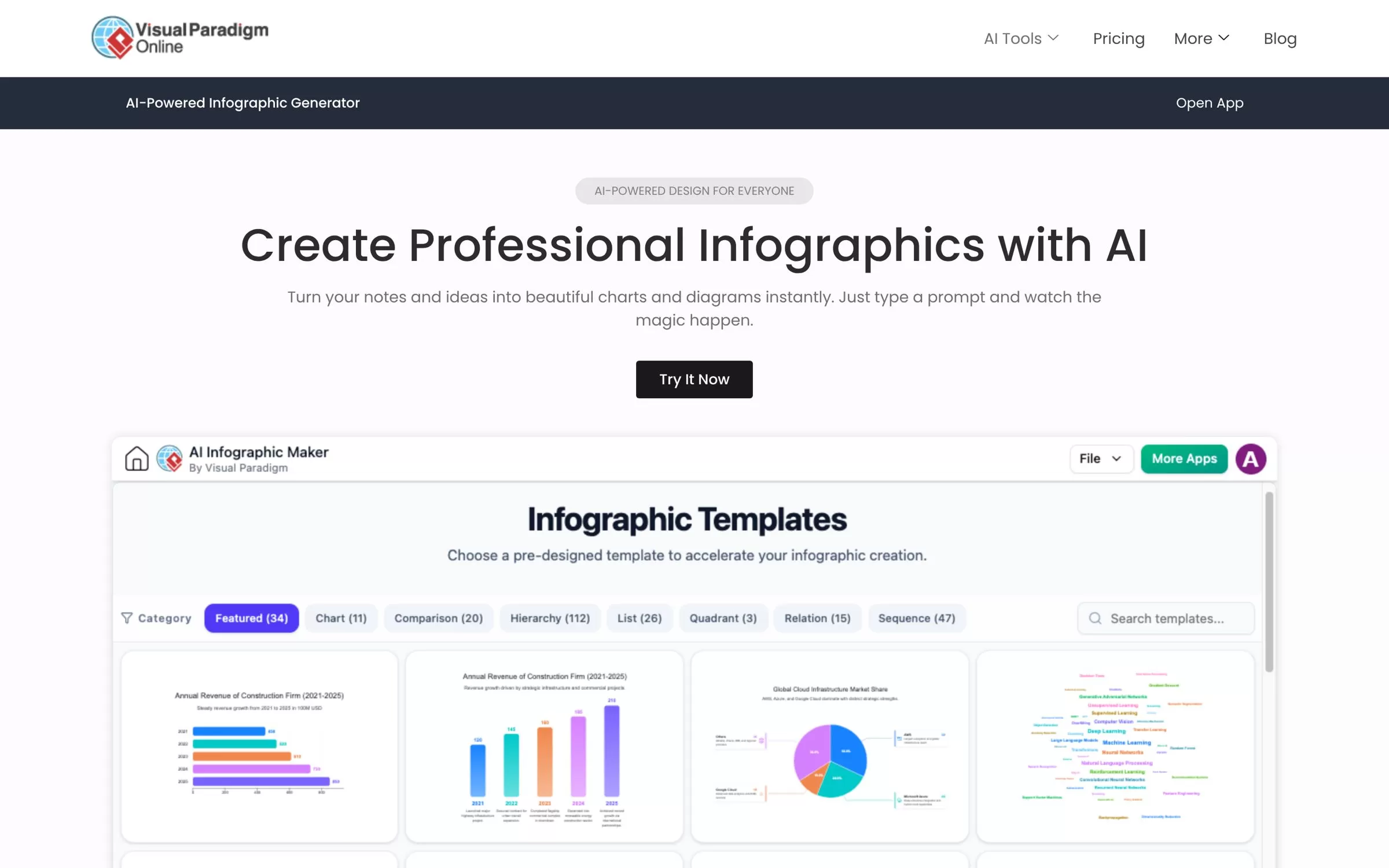
Visual Paradigm turns your notes and ideas into charts and diagrams from a text prompt, covering steps, roadmaps, lists, comparisons, processes and more. You can export as PNG or SVG, or share a link.
Best for: Process, roadmap and comparison infographics
Free plan: Yes, for non-commercial use only
Price: Starter from $4 a month billed annually; the full AI Infographic Maker is in Combo ($15) and Deluxe ($30)
Website: visual-paradigm.com
8. Infography
Infography turns a blog URL, PDF or topic into an editable infographic in about a minute, built for bloggers, content teams and agencies. Paid plans are one-time payments with no auto-renewal on the web.
Best for: Turning blog posts into infographics
Free plan: One free infographic, no credit card
Price: $6 for 30 days with 100 AI credits
Website: infography.in
Free AI infographic makers worth trying first
Venngage, Napkin AI, Piktochart, Infogram and Gemini Notebook all have free plans, so you can test them on the same paragraph before paying. Visual Paradigm's free plan is for non-commercial use only, and Infography gives one free infographic.
How to pick the best AI tool for infographics
Start with what you already have. For a long report or PDF, Venngage, EdrawMax AI and Infography read the file for you. For a single idea or paragraph, Napkin AI is quickest. For live charts and maps, Infogram fits best.
Final verdict
Pick Venngage for polished infographics from documents, Napkin AI for fast visuals from a paragraph, and Infogram for interactive data. On a tight budget, try Gemini Notebook or the free plans first, then upgrade only the tool you keep using.


