
11 AI Vocal Removers That Turn Any Song Into Karaoke
Split any song into vocals and music in minutes, many of them free.

Key Takeaways
- Best free pick: BandLab Splitter
- 27 stem types: Moises
- Best for practice: Moises
- Free on your PC: Ultimate Vocal Remover
These are the 11 best AI vocal removers for making karaoke tracks, practice stems and remixes, compared using each tool's official website.
Top 11 AI vocal removers at a glance
| Tool | Best for | Free plan |
|---|---|---|
| 1. LALAL.AI | Clean stem splits | Yes |
| 2. Moises | Practice and chords | Yes |
| 3. Fadr | Free stems with MIDI | Yes |
| 4. Ultimate Vocal Remover | Free desktop app | Yes, fully free |
| 5. AudioShake | Pro-grade separation | Yes |
| 6. PhonicMind | Pay per song | Free preview |
| 7. Gaudio Studio | Splitting from links | Free trial |
| 8. Kits.ai | Vocals and harmonies | Yes |
| 9. BandLab Splitter | Free web and mobile | Yes |
| 10. EaseUS Vocal Remover | Online, link import | Yes |
| 11. Remusic | Karaoke and covers | Free daily credits |
Jump toLALAL.AIMoisesFadrUltimate Vocal RemoverAudioShakePhonicMindGaudio StudioKits.aiBandLab SplitterEaseUS Vocal RemoverRemusic
The 11 best AI vocal removers in 2026
1. LALAL.AI
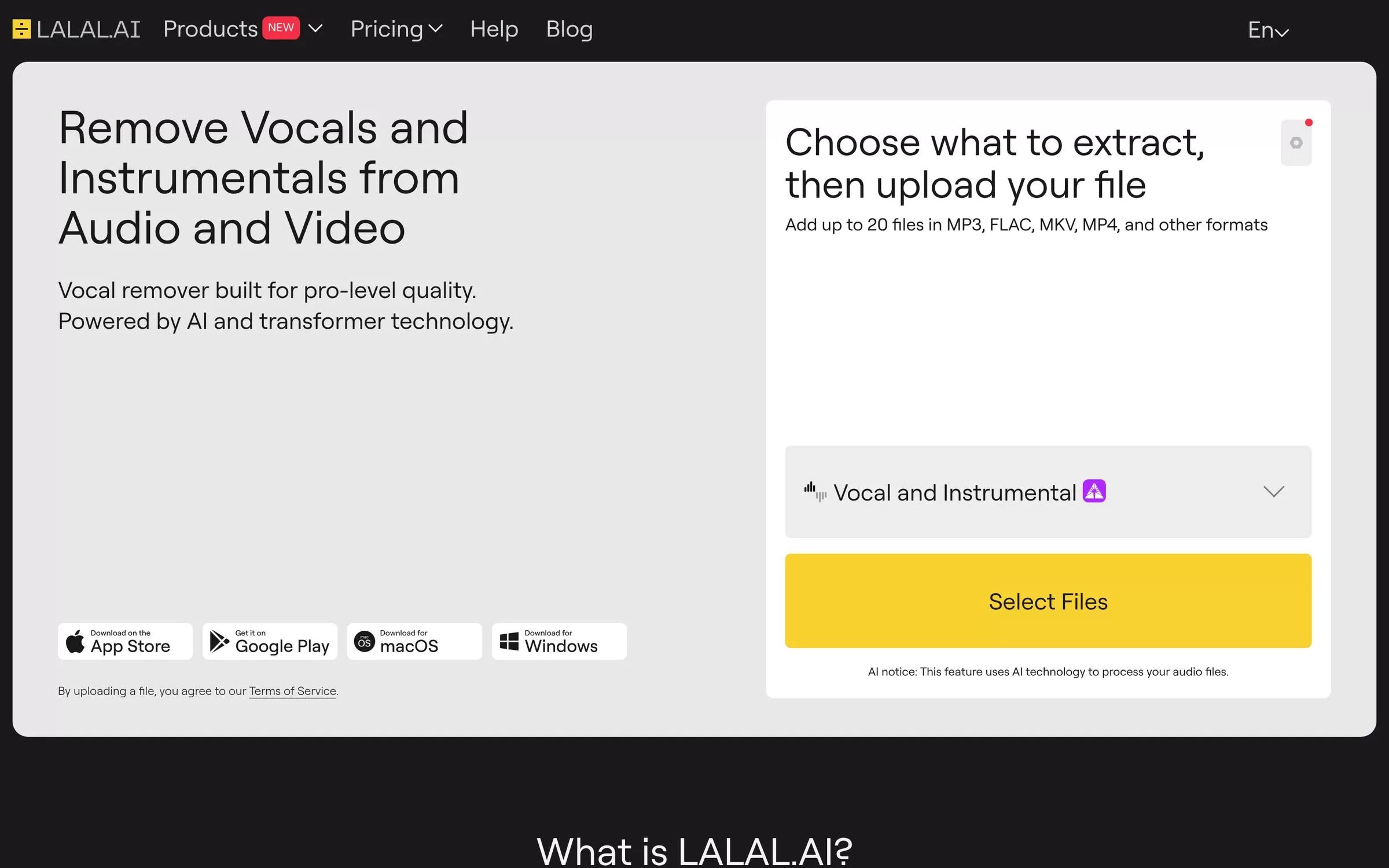
LALAL.AI removes vocals and instrumentals from any music track, audio clip or video. It can also pull out drums, bass, guitar, piano and synth, and has apps for Windows, macOS, Linux, iPhone and Android.
Best for: Musicians who want many stem types
Free plan: Yes, the Starter plan is free
Price: Lite plan from $7.5 a month
Website: lalal.ai
2. Moises
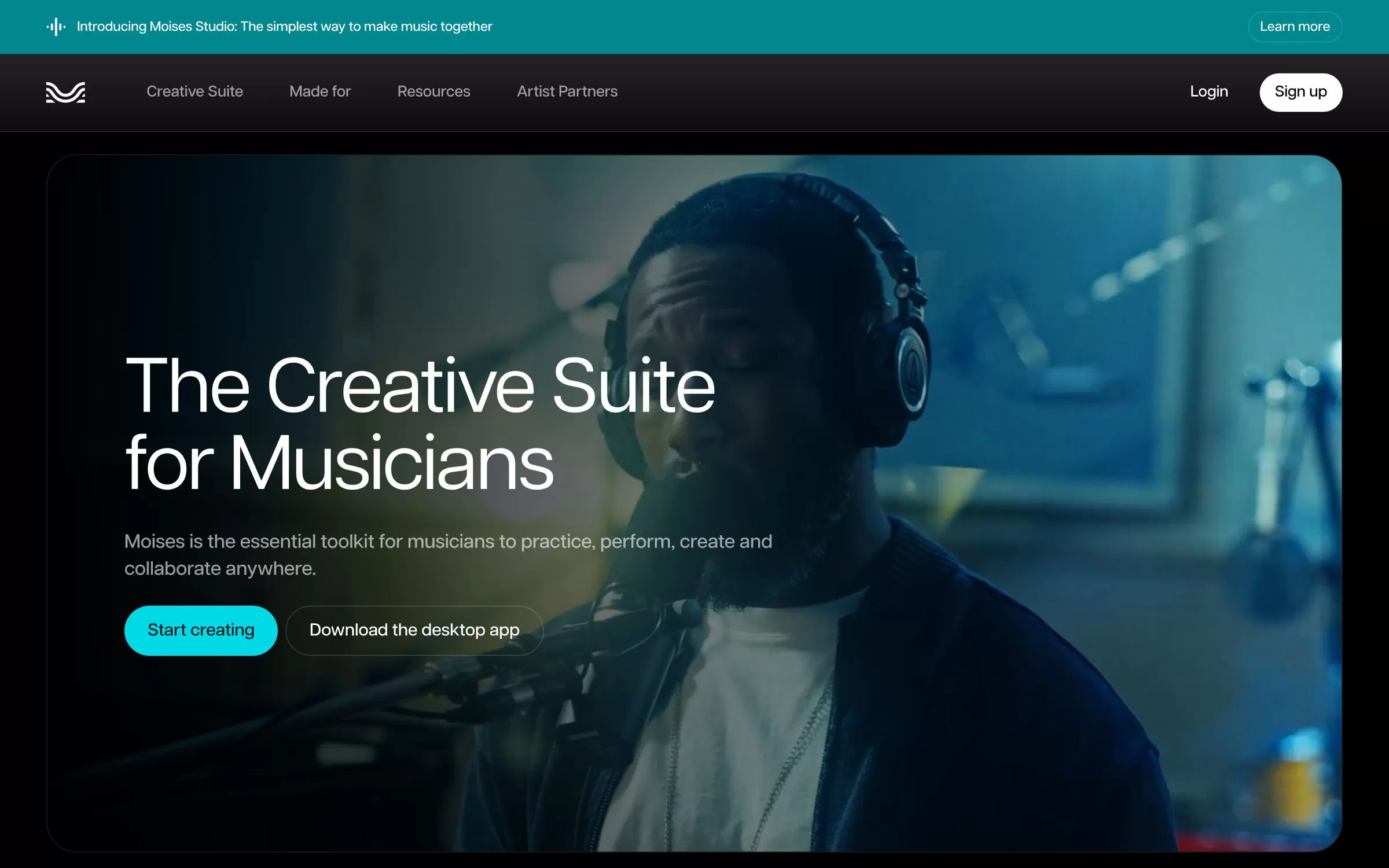
Moises separates a song into stems such as vocals, guitar, bass, drums and piano, then helps you practise with key and chord detection, pitch change and a smart metronome. It runs on the web, desktop, iPhone, iPad and Android.
Best for: Singers and musicians who practise along
Free plan: Yes, with a limited number of uploads each month
Price: Shown after you log in on the Moises website
Website: moises.ai
3. Fadr

Fadr's free plan splits a song into vocals, melodies, drums and bass and detects MIDI, key and tempo. Fadr Plus adds 18 stem types, WAV downloads and longer uploads of up to one hour.
Best for: Producers and remixers
Free plan: Yes, Fadr Basic is free (songs up to 10 minutes)
Price: Fadr Plus at $10 a month or $100 a year
Website: fadr.com
4. Ultimate Vocal Remover
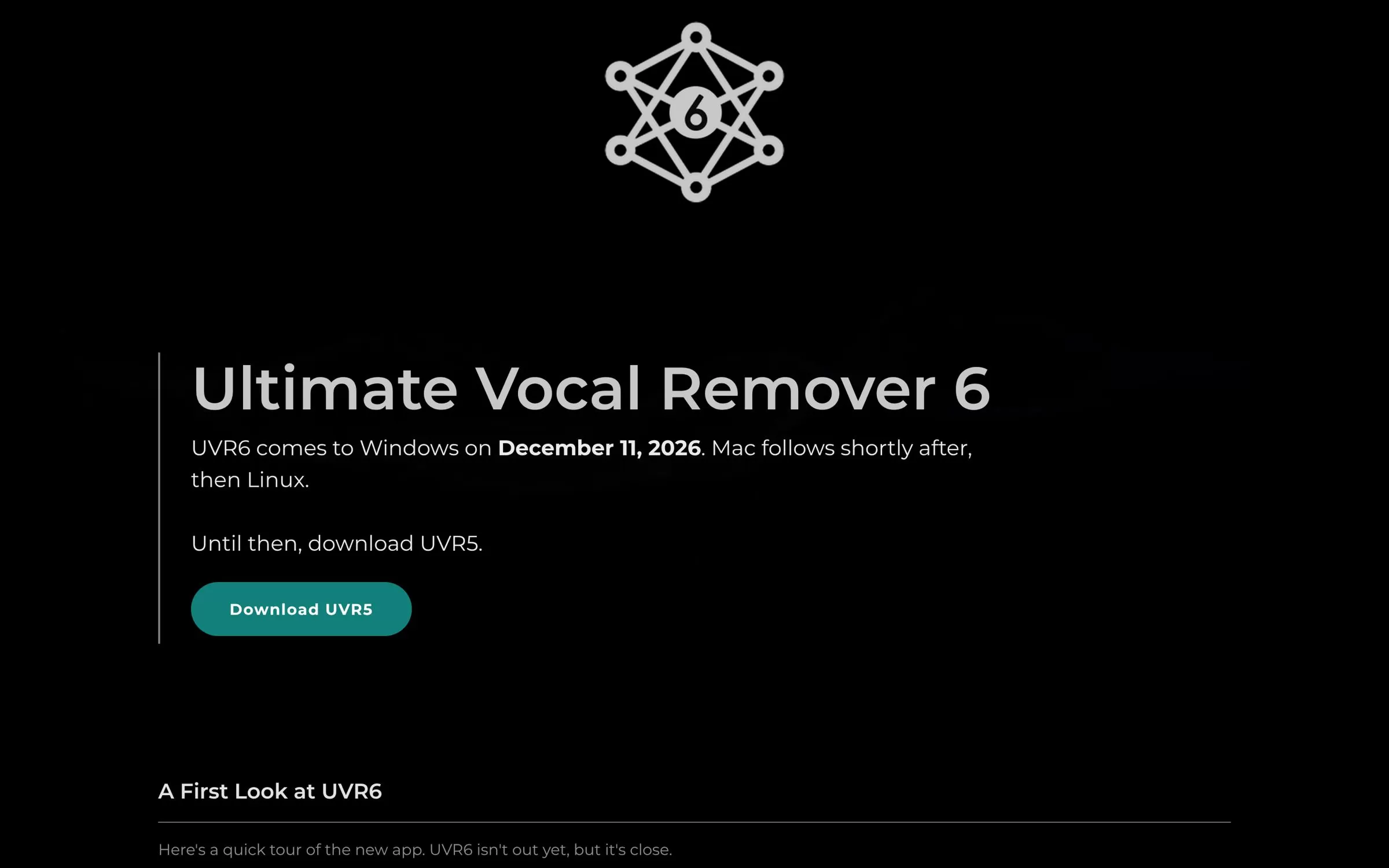
Ultimate Vocal Remover is a free, open-source desktop app that removes vocals and splits songs into stems on your own computer. It runs on Windows, macOS and Linux.
Best for: Free vocal removal on your own PC
Free plan: Yes, free and open source
Price: Free
Website: ultimatevocalremover.com
5. AudioShake
AudioShake splits music into vocals, drums, bass, guitar and keys, and can also separate dialogue, music and effects in video audio. Its web Studio has a free tier, and developers can use its API.
Best for: Creators and studios who need high quality
Free plan: Yes, $0 Studio plan with 200 credits and MP3 export
Price: Starter at $20 a month
Website: audioshake.ai
6. PhonicMind
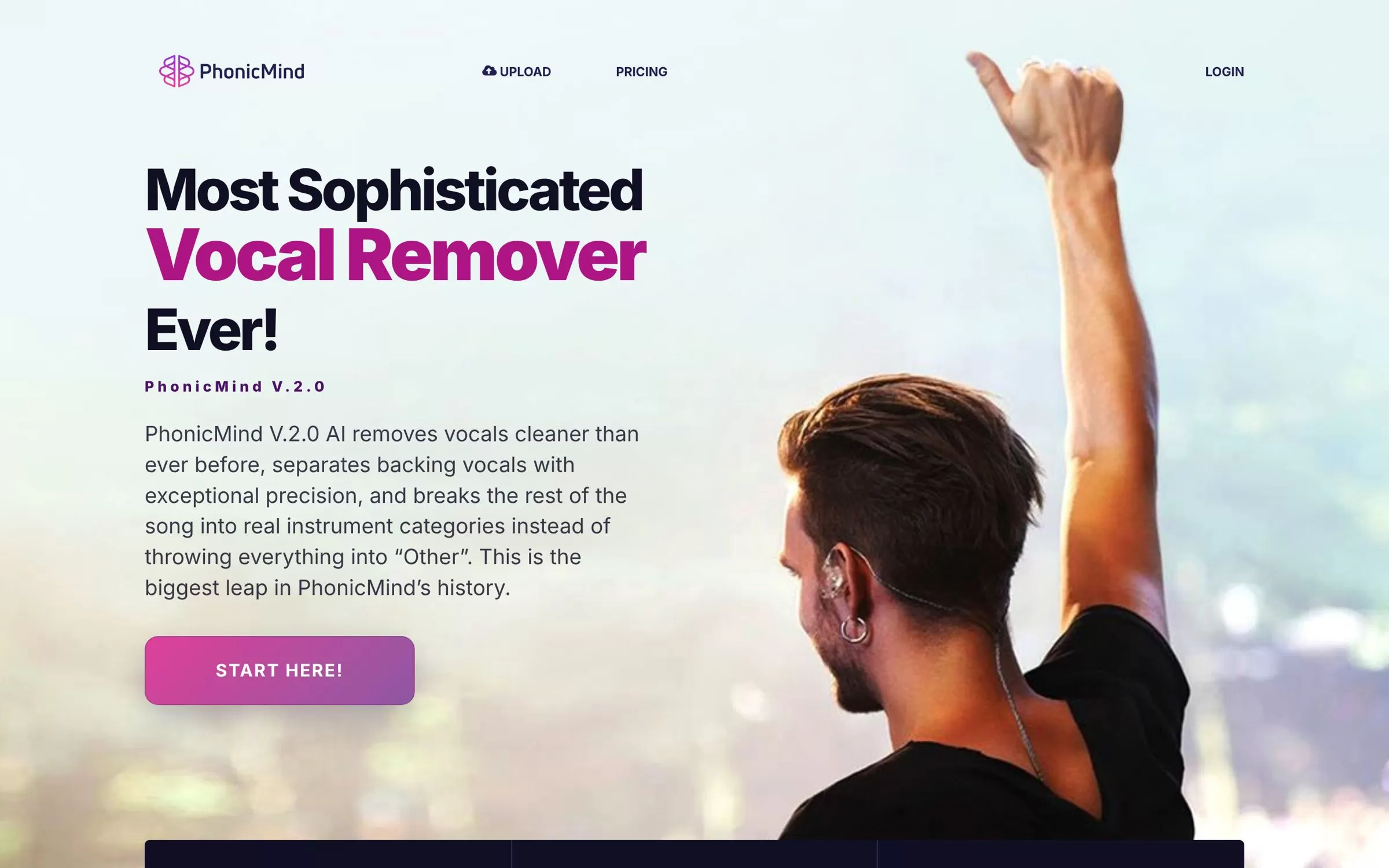
PhonicMind is a browser tool that removes vocals, separates backing vocals and splits the rest of a song into instruments such as drums, bass, guitar, keys and strings. You can buy a single conversion or a monthly plan.
Best for: One-off karaoke or stem jobs
Free plan: A free preview only
Price: Single conversion $6.99; Sing plan $9.99 a month
Website: phonicmind.com
7. Gaudio Studio
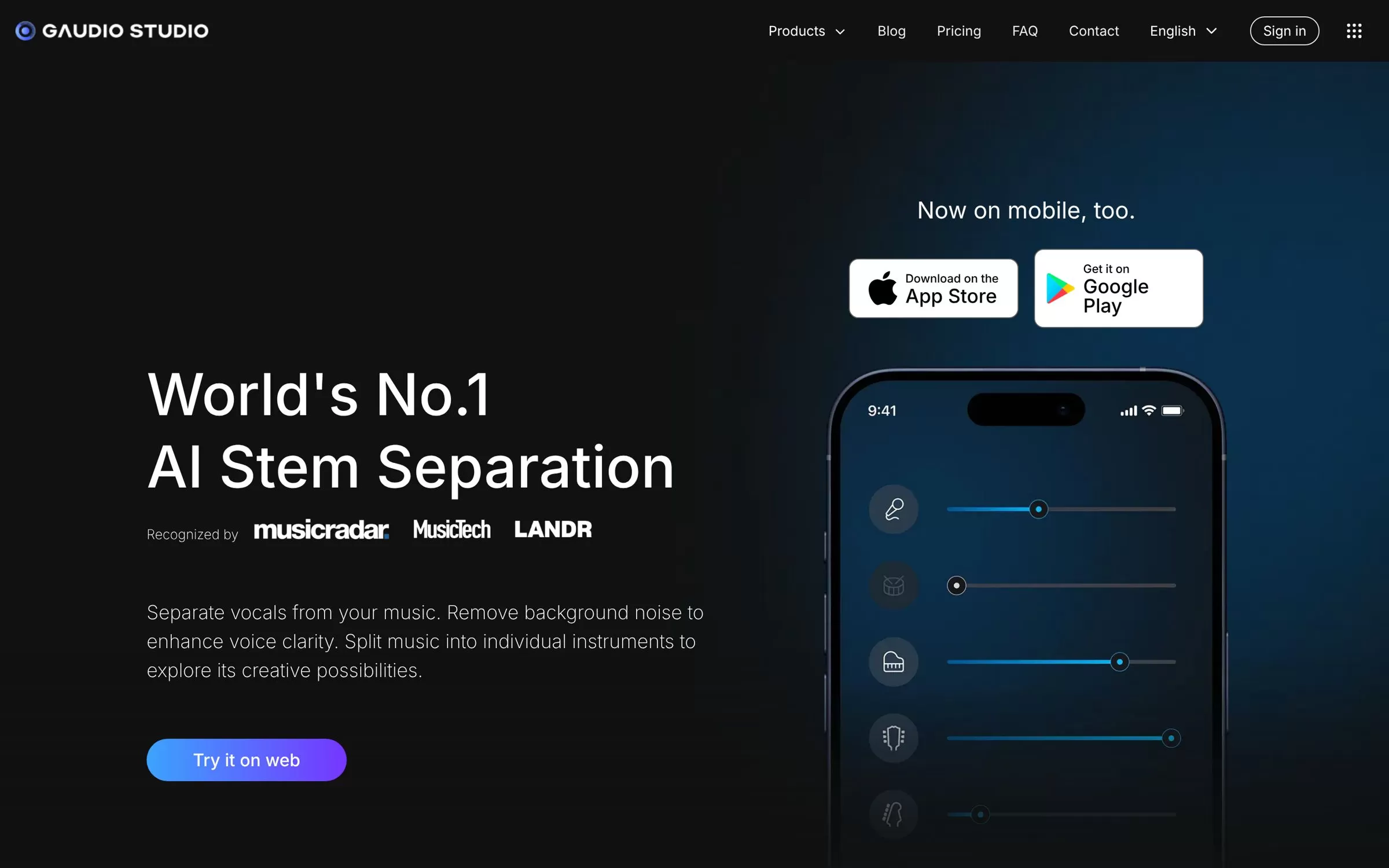
Gaudio Studio separates vocals from music and splits songs into individual instruments in your browser. You can paste shareable links from YouTube, Dropbox or Google Drive instead of uploading a file.
Best for: Working from YouTube or cloud links
Free plan: A free trial of 20 minutes
Price: Pay-as-you-go minute packs, listed on the Gaudio Studio website
Website: gaudiolab.com
8. Kits.ai
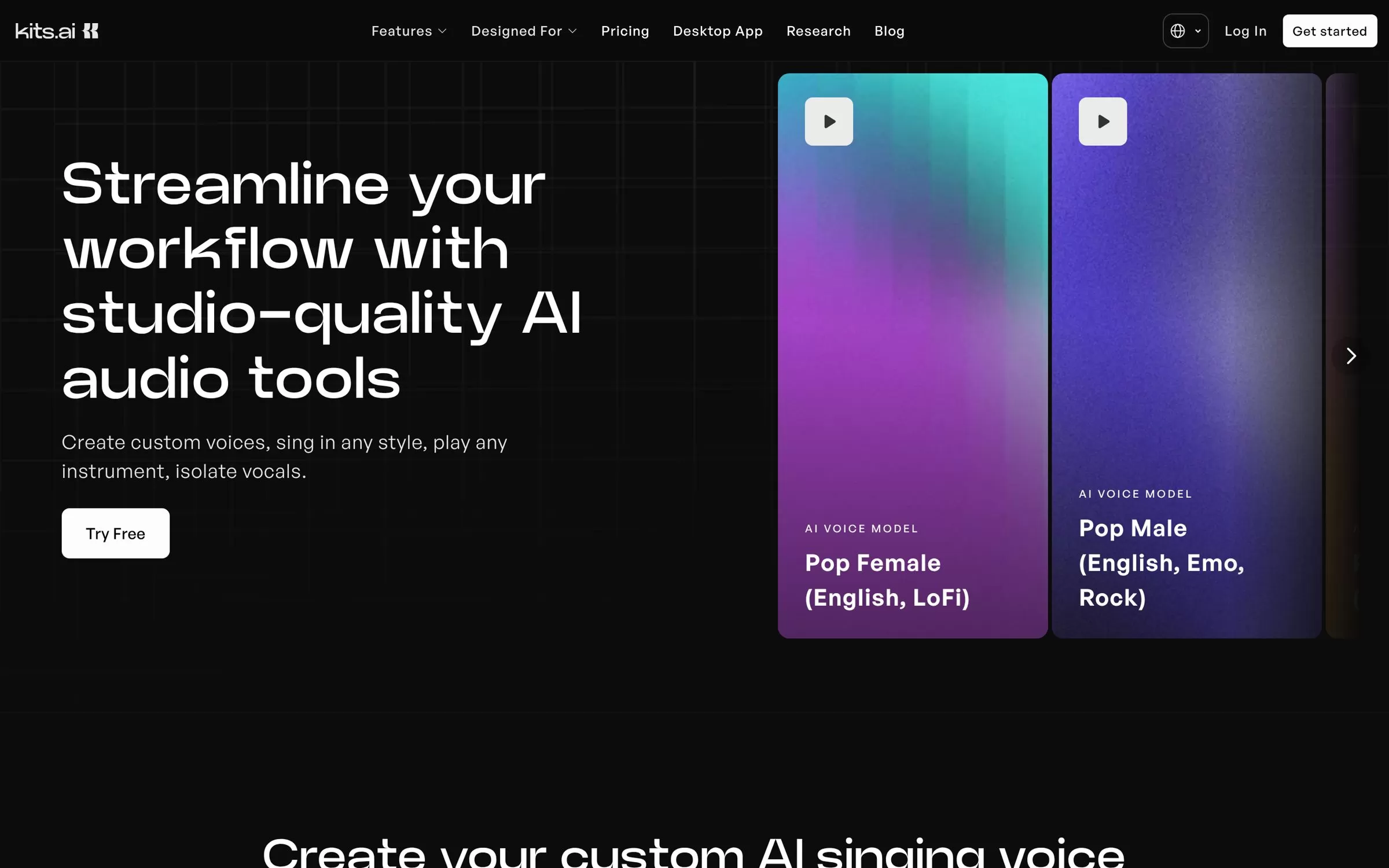
Kits.ai's vocal remover turns any audio file or YouTube link into separate vocals, instrumentals and harmonies. Kits also offers AI voice cloning and voice tools.
Best for: Singers who also use AI voices
Free plan: Yes, a $0 Free plan
Price: Starter at $10 a month
Website: kits.ai
9. BandLab Splitter
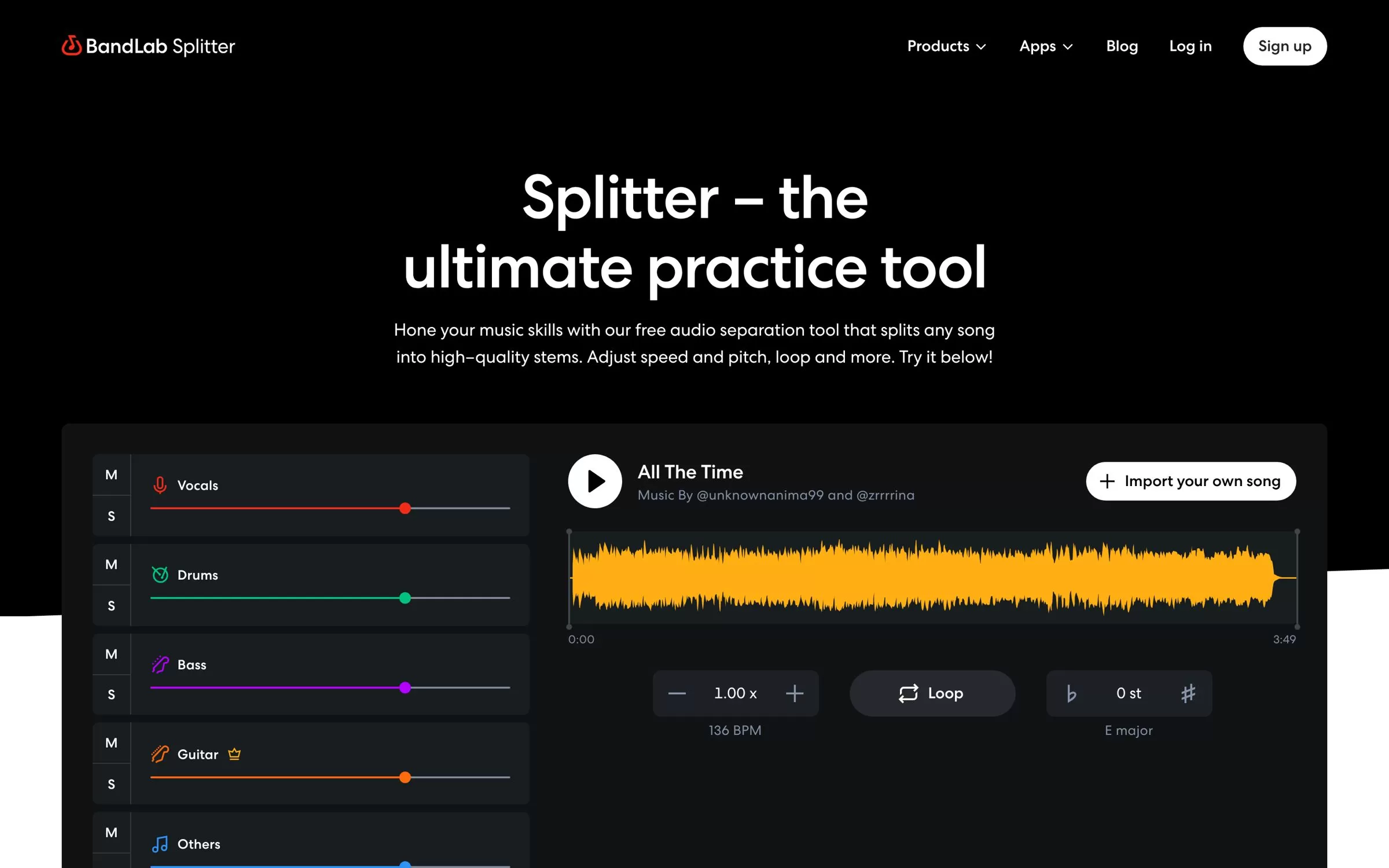
BandLab Splitter separates songs into vocals, drums, bass and other instruments for free on web and mobile, with speed, pitch and loop controls for practice. Members also get guitar and piano splits.
Best for: Free practice on your phone
Free plan: Yes, songs up to 15 minutes and 100 MB
Price: Free; paid Membership available on the BandLab website
Website: bandlab.com
10. EaseUS Vocal Remover
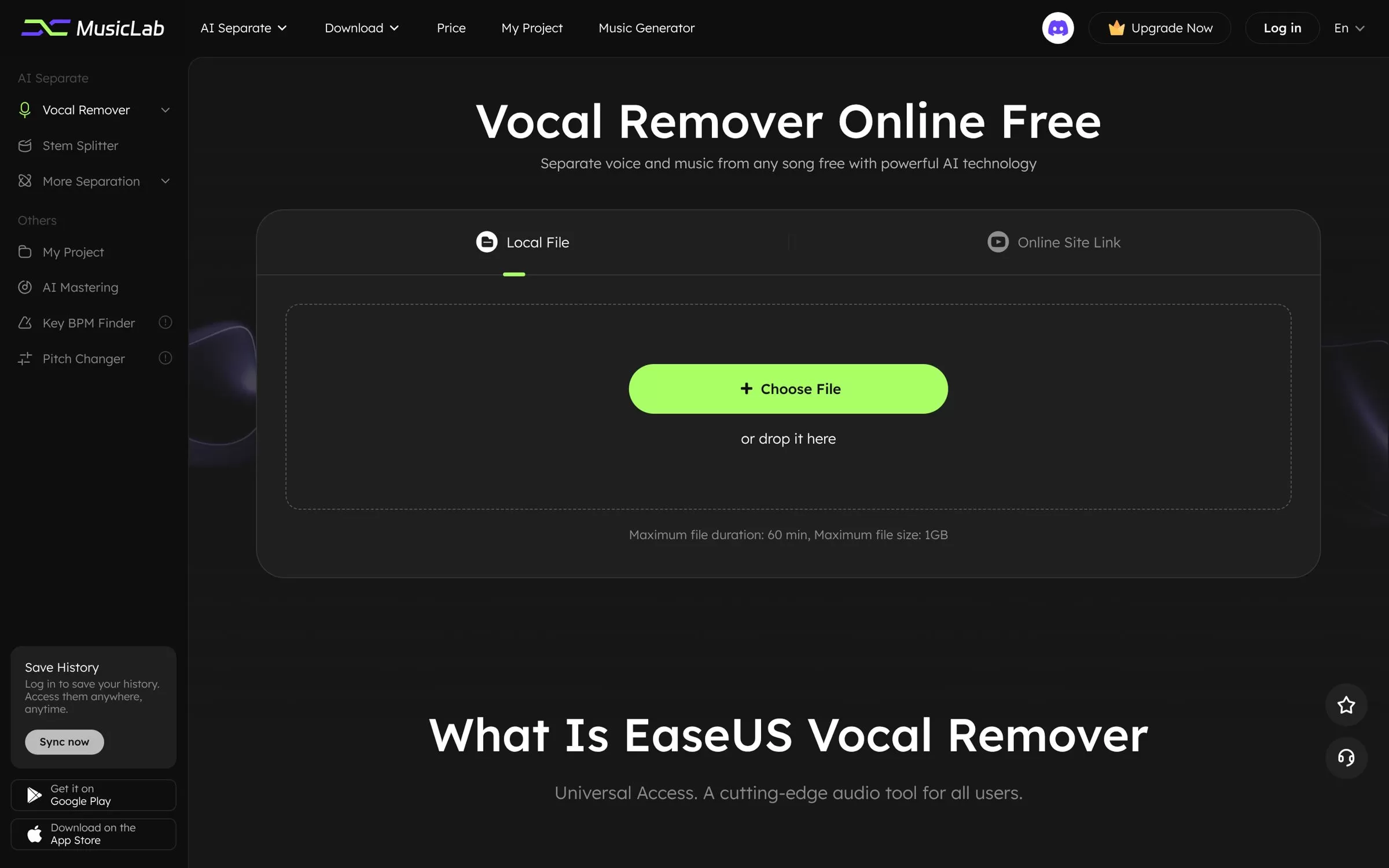
EaseUS Vocal Remover separates vocals and music online, and its stem splitter pulls out drums, bass, guitar and piano. You can paste a YouTube or SoundCloud link, and it works on web, Android and iOS.
Best for: Quick online karaoke tracks
Free plan: Yes, a free online version
Price: Pro plan listed on the EaseUS website
Website: vocalremover.easeus.com
11. Remusic
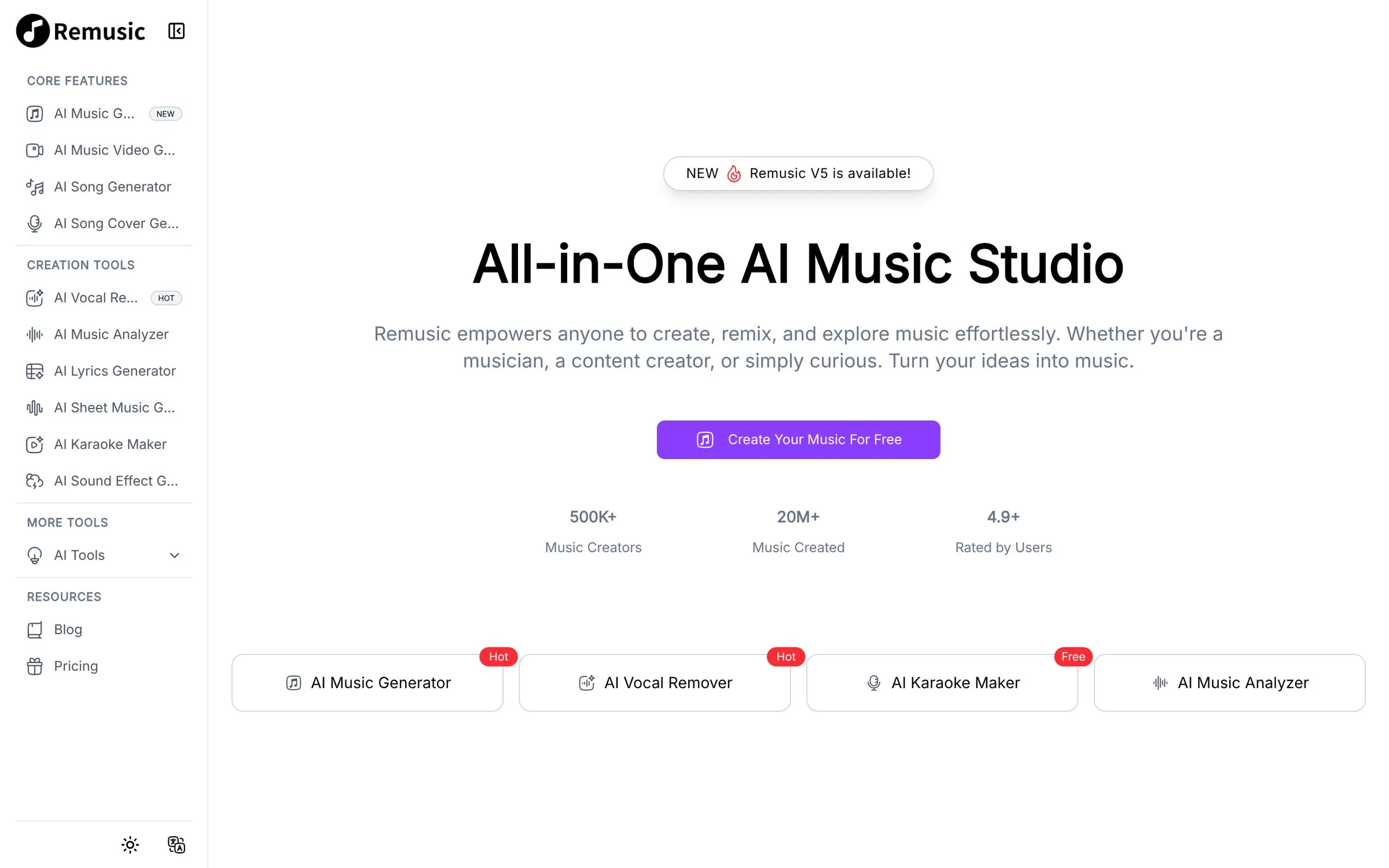
Remusic's vocal remover splits songs into vocals, bass, drums, guitar and piano, and the same site has a karaoke maker and an AI song cover generator. Its yearly Starter plan is a one-time payment that does not auto-renew.
Best for: Making karaoke videos
Free plan: Free credits given daily
Price: Starter at $49 a year
Website: remusic.ai
Free AI vocal remover online or an app?
For a quick karaoke track, a free AI vocal remover online such as BandLab Splitter, EaseUS Vocal Remover or the free plan of Fadr is enough. If you split songs often, an AI vocal remover app like Moises or LALAL.AI on your phone or desktop saves time, and Ultimate Vocal Remover runs free on your own computer.
How to remove vocals from a song for karaoke
Pick a tool from the list, upload the song (or paste a YouTube link in Gaudio Studio or EaseUS), choose the vocals and instrumental split, then download the instrumental. For vocal isolation, download the vocals stem instead, which is handy for remixes and covers.
Final verdict
Start free with BandLab Splitter or Fadr for karaoke and practice stems. Pick LALAL.AI or Moises if you split songs every week, and AudioShake when quality matters most. Want it free on your own PC? Install Ultimate Vocal Remover.


