
10 AI Tools for Photographers to Cull, Edit, Retouch and Deliver Shoots
Cull, edit and retouch a full wedding shoot much faster.

Key Takeaways
- All-in-one wedding workflow: Aftershoot
- Cheapest AI culling: FilterPixel
- Best portrait retouching: Evoto
- Selfie search for guests: Pic-Time
These 10 AI tools for photographers cull thousands of frames, edit them in your own style, retouch portraits and deliver galleries, so you finish a wedding much faster.
Top 10 AI tools for photographers at a glance
| Tool | Best for | Free plan |
|---|---|---|
| 1. Aftershoot | All-in-one wedding workflow | 30-day trial |
| 2. Imagen | Edits in your style | 1,000 free edits |
| 3. FilterPixel | Low-cost culling | 3 free shoots |
| 4. Narrative | Unlimited culling | Free trial |
| 5. Evoto | Portrait retouching | 50 free credits |
| 6. Luminar Neo | One-time purchase editor | No |
| 7. Topaz Photo | Denoise and upscale | No |
| 8. Pixieset | Galleries plus AI editing | Yes |
| 9. Pic-Time | Selfie photo search | Yes |
| 10. Photoroom | Product photos | Free trial |
Jump toAftershootImagenFilterPixelNarrativeEvotoLuminar NeoTopaz PhotoPixiesetPic-TimePhotoroom
The 10 best AI tools for photographers in 2026
1. Aftershoot
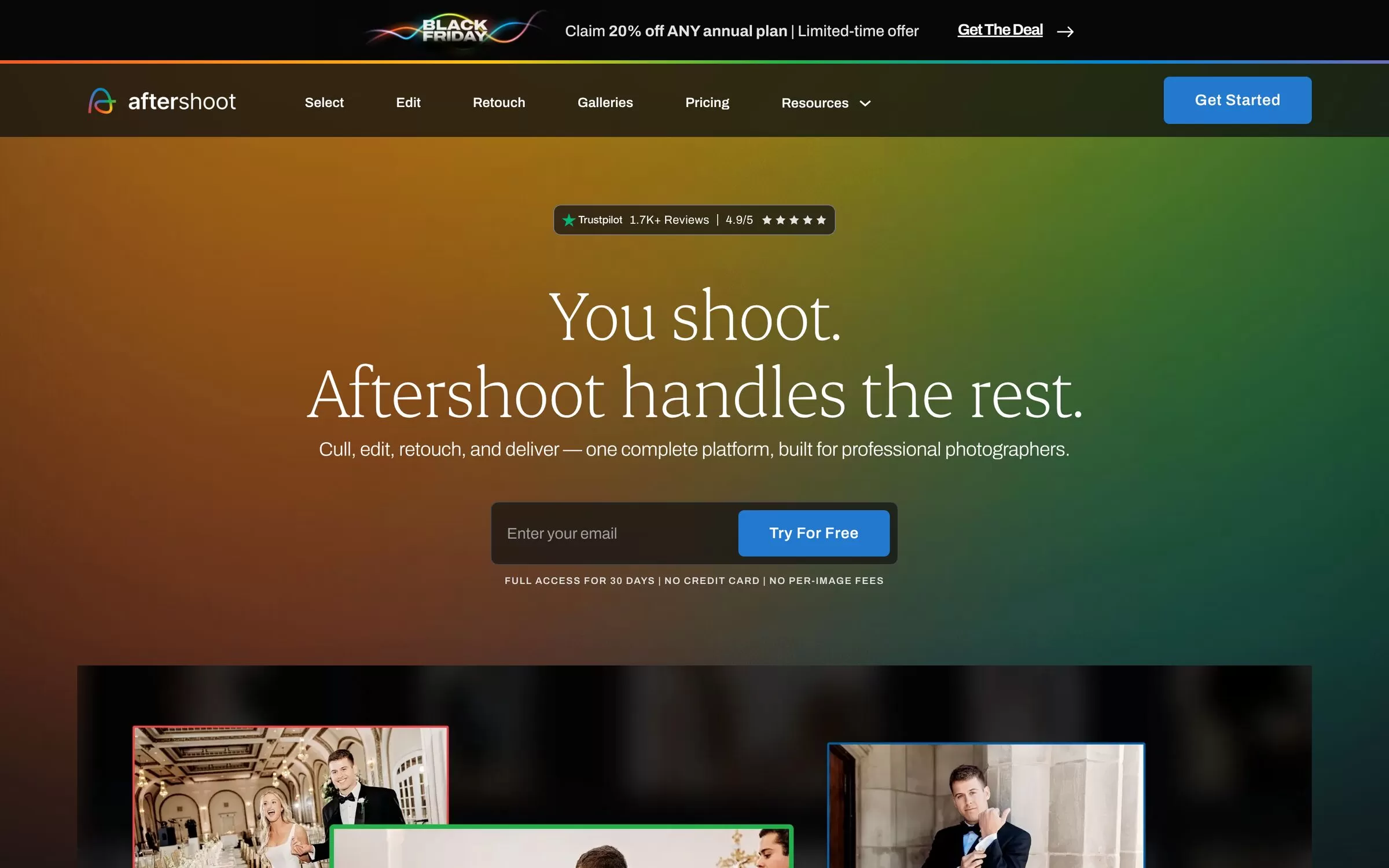
Aftershoot culls, edits in your own style and retouches whole shoots on your computer, then delivers them in client galleries. Wedding photographers like it because pricing is flat, with no per-image fees.
Best for: Wedding photographers who want culling, editing, retouching and galleries in one tool
Free plan: 30-day free trial with full access, no credit card needed; free Starter gallery plan with 10 GB
Price: Full workflow from US$45 a month billed annually; AI Culling alone from US$10 a month
Works on: Windows and macOS, with export to Lightroom, Capture One and Photo Mechanic
Website: aftershoot.com
2. Imagen

Imagen learns your editing style from photos you have already edited and applies it to new shoots, with culling, cropping, cleanup and retouching on top. You can pay per photo or take an unlimited plan.
Best for: High-volume Lightroom Classic users
Free plan: 1,000 free edits, no credit card needed, plus 2 free AI culling projects
Price: Pay as you go from US$0.05 per photo plus a US$7 monthly fee; Limitless US$129 a month billed annually
Works on: Windows and macOS, with Lightroom Classic, Lightroom, Photoshop and Bridge
Website: imagen-ai.com
3. FilterPixel
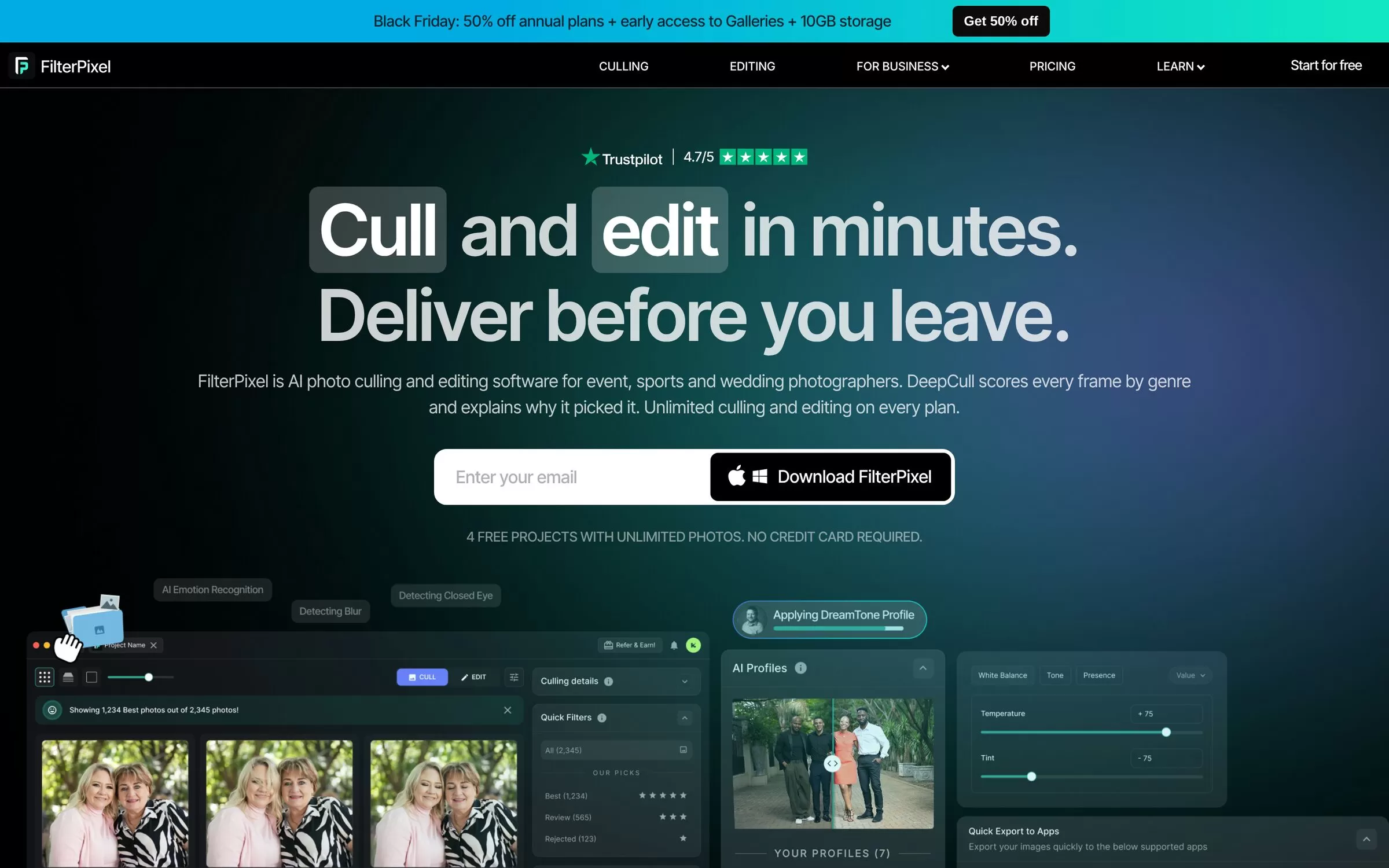
FilterPixel is AI photo culling and editing software for event, sports and wedding photographers. DeepCull scores every frame for your genre, and Style DNA learns how you edit.
Best for: Culling big weddings and events on a budget
Free plan: 3 DeepCull shoots with up to 3,000 photos, no card needed
Price: Standard US$7.50 a month billed annually (20 DeepCull shoots a year)
Works on: Windows and Mac, with export to Lightroom, Capture One and Photo Mechanic
Website: filterpixel.com
4. Narrative
Narrative checks focus and closed eyes, groups similar shots into scenes and applies AI presets as you send photos to Lightroom. Every plan has unlimited projects and images.
Best for: Flat-price culling plus edits inside Lightroom
Free plan: Full free trial of the Ultra plan, no credit card needed
Price: Lite US$10 a month billed annually, or US$15 billed monthly
Works on: macOS and Windows
Website: narrative.so
5. Evoto
Evoto retouches portraits face by face, smoothing skin and removing blemishes, and fixes colour, backgrounds and clothing. You can sync one edit across a whole set of photos.
Best for: Bulk skin and portrait retouching
Free plan: 50 free credits to try all features; 7-day free trial on some annual plans
Price: Annual credit plans, from the Starter plan with 800 credits; from 1 credit per photo
Works on: macOS, Windows, iPad, phone and in the browser
Website: evoto.ai
AI tools for photography editing and retouching
6. Luminar Neo

Luminar Neo is a photo editor with one-slider AI tools such as Sky AI, Skin AI, Noiseless AI, Supersharp AI, Upscale and GenErase. You can also describe an edit in plain words to its AI Assistant.
Best for: Travel, landscape and hobby photographers
Free plan: No, but there is a 30-day money-back guarantee
Price: One-time purchase plans, listed on the Luminar Neo website
Works on: macOS and Windows, plus plug-ins for Photoshop and Lightroom; mobile on higher plans
Website: skylum.com
7. Topaz Photo
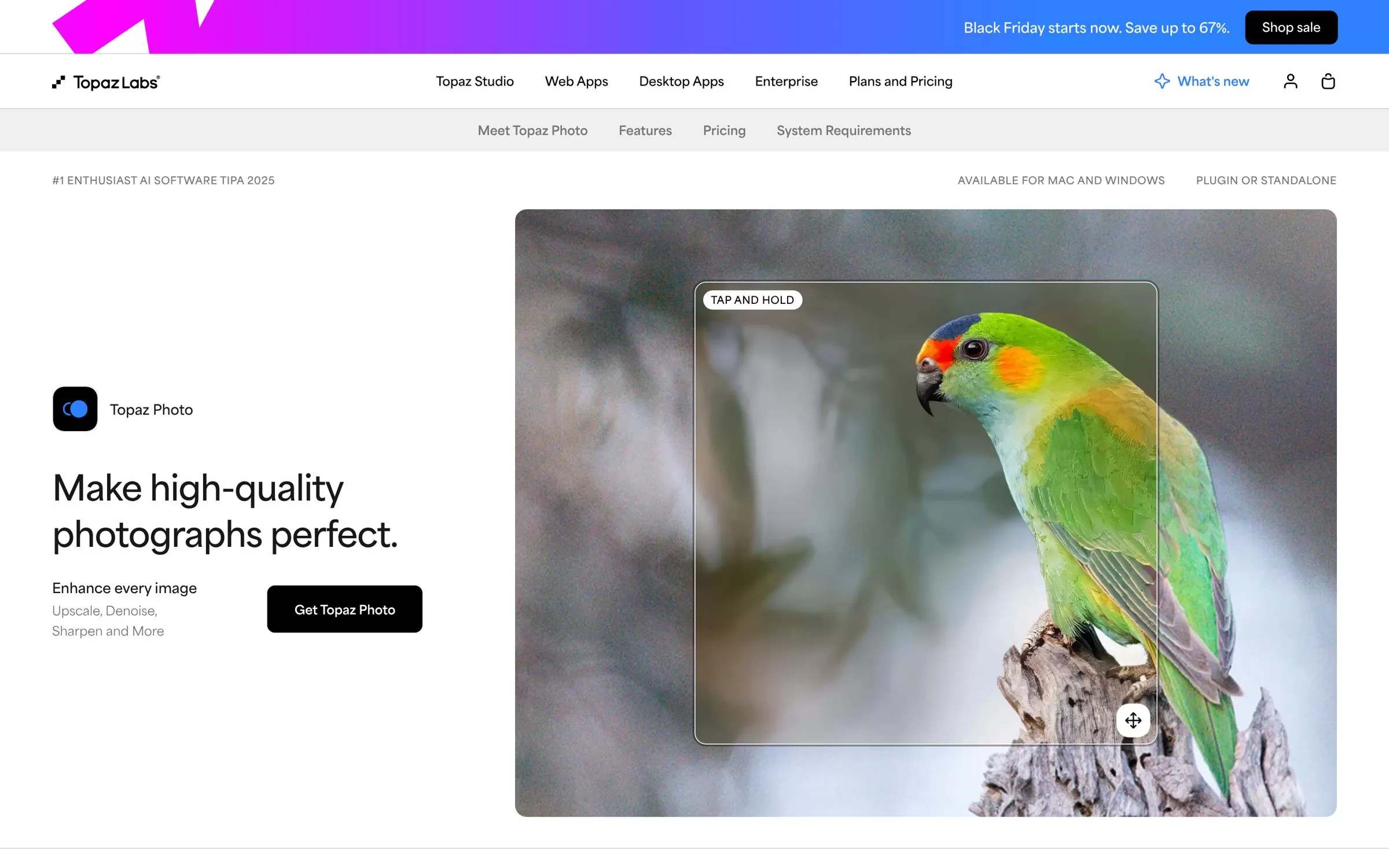
Topaz Photo rescues noisy low-light and soft shots with AI denoise, sharpening, face recovery and upscaling. It runs on its own or as a plugin inside your editor.
Best for: Low-light event shots and large prints
Free plan: No
Price: Personal plan US$39 a month, or US$199 a year
Works on: Mac and Windows, standalone or as a plugin for Lightroom Classic, Photoshop and Capture One
Website: topazlabs.com
AI tools for photography business and delivery
8. Pixieset

Pixieset gives you client galleries with a print store, and its Photo Editor adds AI batch editing in your own style plus AI culling that flags closed eyes, blur and duplicates.
Best for: Portrait and wedding photographers running their business from one place
Free plan: Yes, free forever gallery plan with 3 GB storage
Price: Galleries from US$8 a month billed annually; Photo Editor US$12 a month billed annually
Works on: Web and desktop (Photo Editor), with mobile gallery apps
Website: pixieset.com
9. Pic-Time

Pic-Time hosts client galleries and print sales, with AI gallery search and an AI album designer. On the top plan, wedding guests can find their own photos with a selfie.
Best for: Weddings and events where guests want their own photos
Free plan: Yes, plus a 30-day free trial of Advanced features, no credit card needed
Price: Beginner US$7 a month billed annually; selfie search on Advanced, US$42 a month billed annually
Works on: Web browser, plus a mobile app for managing galleries
Website: pic-time.com
10. Photoroom
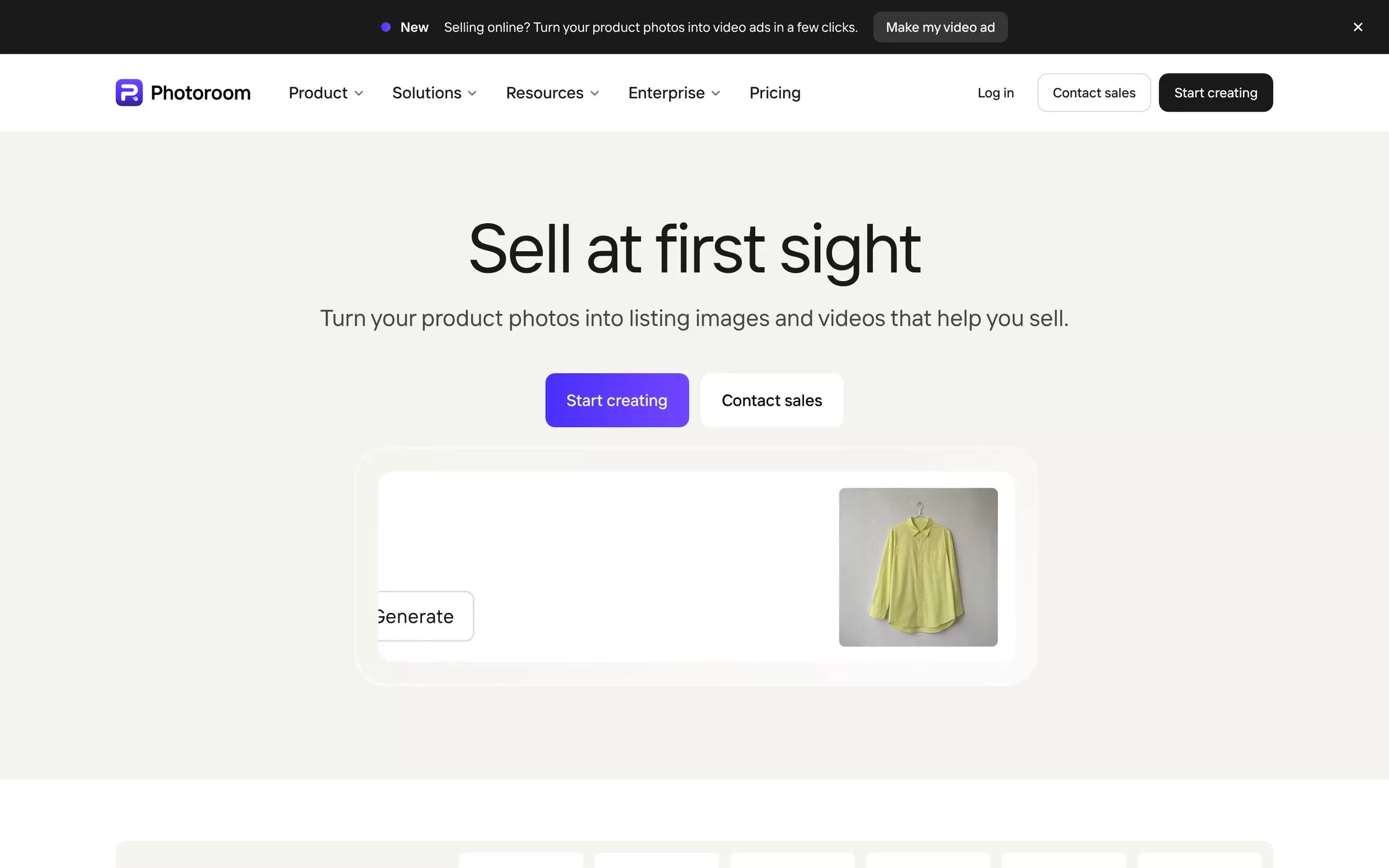
Photoroom removes backgrounds, retouches products and adds AI shadows and backgrounds, which suits product and ecommerce shoots. It also turns product photos into short video ads.
Best for: Product photographers and online sellers
Free plan: Free trial on Pro and Max plans
Price: Pro from US$7.50 a month billed yearly
Works on: Web, iPhone, iPad and Android
Website: photoroom.com
AI tools for wedding photographers: a simple stack
A big wedding can mean thousands of frames. A practical stack is one culling and editing tool (Aftershoot, FilterPixel, Narrative or Imagen), Evoto for portrait retouching, and a gallery platform such as Pixieset or Pic-Time for delivery. Add Topaz Photo for the low-light reception shots.
Free AI tools for photographers
Pixieset and Pic-Time have free plans for galleries. FilterPixel gives 3 free culling shoots, Imagen gives 1,000 free edits, Evoto gives 50 free credits, and Aftershoot and Narrative offer free trials without a credit card. Try two tools on the same shoot before you pay.
Final verdict
For weddings, start with Aftershoot if you want everything in one tool, or FilterPixel if budget matters most. Pick Imagen or Narrative if you live in Lightroom, add Evoto for skin retouching, and deliver through Pixieset or Pic-Time. Run one real shoot through two free trials and keep the one that matches your style.


