
11 AI Video Upscalers That Turn Blurry Clips Into Sharp 4K
Fix old, blurry or low-resolution videos in minutes with AI.

Key Takeaways
- Best desktop pick: Topaz Video
- Rupee pricing: HitPaw VikPea
- Best free online: TensorPix
- Up to 16K output: UniFab
These are the 11 best AI video upscalers in 2026 for turning old, blurry or low-resolution clips into sharp HD and 4K video, from free online tools to desktop apps.
Top 11 AI video upscalers at a glance
| Tool | Best for | Free plan |
|---|---|---|
| 1. Topaz Video | Pro desktop upscaling | Free trial (watermark) |
| 2. HitPaw VikPea | 8K with rupee prices | Free trial (preview only) |
| 3. DaVinci Resolve Studio | Upscaling inside an editor | No (free version lacks Super Scale) |
| 4. Aiarty Video Enhancer | Grainy old footage | Free trial (watermark) |
| 5. AVCLabs Video Enhancer AI | Old videos and faces | Free trial |
| 6. Nero AI Video Upscaler | 8K on Windows | 7-day free trial |
| 7. UniFab Video Upscaler AI | Up to 16K output | 30-day free trial |
| 8. TensorPix | Low-cost online use | Yes |
| 9. Krea | Free 1080p upscales | Yes (4 videos a day) |
| 10. Runway | AI video creators | No (needs Standard plan) |
| 11. Media.io | Anime and portraits | Free Trial plan (watermark) |
Jump toTopaz VideoHitPaw VikPeaDaVinci Resolve StudioAiarty Video EnhancerAVCLabs Video Enhancer AINero AI Video UpscalerUniFab Video Upscaler AITensorPixKreaRunwayMedia.io
The 11 best AI video upscalers in 2026
1. Topaz Video
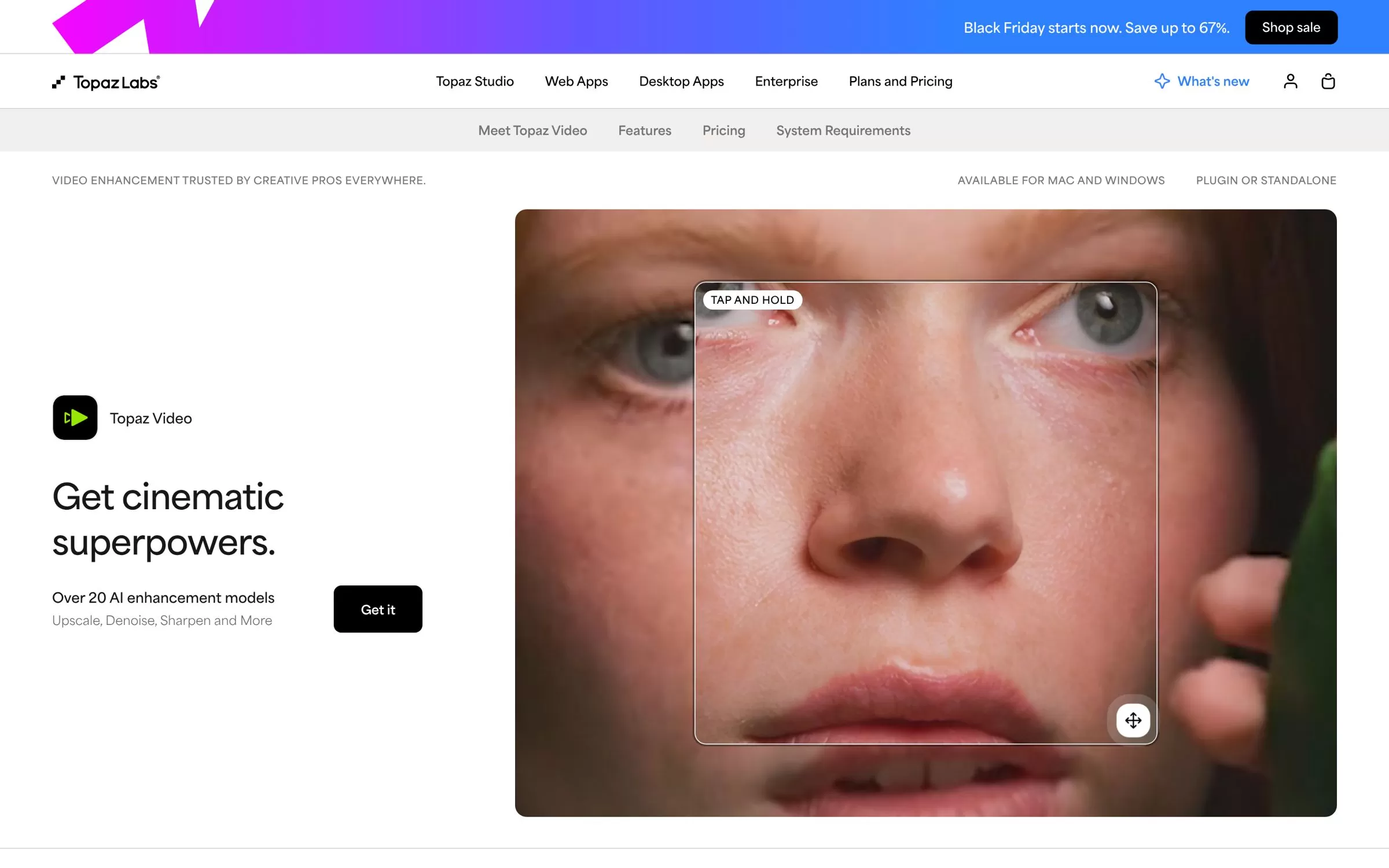
Topaz Video is a desktop app for Mac and Windows that upscales video up to 4K and 8K. It also removes noise, adds frames for smoother motion and stabilises shaky footage.
Best for: Pro-grade desktop upscaling
Free plan: No free plan; a free trial lets you process and preview video with all AI models, and trial exports include a watermark
Price: Personal plan at $59 a month on monthly billing
Website: topazlabs.com
2. HitPaw VikPea
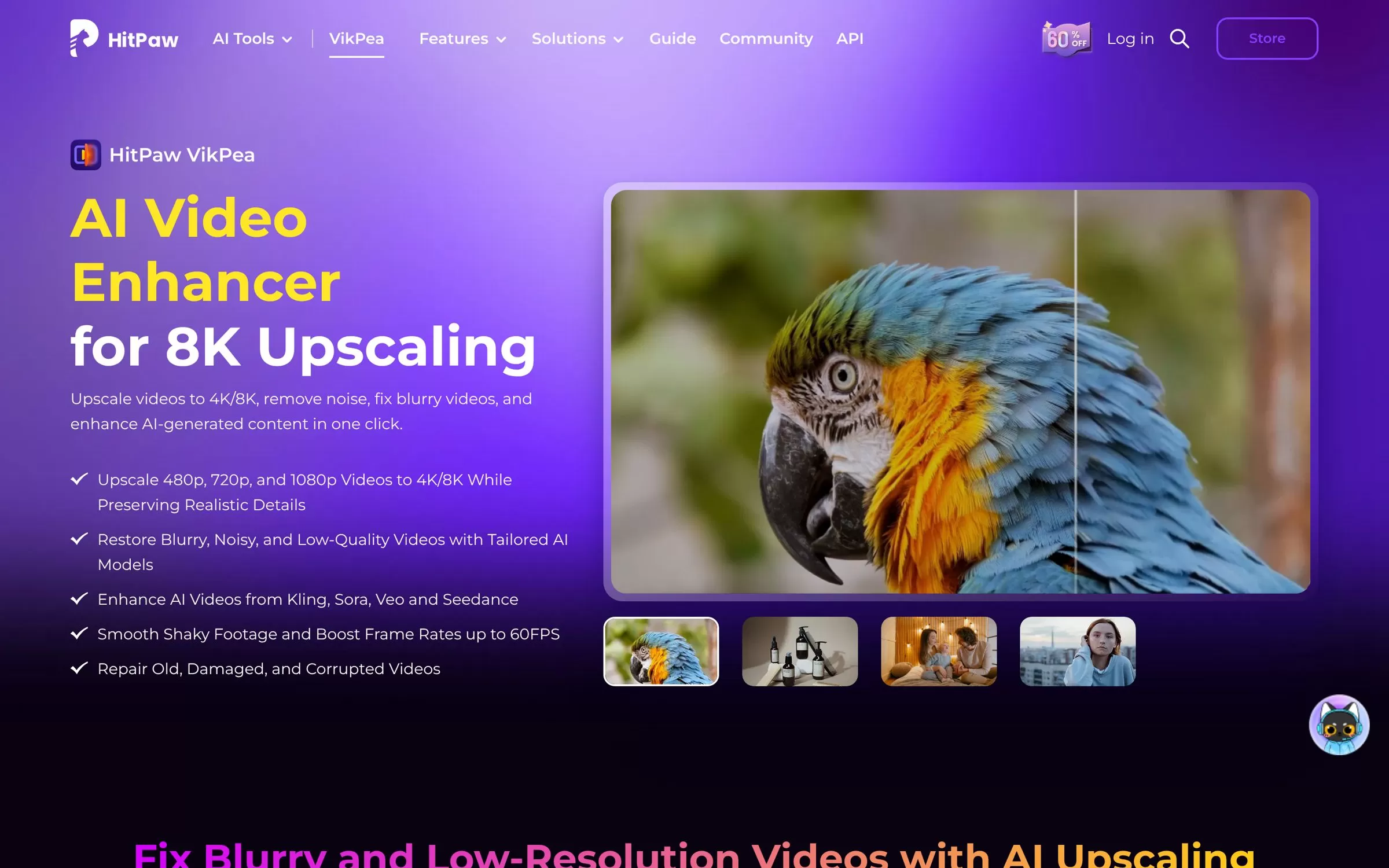
HitPaw VikPea upscales 480p, 720p and 1080p videos to 4K or 8K and can raise frame rates to 60FPS. It runs on Windows and Mac, online, and as iPhone and Android apps.
Best for: 8K upscaling with rupee prices
Free plan: Free trial; the free licence only supports preview, and export needs a paid licence
Price: ₹2,323 for 1 month or ₹5,376 for 1 year on Windows (sale prices at the time of writing)
Website: hitpaw.com
3. DaVinci Resolve Studio
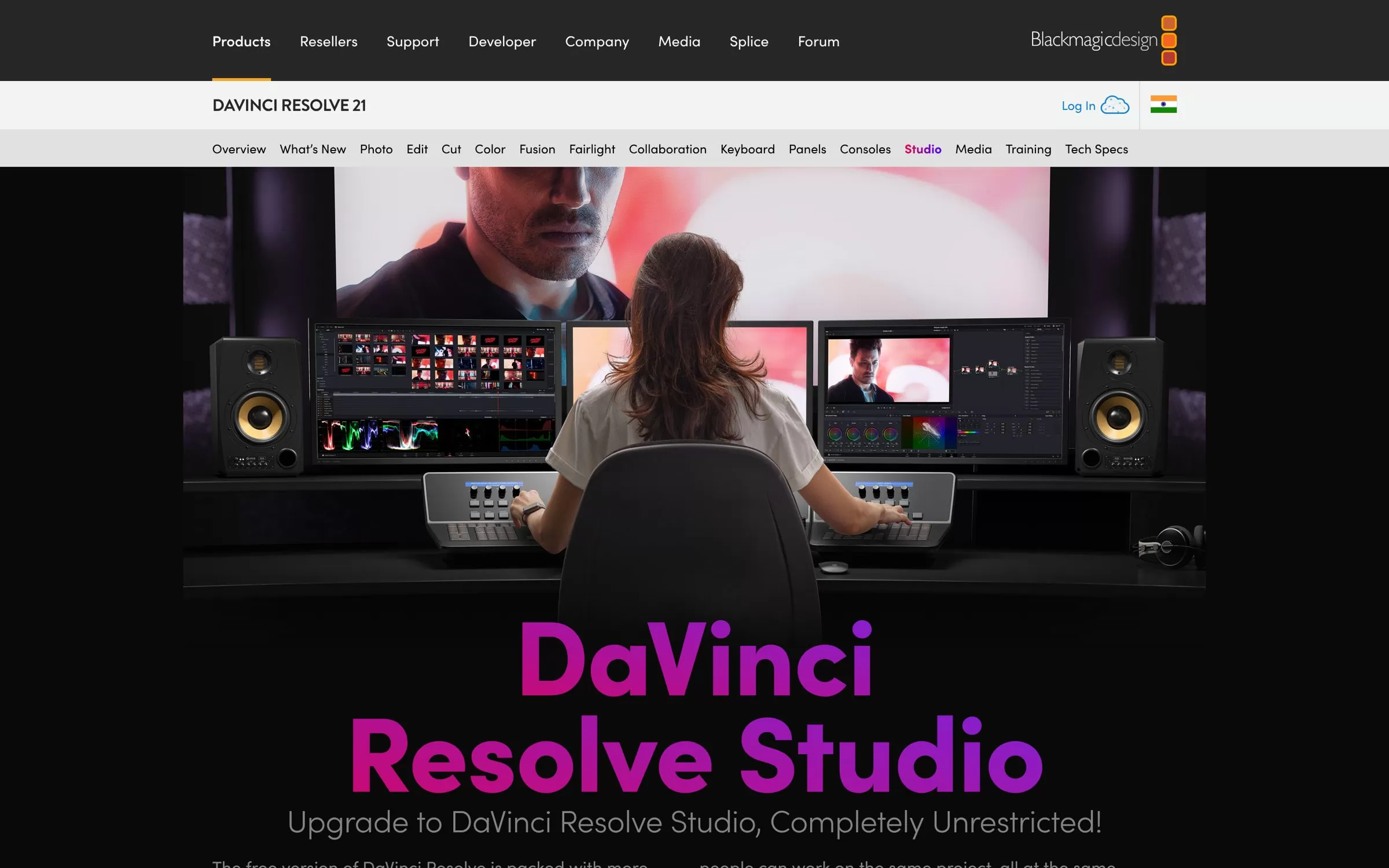
DaVinci Resolve Studio is a full video editor whose Super Scale feature creates 4K and 8K images from HD sources. It runs on Mac, Windows and Linux.
Best for: Editors who want upscaling inside a full editor
Free plan: The free DaVinci Resolve does not include Super Scale
Price: ₹25,980 on the Blackmagic Design India page (sale price, was ₹31,980)
Website: blackmagicdesign.com
4. Aiarty Video Enhancer
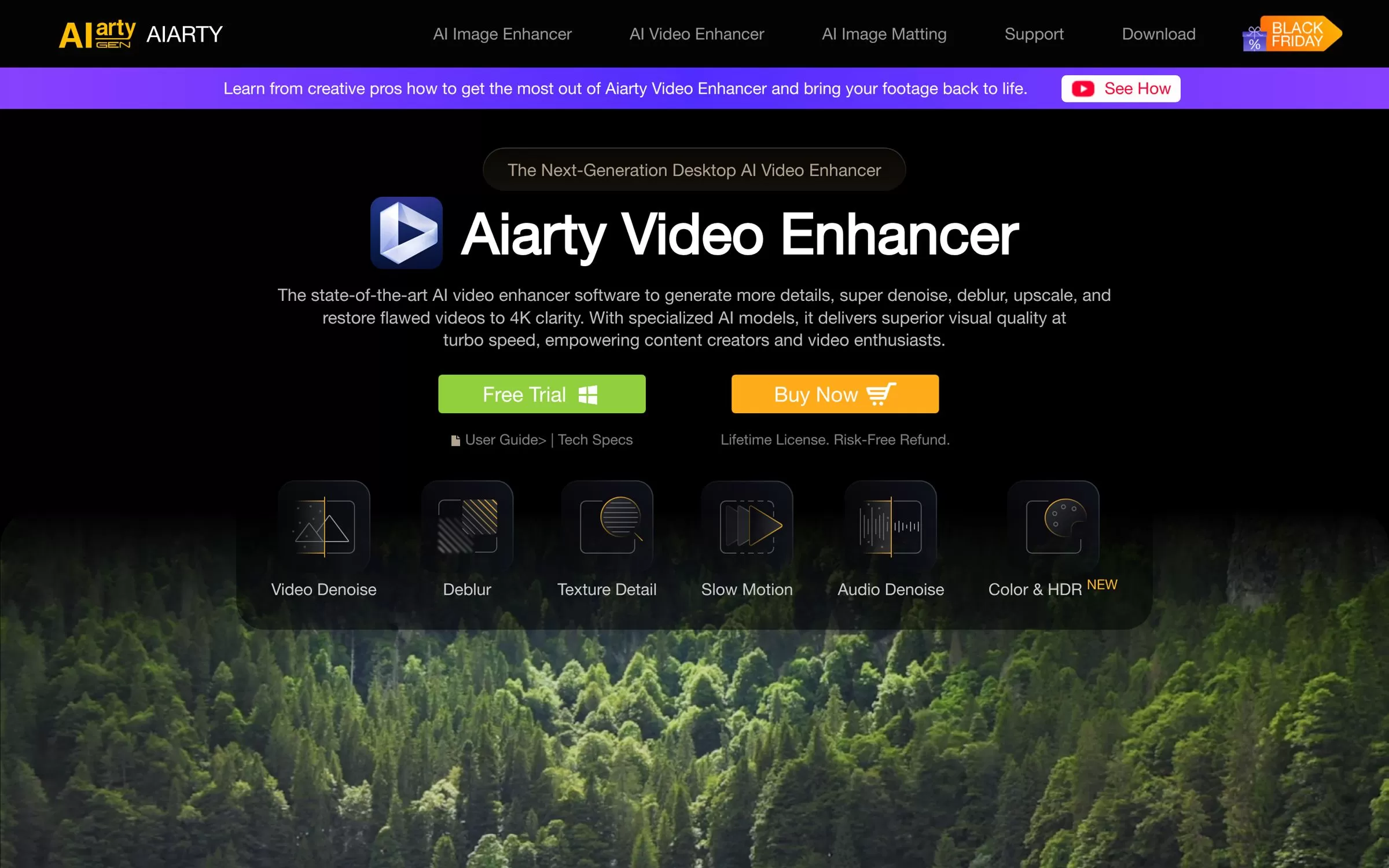
Aiarty Video Enhancer is a Windows and Mac app that turns low quality or grainy videos into 4K. It also removes noise and can interpolate frames to 120fps.
Best for: Restoring grainy old footage
Free plan: Free trial, no signup or card needed; exports carry a watermark and processing is capped at 120 seconds
Price: Standard License at $79 a year, billed yearly (discounted from $99) at the time of writing
Website: aiarty.com
5. AVCLabs Video Enhancer AI
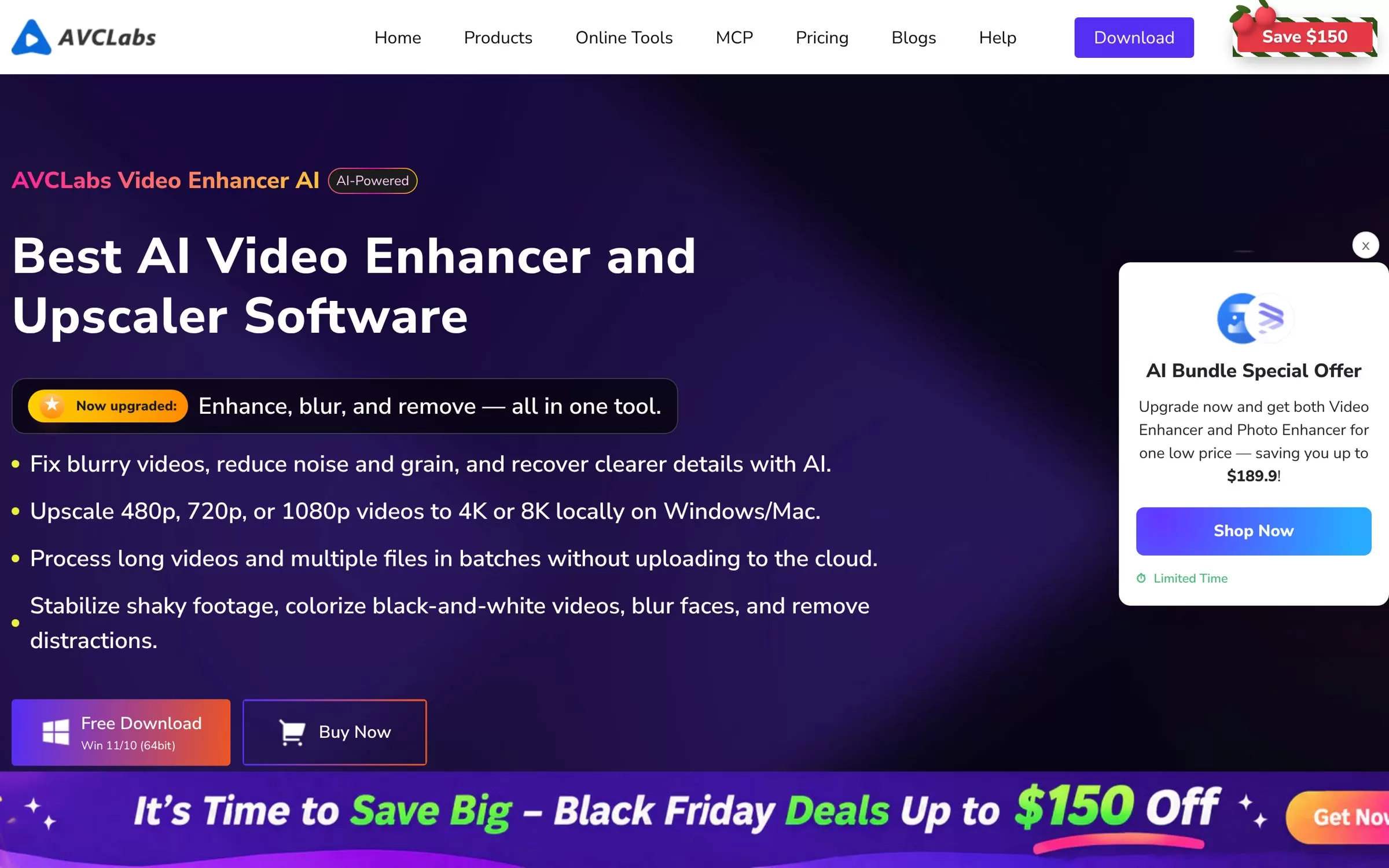
AVCLabs Video Enhancer AI upscales 480p, 720p or 1080p videos to 4K or 8K on Windows and Mac. It adds frame interpolation, a denoiser, a colorizer and a face enhancement model.
Best for: Old family videos and faces
Free plan: Free trial available
Price: $39.95 for the 1-month plan
Website: avclabs.com
6. Nero AI Video Upscaler
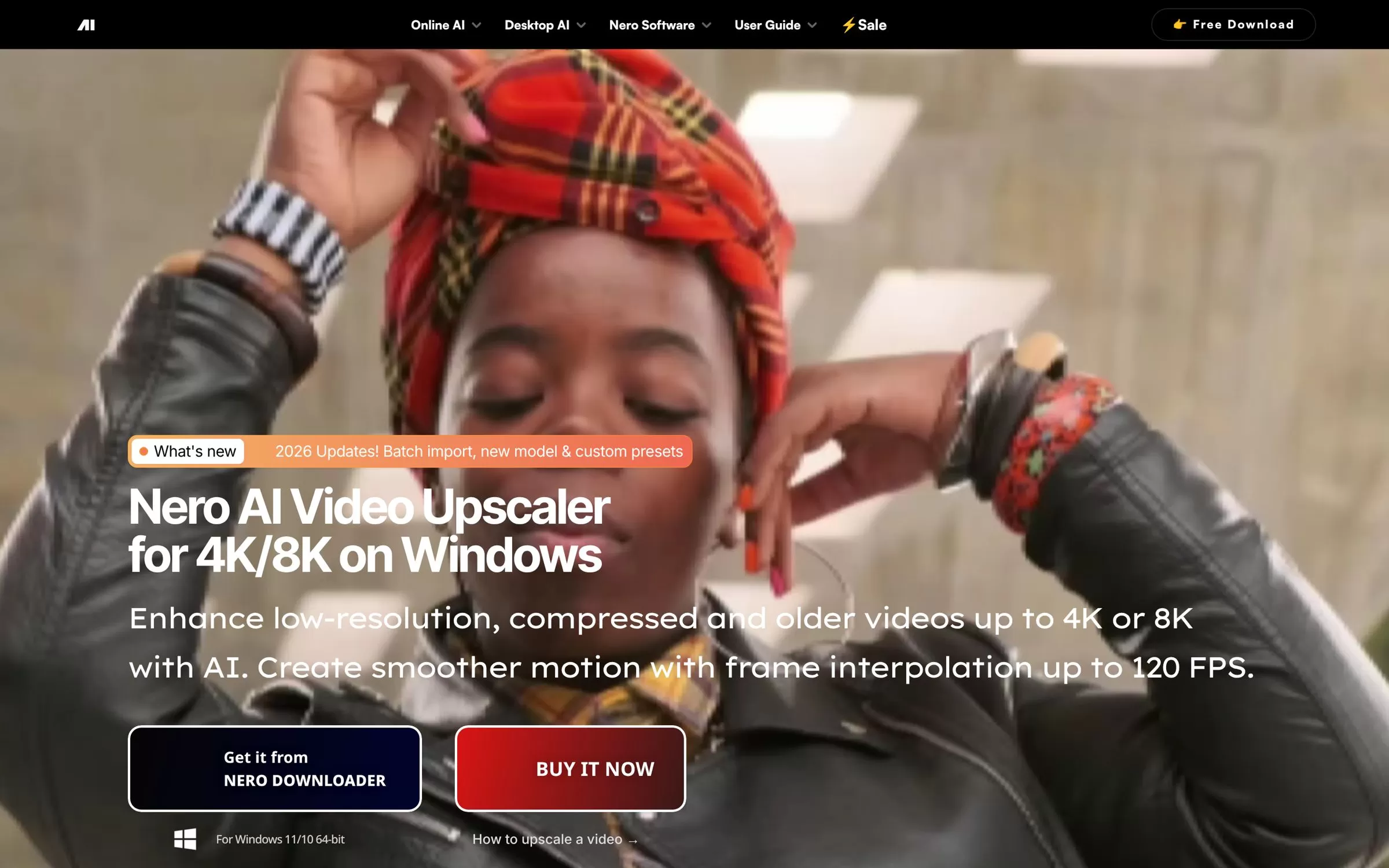
Nero AI Video Upscaler is a Windows 10 and 11 app that upscales video up to 8K. It adds frame interpolation up to 120 FPS and a face enhancement model.
Best for: Windows users who want 8K
Free plan: 7-day free trial, no credit card required
Price: $84.95 a year for the annual subscription
Website: nero.com
7. UniFab Video Upscaler AI
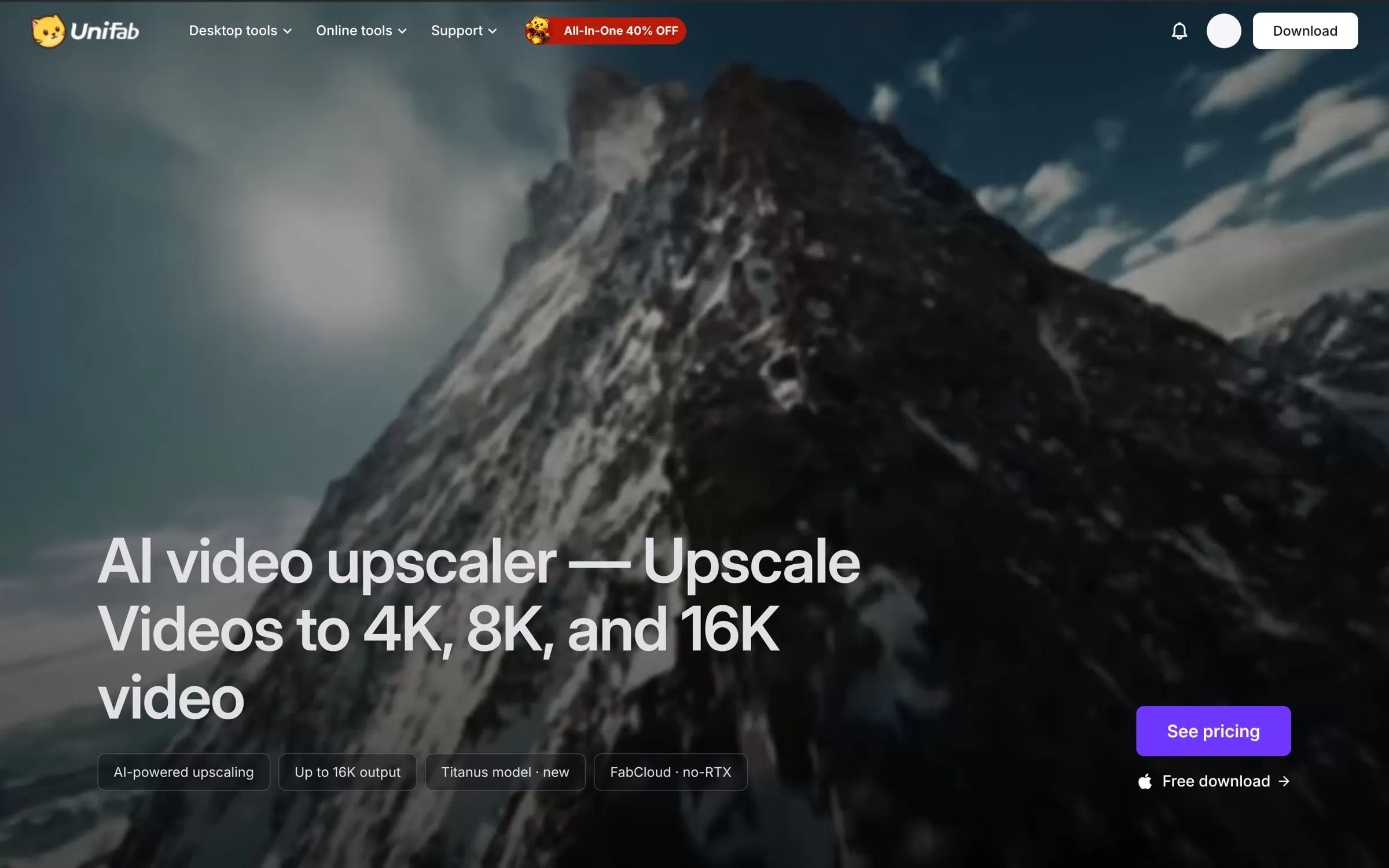
UniFab Video Upscaler AI upscales video to 4K, 8K or 16K on Windows and Mac, with a cloud version and an online upscaler in the browser.
Best for: The highest output resolution
Free plan: 30-day free trial with full access and no watermark
Price: See current plans on the UniFab website
Website: unifab.ai
8. TensorPix
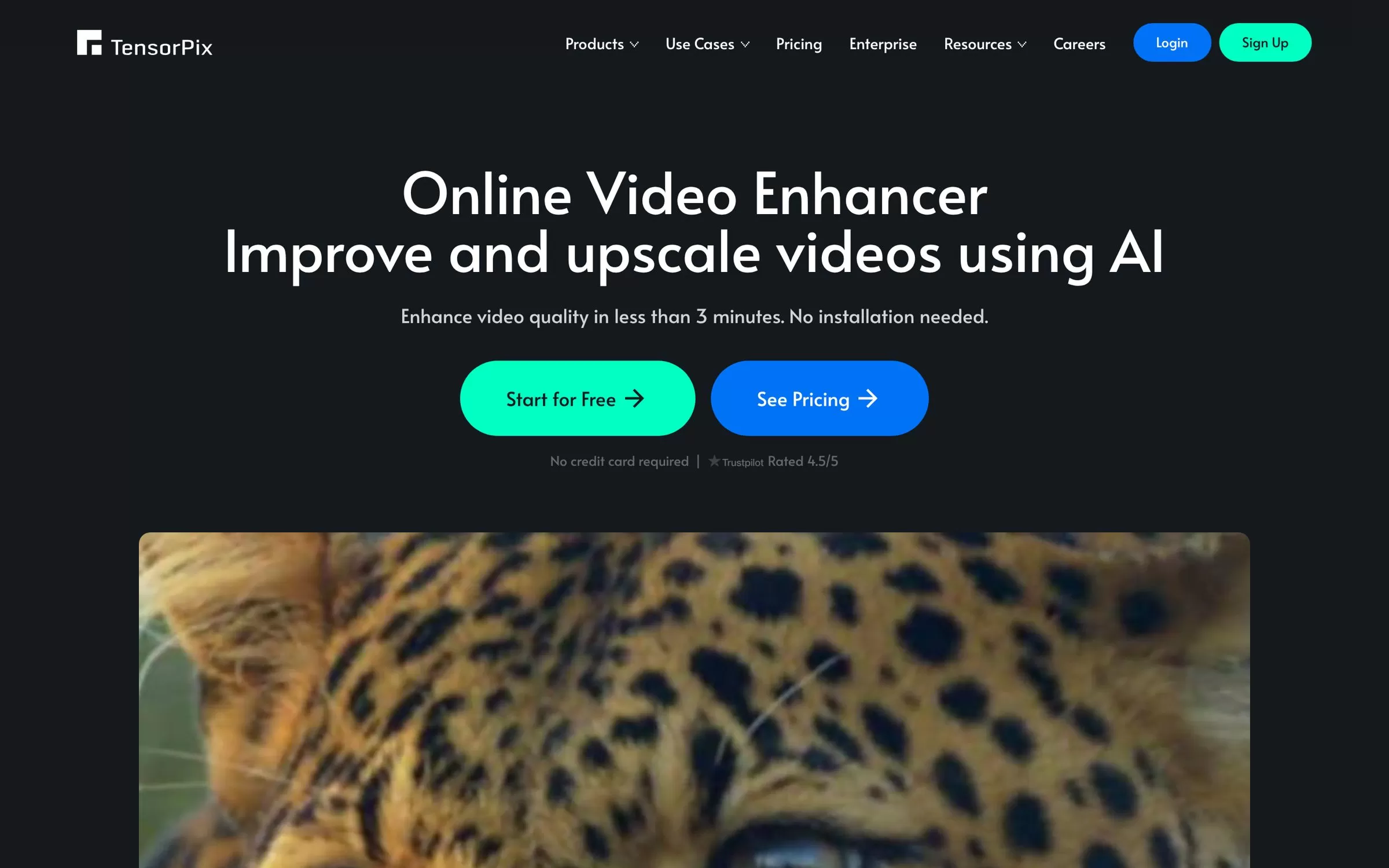
TensorPix is an online video enhancer that upscales video up to 4K in the browser, including on phones. It also raises low-FPS footage to 60 FPS, removes noise and stabilises shaky clips.
Best for: Cheap online upscaling
Free plan: Free forever plan with free credits, no credit card required
Price: Standard plan at $5.5 a month, billed annually
Website: tensorpix.ai
9. Krea
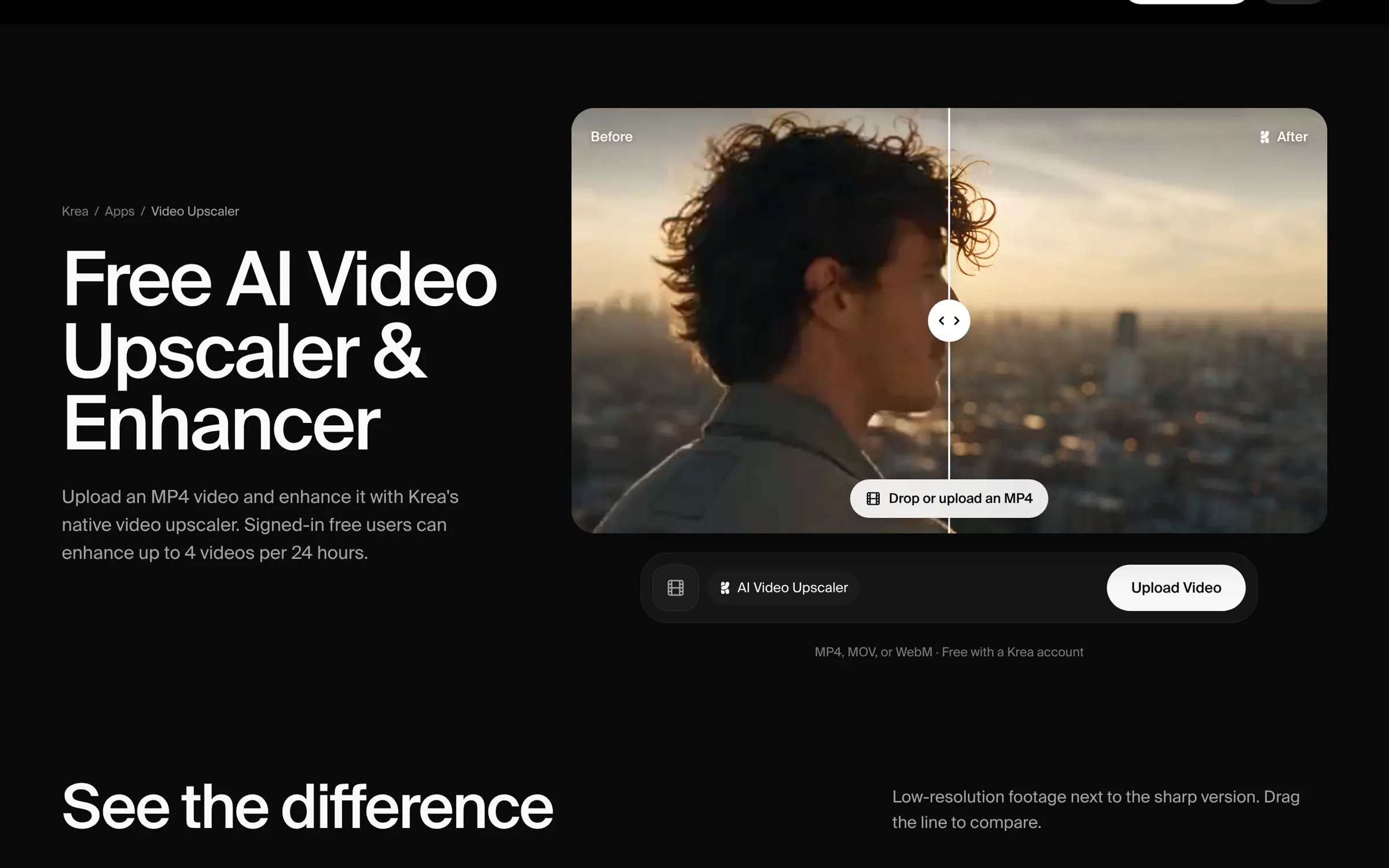
Krea's video upscaler runs in the browser and also offers frame interpolation and slow motion. Free accounts can upscale to 1080p, while paid plans go up to 4K.
Best for: Free 1080p upscales
Free plan: Yes, signed-in free users can enhance up to 4 videos per 24 hours
Price: Basic plan at $9 a month billed monthly, with a discount on yearly billing
Website: krea.ai
10. Runway
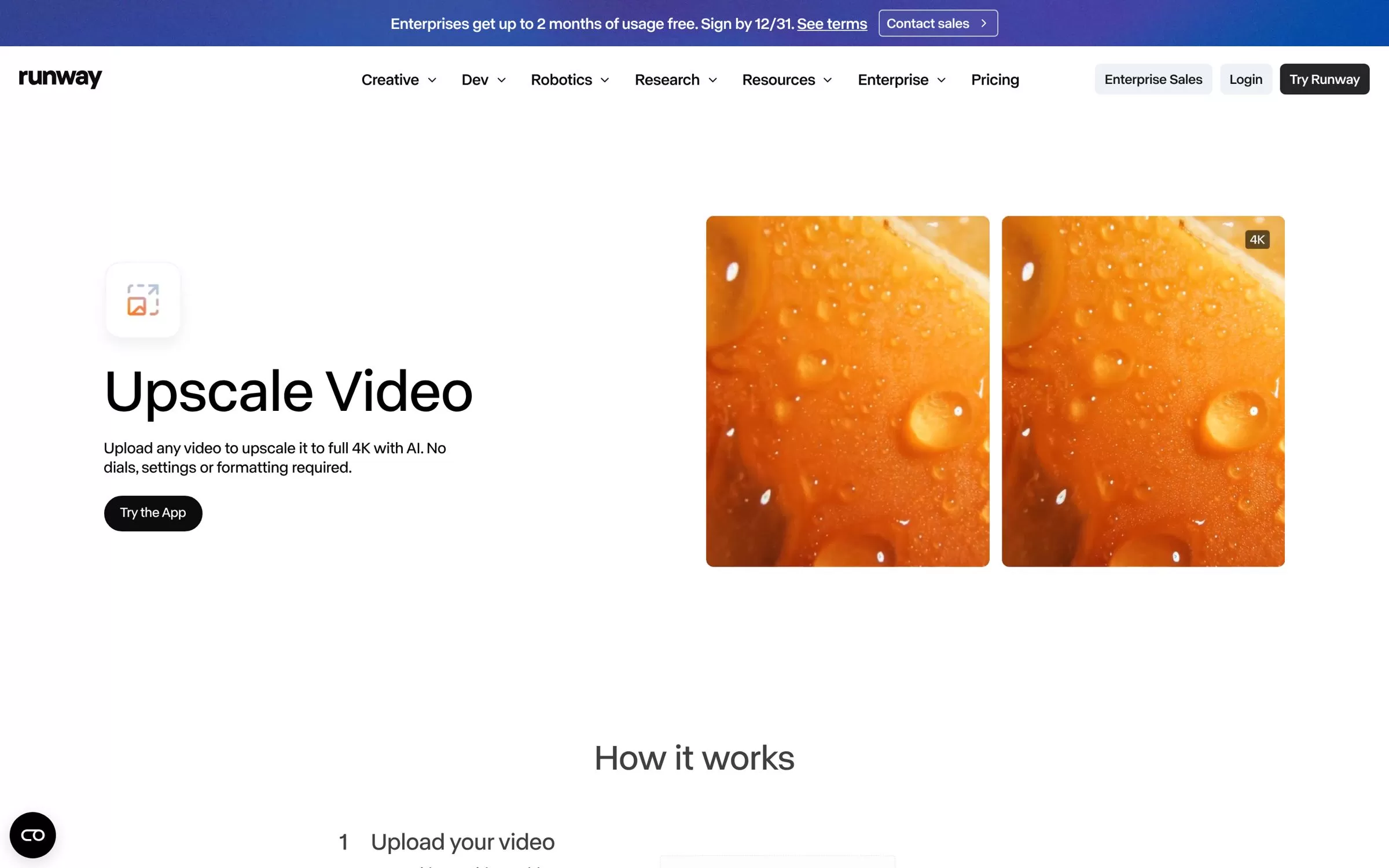
Runway's Upscale Video app takes any uploaded video to full 4K in the browser, using 2 credits per second of video. It suits creators who already use Runway for AI video.
Best for: AI video creators
Free plan: Free plan with 125 one-time credits, but apps need the Standard plan or above
Price: Standard plan at $12 a month, billed annually
Website: runway.com
11. Media.io
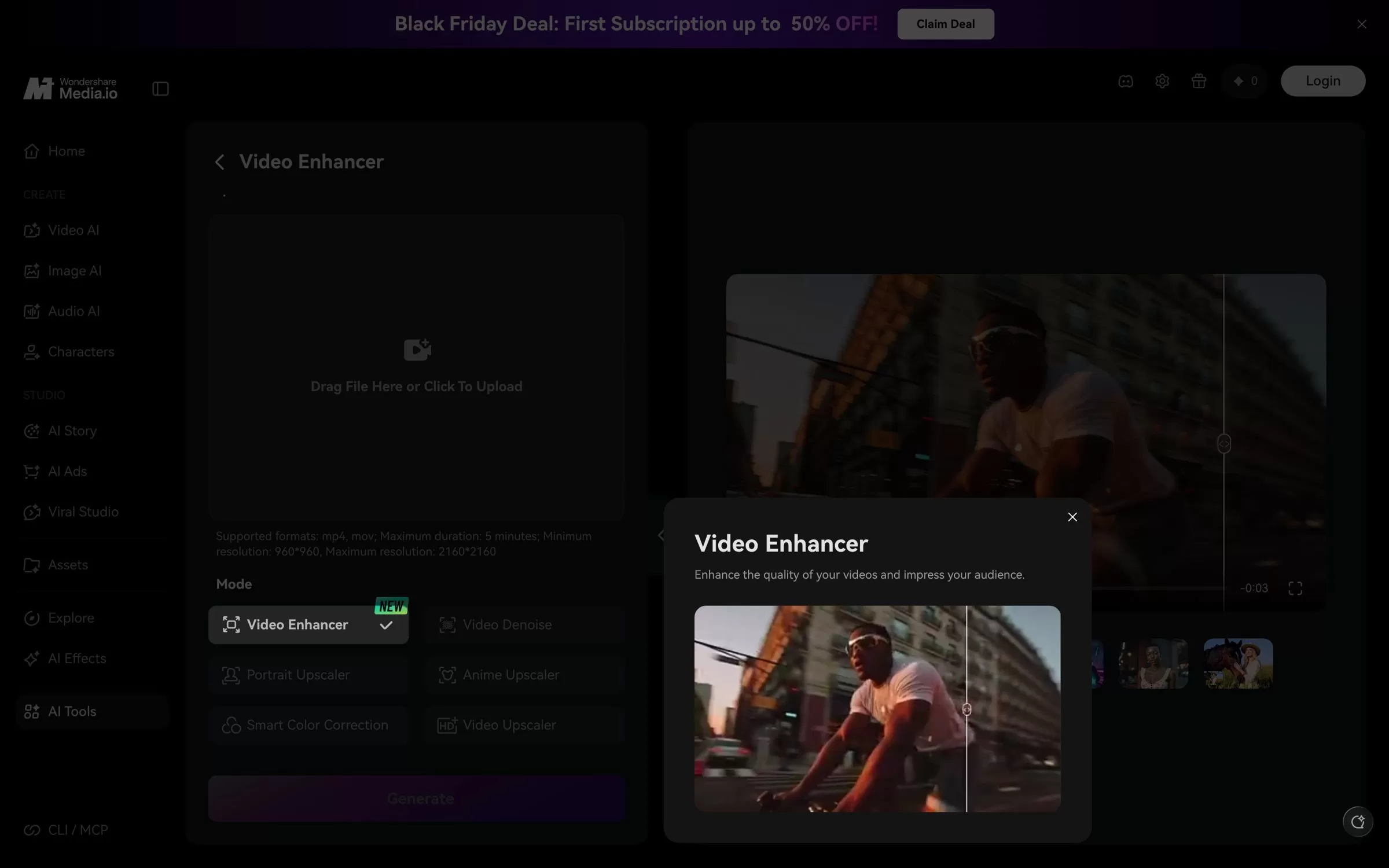
Media.io's online video enhancer upscales clips with up to 4K output and has separate Portrait and Anime Upscaler modes. It also denoises, sharpens and brightens low-light video.
Best for: Anime and portrait clips
Free plan: Free Trial plan with 3 daily check-in credits; exports are 720p with a watermark
Price: Standard and Premium plans, listed on the Media.io website
Website: media.io
Free AI video upscaler options
TensorPix and Krea both have free plans you can use in the browser. Krea lets signed-in free users enhance up to 4 videos a day at up to 1080p, and TensorPix gives free credits with no card needed.
AI video upscaler for 4K and 8K
For 4K, every tool on this list works. For 8K, look at Topaz Video, HitPaw VikPea, AVCLabs Video Enhancer AI, Nero AI Video Upscaler, UniFab and the Super Scale feature in DaVinci Resolve Studio.
Final verdict
For the best desktop results, pick Topaz Video or HitPaw VikPea, which shows prices in rupees. If you want to start free in the browser, try TensorPix or Krea first, then move to a paid plan once you need 4K exports.


