
8 AI Animation Generators That Bring Your Characters to Life
Turn a prompt, photo or video into cartoons, explainers and 3D motion.

Key Takeaways
- Best for Hindi avatars: Krikey AI
- Best for explainers: Powtoon
- Best for training videos: Vyond
- Best for 3D motion: DeepMotion
These 8 AI animation generators turn a text prompt, a photo or a simple video into moving characters, explainers and 3D animation, without hours of keyframing.
Top 8 AI animation generators at a glance
| Tool | Best for | Free plan |
|---|---|---|
| 1. Krikey AI | 3D cartoon avatars | Yes |
| 2. Powtoon | Explainer videos | Yes, 720p |
| 3. Renderforest | Template animations | Yes, watermarked |
| 4. Vyond | Corporate training | No, free trial |
| 5. Runway | Cinematic AI clips | Yes, one-time credits |
| 6. Viggle AI | Character motion memes | Yes, daily credits |
| 7. DeepMotion | Video to 3D motion | Yes, personal use |
| 8. Plask | Mocap for Blender | Yes, 15 sec a day |
Jump toKrikey AIPowtoonRenderforestVyondRunwayViggle AIDeepMotionPlask
The 8 best AI animation generators in 2026
1. Krikey AI
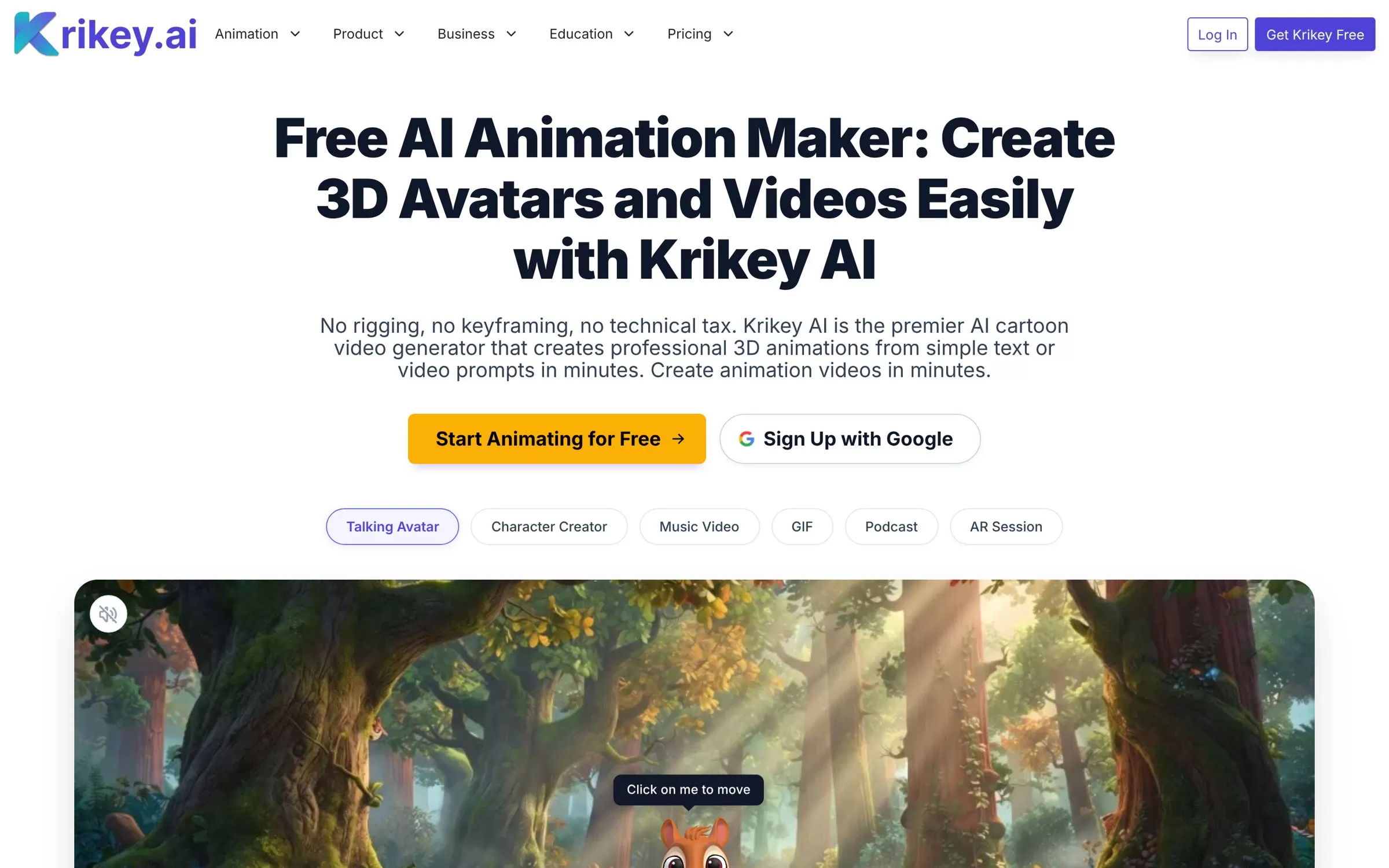
Krikey AI turns a text prompt into a talking 3D avatar video, with automatic character rigging and lip sync. Its voice AI works in 20+ languages, including Hindi and Tamil, which suits Indian creators and teachers.
Best for: 3D cartoon avatars and talking explainer videos
Free plan: Yes, with limited credits
Price: Pro from $15 per person a month
Website: krikey.ai
2. Powtoon
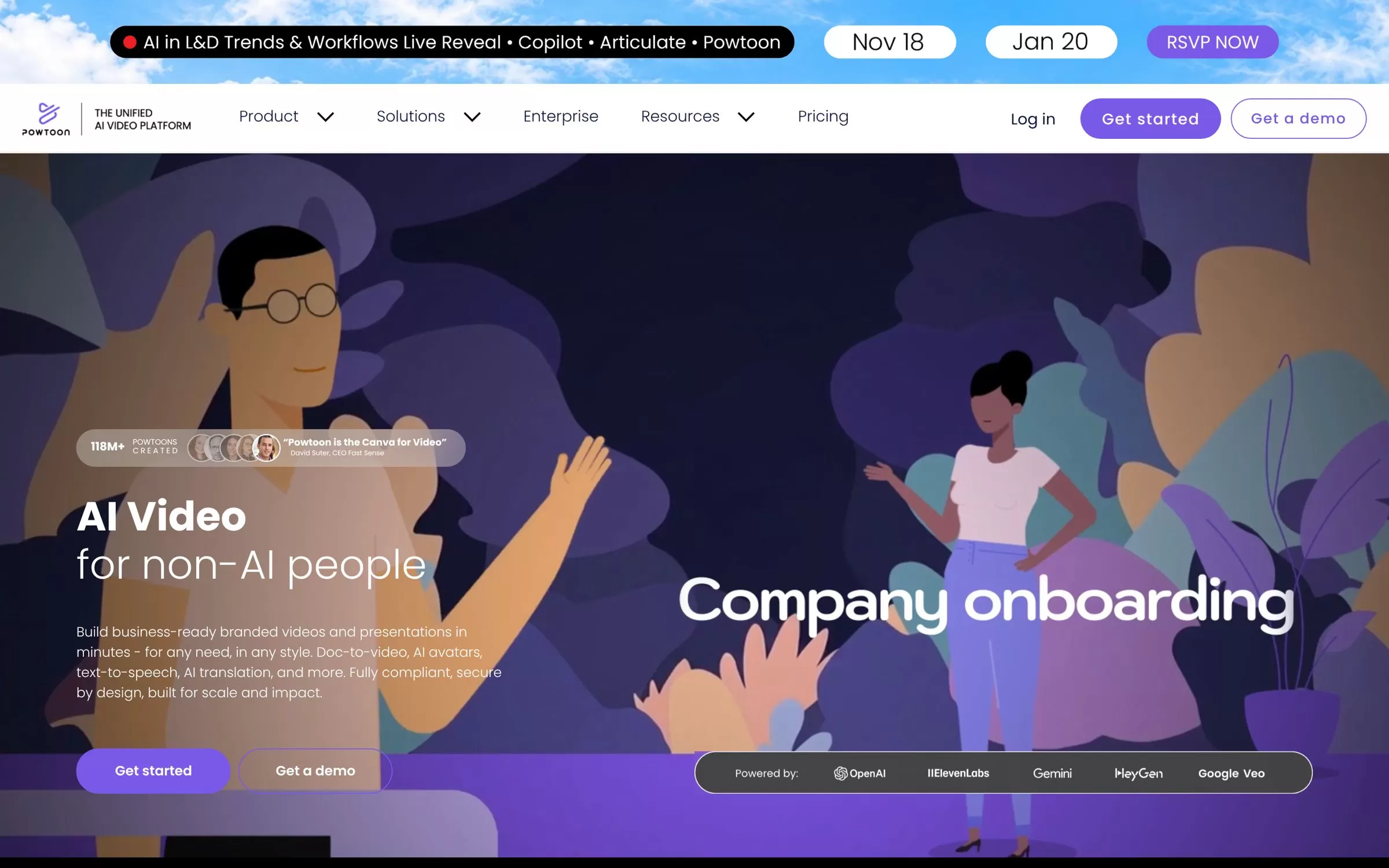
Powtoon makes animated explainers, whiteboard videos and presentations, with a character builder and text-to-video. It suits teams that make training, onboarding and marketing videos.
Best for: Animated explainers and whiteboard videos
Free plan: Yes, 720p with a Powtoon watermark
Price: Lite from $15 a month, billed yearly
Website: powtoon.com
3. Renderforest
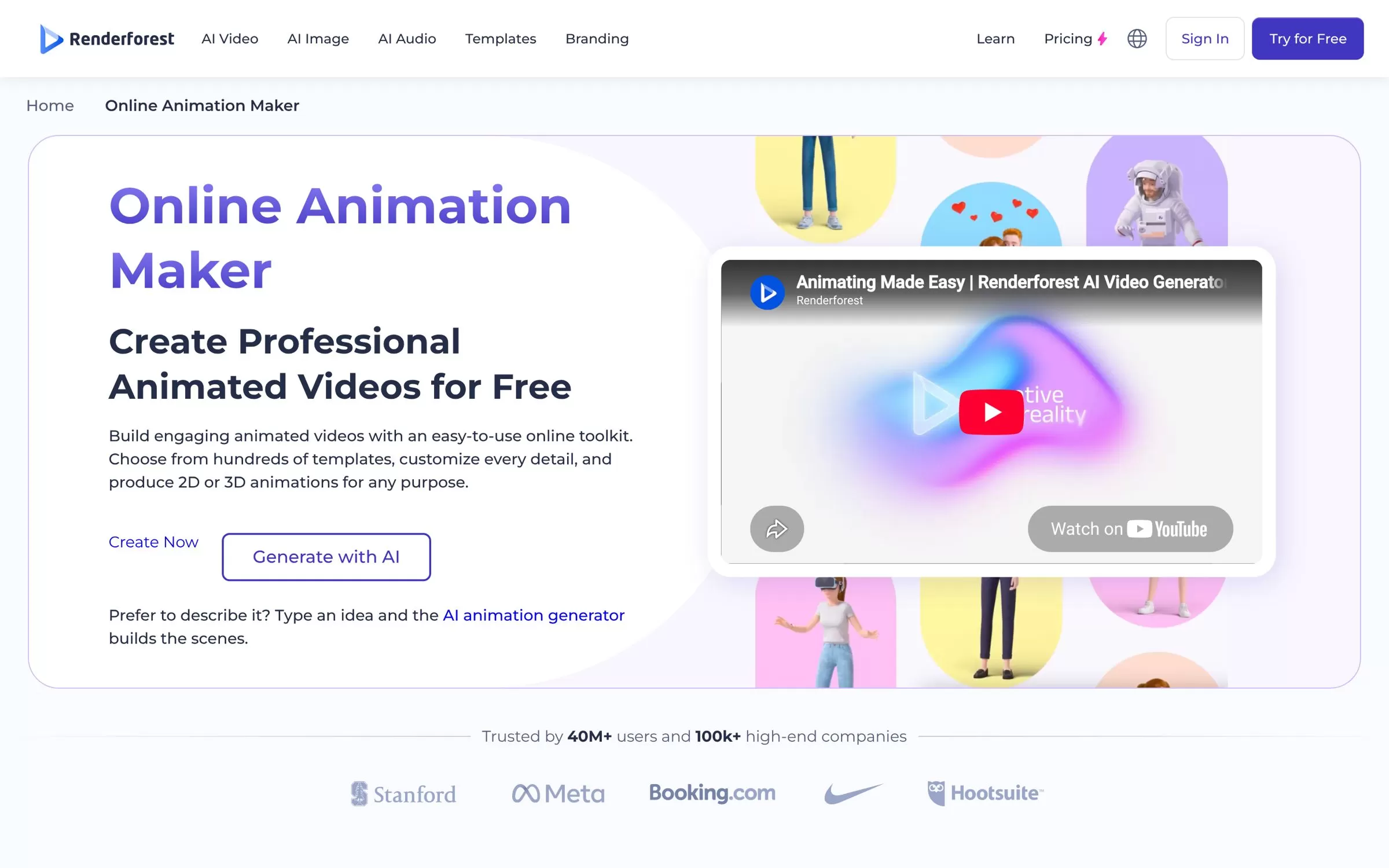
Renderforest lets you type an idea and its AI animation generator builds the scenes, or you start from hundreds of 2D and 3D animation templates. Good for small businesses that need a quick promo or explainer.
Best for: Quick 2D and 3D animated videos from templates or a prompt
Free plan: Yes, with a Renderforest watermark
Price: Lite from $9 a month, billed yearly
Website: renderforest.com
4. Vyond
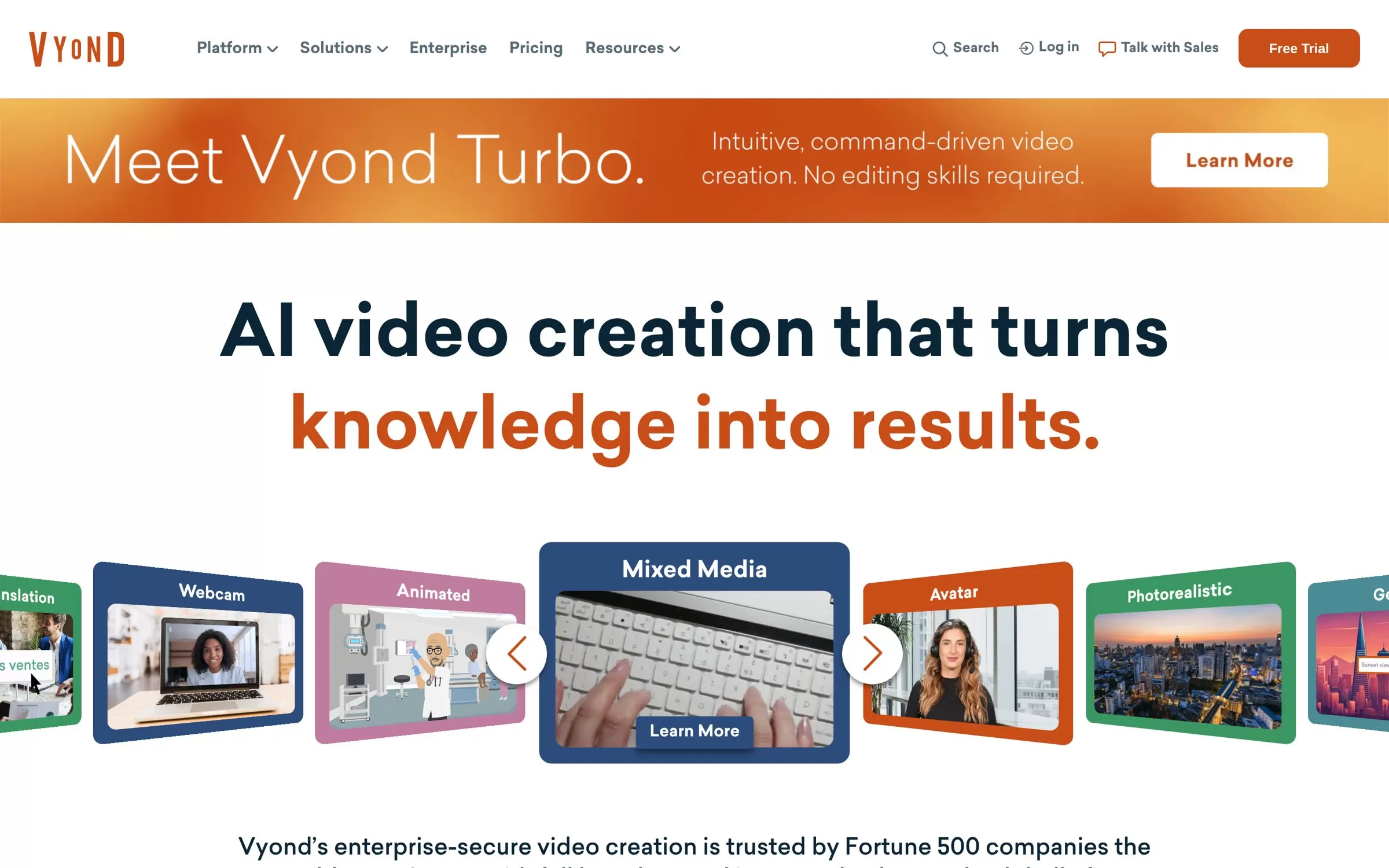
Vyond creates animated business videos, and its AI can turn a text prompt or a document into a script and a video. It is built for training, HR and internal communication teams.
Best for: Animated training and business videos
Free plan: No, a free trial is offered
Price: Starter $58 a month, billed yearly
Website: vyond.com
5. Runway
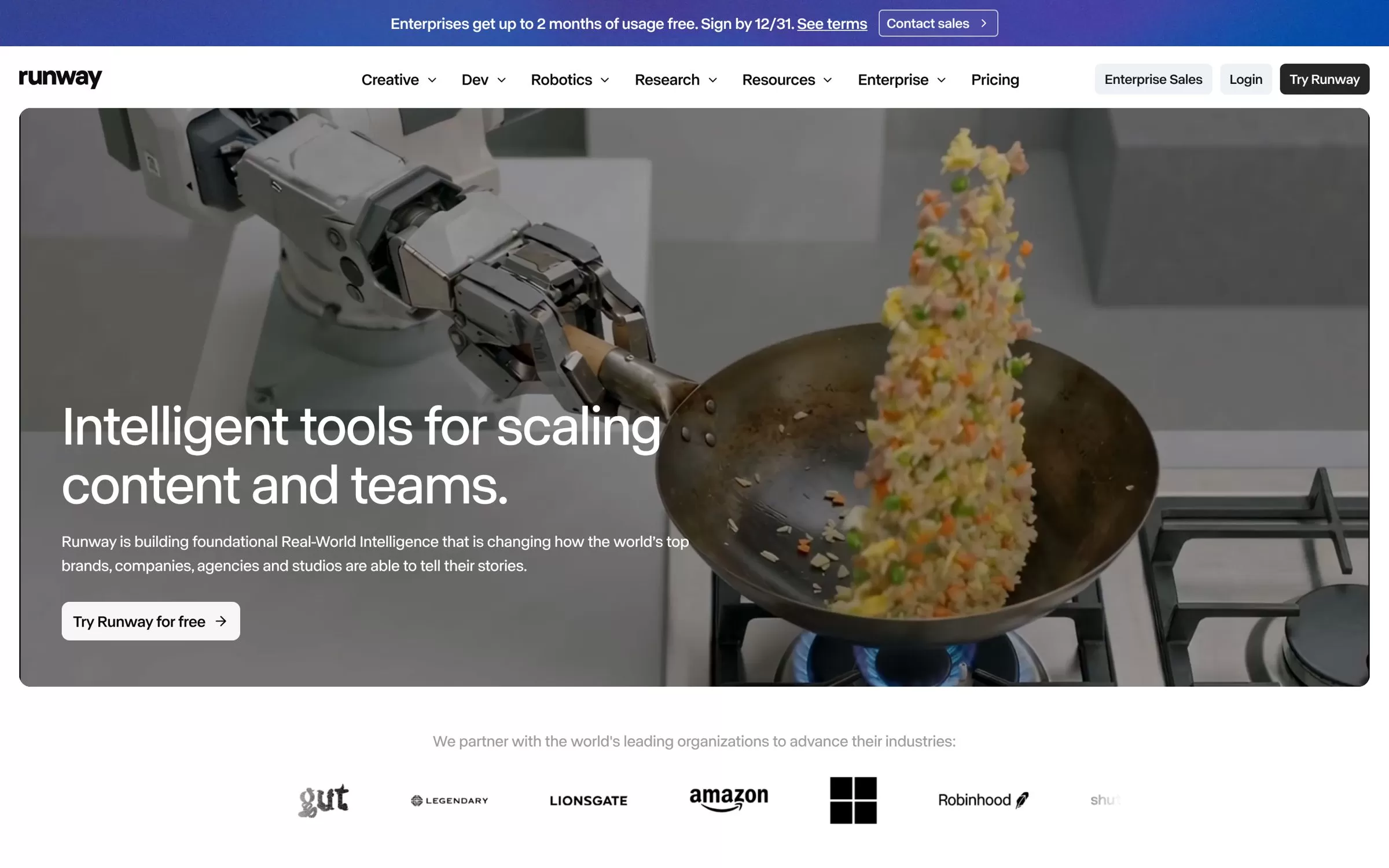
Runway gives you several AI video and image models in one place to create stylised and cinematic clips. It suits filmmakers, agencies and creators who want short, high-end shots.
Best for: Cinematic AI video clips
Free plan: Yes, 125 one-time credits
Price: Standard $12 a month billed yearly, or $15 monthly
Website: runway.com
6. Viggle AI
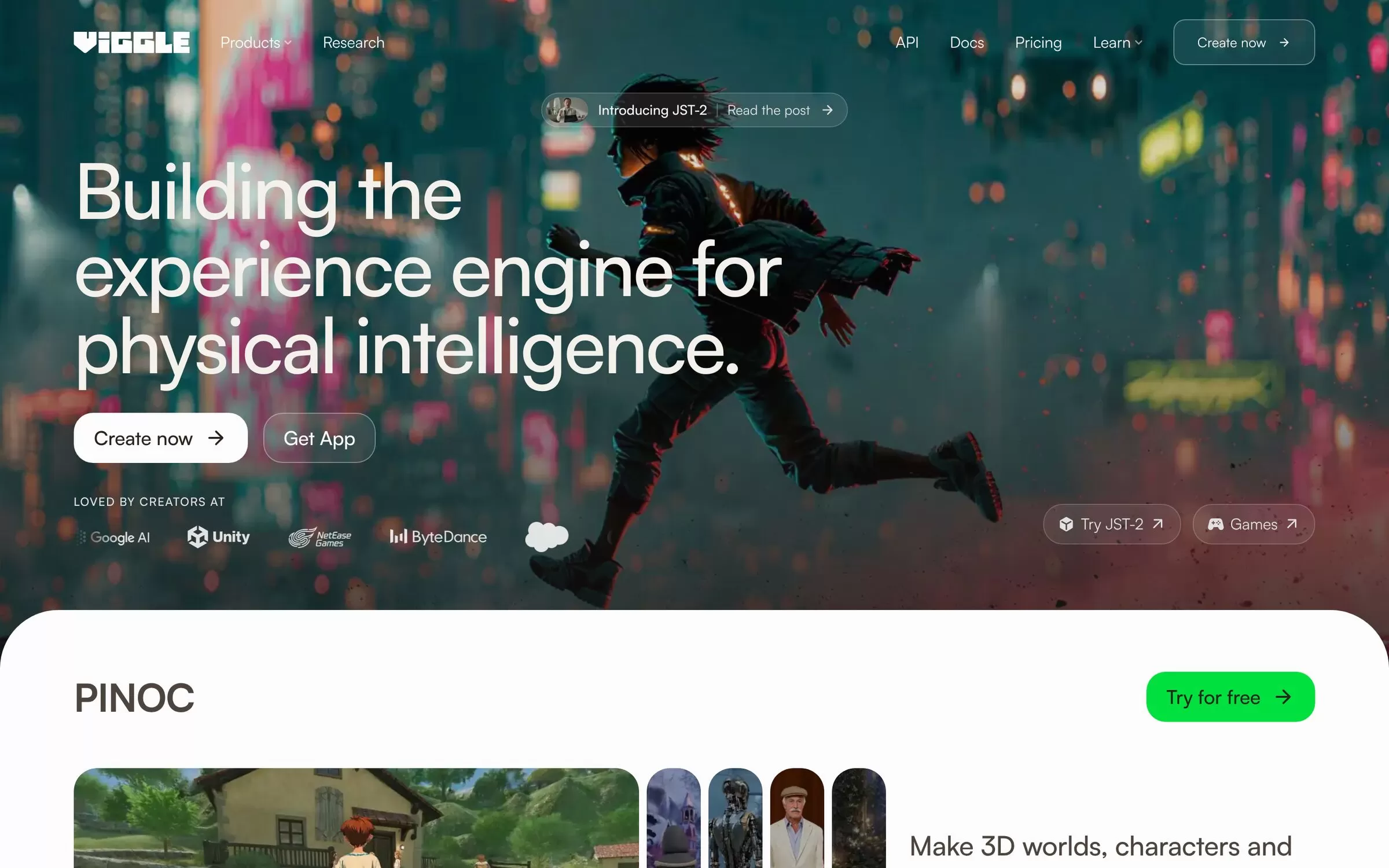
Viggle AI puts any character into a video and gives it motion, which makes it popular for memes and shareable social clips. Its PINOC tool builds rigged 3D characters from photos.
Best for: Animating characters with motion from a video
Free plan: Yes, daily free credits
Price: Pro from $7.99 a month
Website: viggle.ai
7. DeepMotion
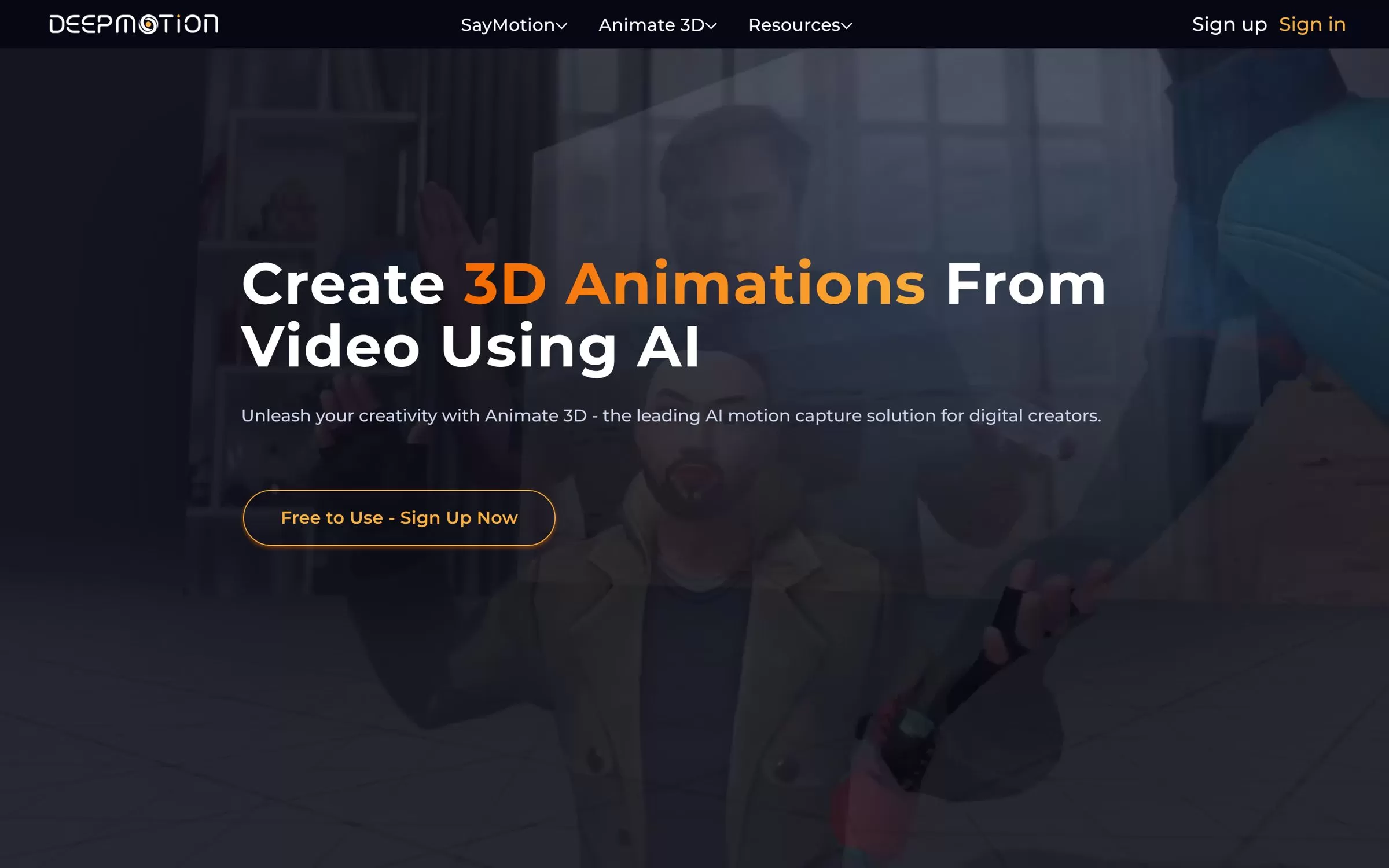
DeepMotion's Animate 3D captures full-body motion from a normal video, with no markers or suits. You export the animation as FBX, BVH, GLB or MP4 for games and 3D projects.
Best for: Markerless motion capture from video
Free plan: Yes, for personal, non-commercial use
Price: Starter $9 a month billed yearly, or $15 monthly
Website: deepmotion.com
8. Plask
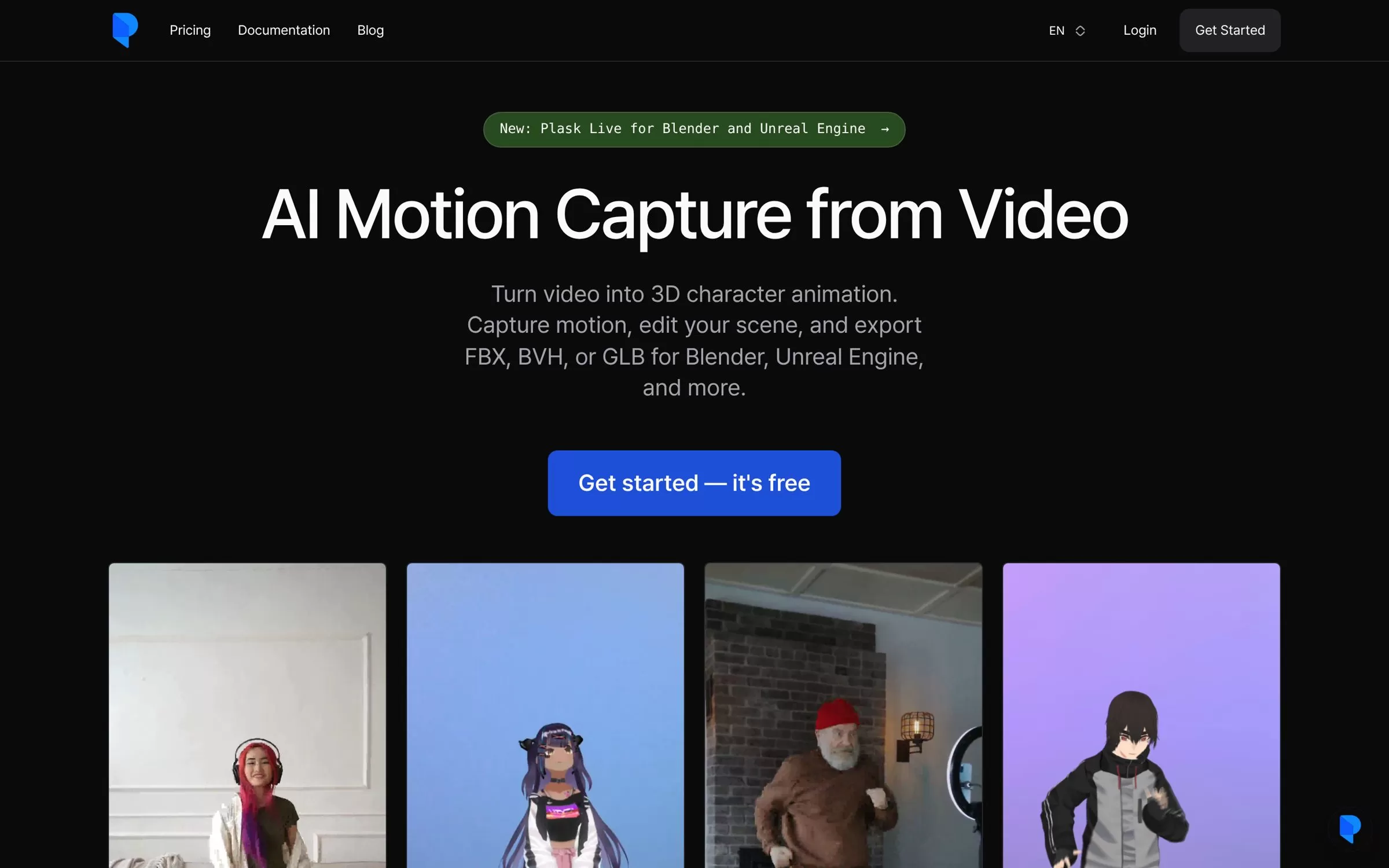
Plask turns a video into 3D character animation, and you can edit the scene. It exports FBX, BVH or GLB for Blender, Unreal Engine and other 3D tools.
Best for: AI motion capture for 3D artists
Free plan: Yes, 15 seconds of motion capture a day
Price: Standard $18 a month, billed yearly
Website: plask.ai
AI animation generator from text
If you want to start from a sentence, Krikey AI, Renderforest and Vyond all turn a text prompt into an animated video. Krikey makes a talking 3D avatar, Renderforest builds the scenes for you, and Vyond writes a script and video from a prompt or a document.
AI animation generator from image
To animate a photo or a character picture, try Viggle AI, which gives any character motion from a video, or Krikey AI, which turns an image into a 3D character. Plask and DeepMotion work the other way: they take motion from your own video and put it on a 3D character.
Free AI animation generators
Krikey AI, Powtoon, Renderforest, Runway, Viggle AI, DeepMotion and Plask all have a free plan. Free plans come with limits such as credits, a watermark, lower resolution or personal-use-only terms, so check the plan before you post client work.
Final verdict
For cartoon avatars with Hindi or Tamil voices, start with Krikey AI. For business explainers, pick Powtoon or Renderforest on a budget and Vyond for company training. For cinematic clips choose Runway, and for real 3D motion use DeepMotion or Plask. Try the free plan first, then upgrade once a tool fits your workflow.


