
8 AI Note-Taking Apps That Remember Everything for You
Capture ideas fast, then let AI search, summarize and sort them for you.

Key Takeaways
- Best for research: Gemini Notebook
- Best team workspace: Notion
- Best for meetings: Notta
- Most have a free plan
The 8 best AI note-taking apps in 2026 do more than store text: they search your notes, summarize them and turn them into tasks.
Top 8 AI note-taking apps at a glance
| Tool | Best for | Free plan |
|---|---|---|
| 1. Gemini Notebook | Students and researchers | Yes |
| 2. Notion | All-in-one team workspace | Yes |
| 3. Capacities | Linking ideas together | Yes |
| 4. Mem | Busy people who capture fast | Yes |
| 5. Saner.ai | Notes, email and tasks together | Yes |
| 6. Heptabase | Visual research and study | 7-day trial |
| 7. Notta | Meeting and lecture notes | Yes |
| 8. Microsoft OneNote | Microsoft 365 users | Yes |
Jump toGemini NotebookNotionCapacitiesMemSaner.aiHeptabaseNottaMicrosoft OneNote
The 8 best AI note-taking apps in 2026
1. Gemini Notebook
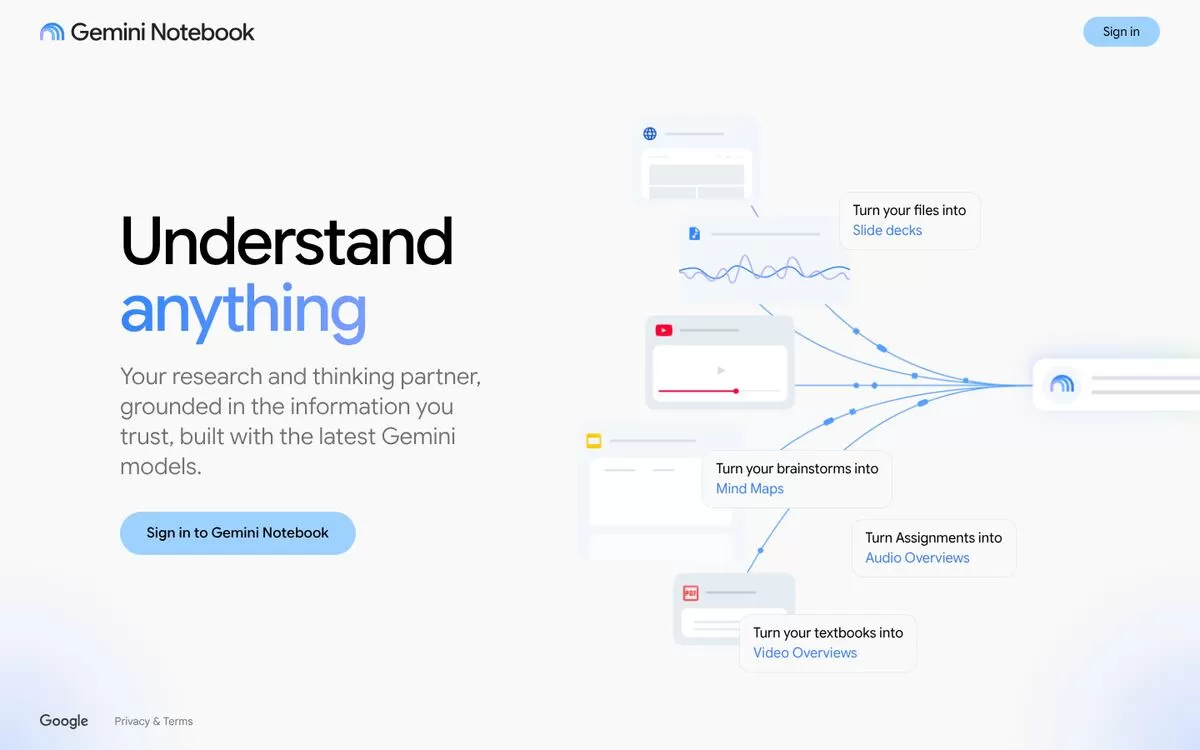
Gemini Notebook is Google's research and thinking partner, the tool many people know as NotebookLM. You add your own files, and it turns them into slide decks, mind maps, audio overviews and video overviews.
Best for: Students and researchers
Free plan: Yes, free Standard plan: 100 notebooks, 50 sources per notebook
Price: Paid plans (Plus, Pro, Ultra) raise the limits; see the Google website for current prices
Website: notebook.google.com
2. Notion
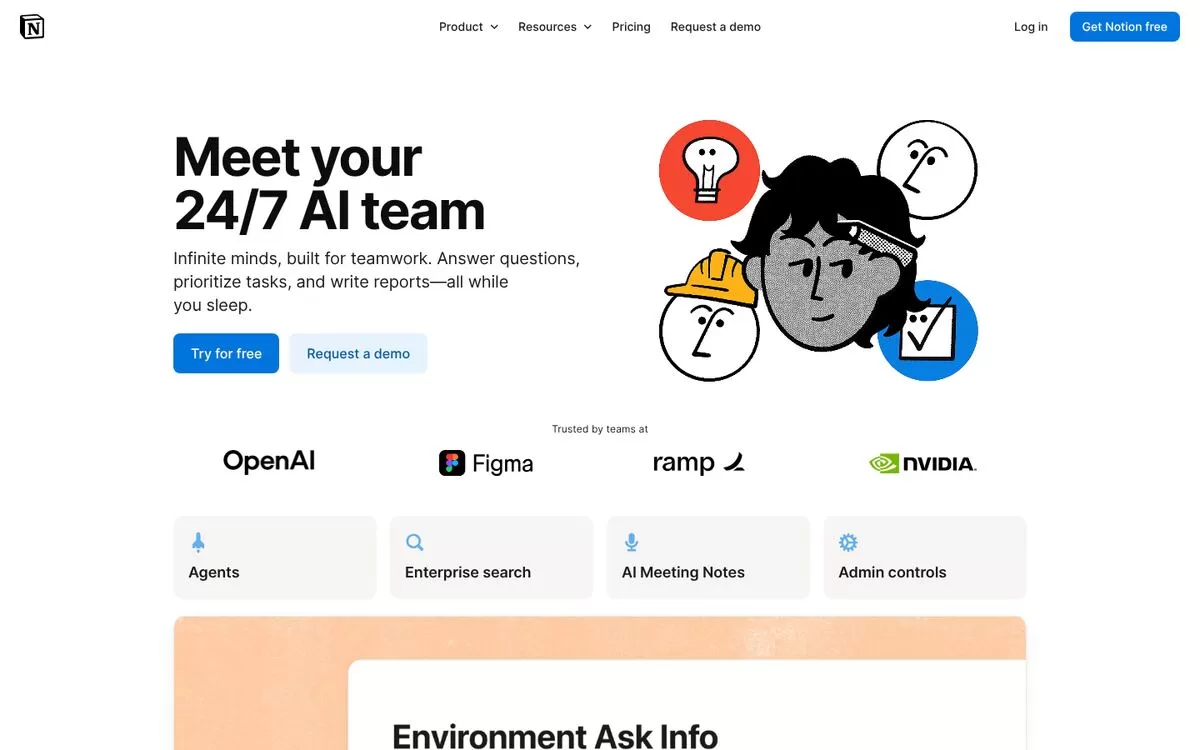
Notion mixes notes, databases and tasks in one workspace. Its AI can run multi-step tasks, write in your pages and, on the Business plan, take AI Meeting Notes without a bot.
Best for: All-in-one team workspace
Free plan: Yes, with a trial of Notion AI
Price: Plus $10 and Business $20 per member per month
Website: notion.com
3. Capacities
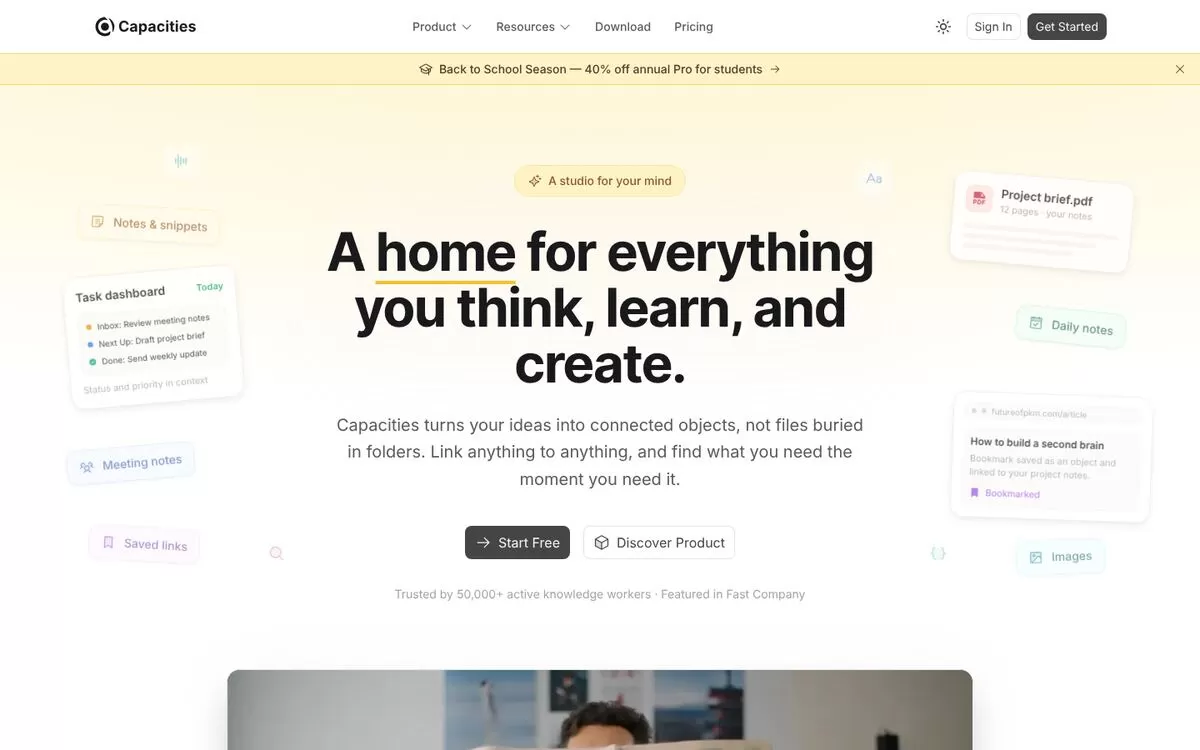
Capacities turns your notes into connected objects such as people, books and projects instead of folders. Backlinks and daily notes help you find ideas later, and the Pro plan adds an AI assistant.
Best for: Linking ideas together
Free plan: Yes, but the free Basic plan has no AI
Price: Pro $9.99 per month billed yearly ($119.88 per year)
Website: capacities.io
4. Mem
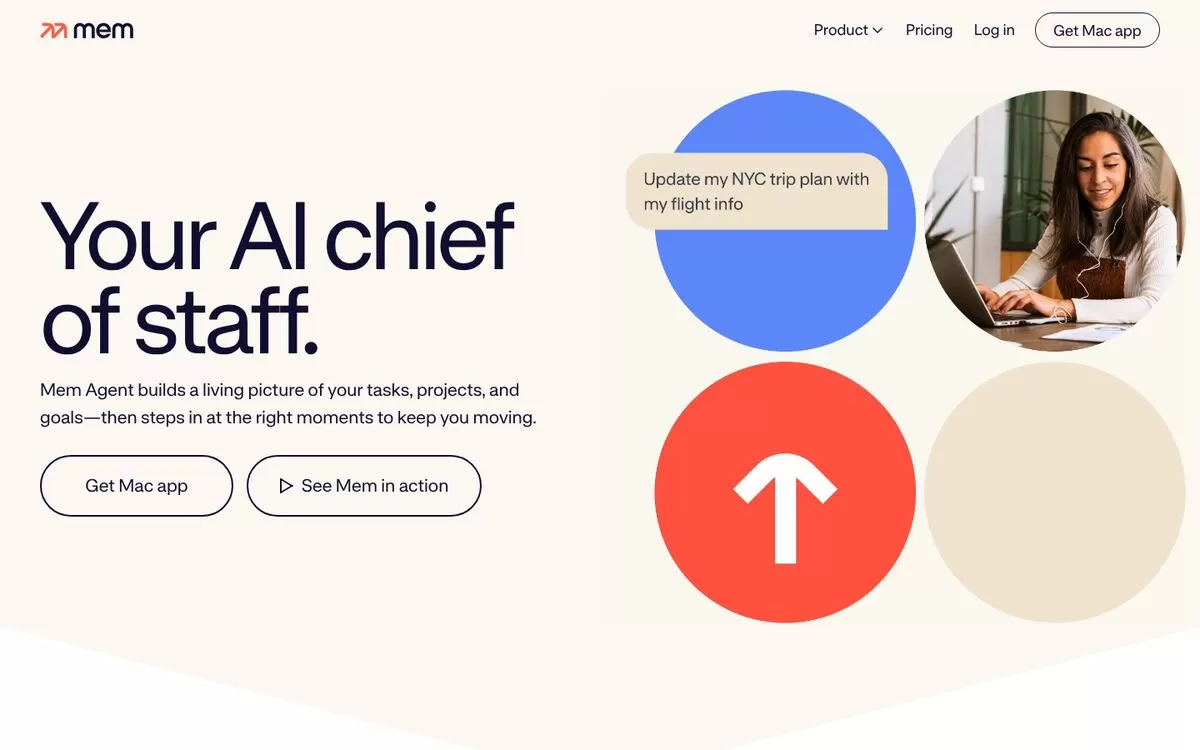
Mem calls itself your AI chief of staff. Its agent learns from what you save, finds tasks and projects in your notes, and can record meetings without a meeting bot.
Best for: Busy people who capture fast
Free plan: Yes, free plan available
Price: Plus $9 and Pro $29 per month
Website: get.mem.ai
5. Saner.ai
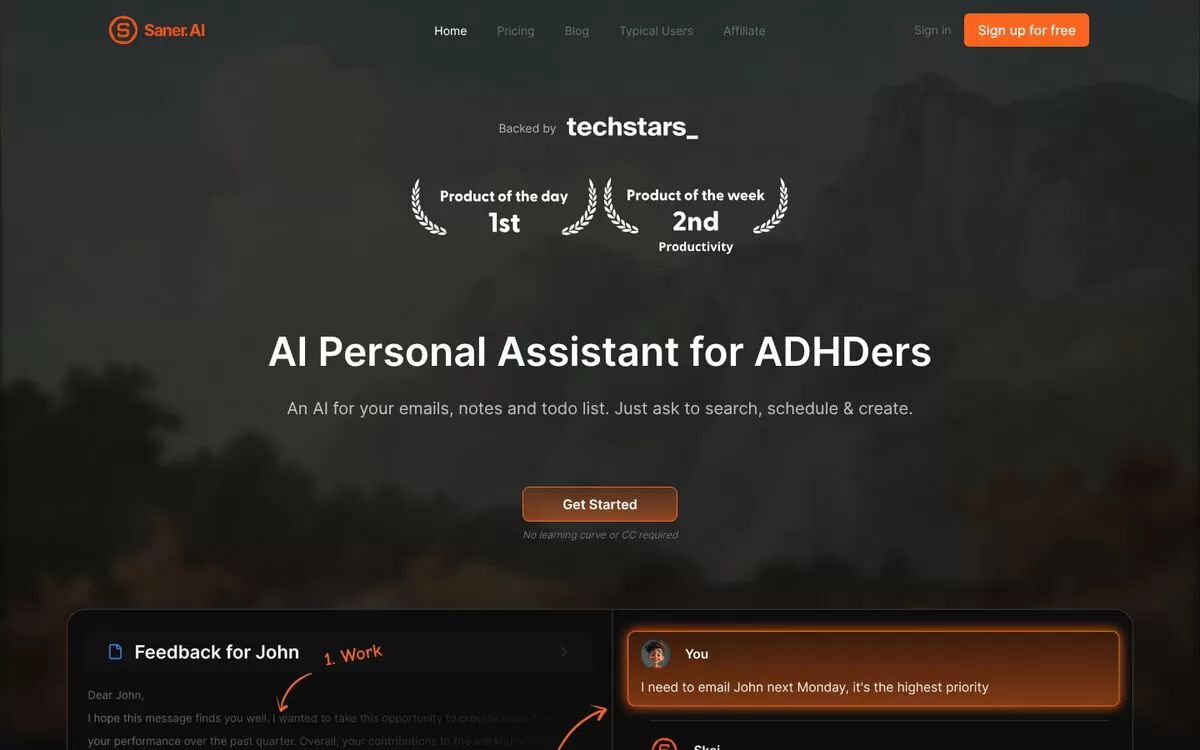
Saner.ai combines notes, emails, calendar and tasks in one place with an AI chat. It is marketed as an AI personal assistant for people with ADHD, and it can turn emails into tasks and brain dumps into plans.
Best for: Notes, email and tasks together
Free plan: Yes, free plan with 30 AI messages a month
Price: Starter $8 and Standard $16 per month
Website: saner.ai
6. Heptabase
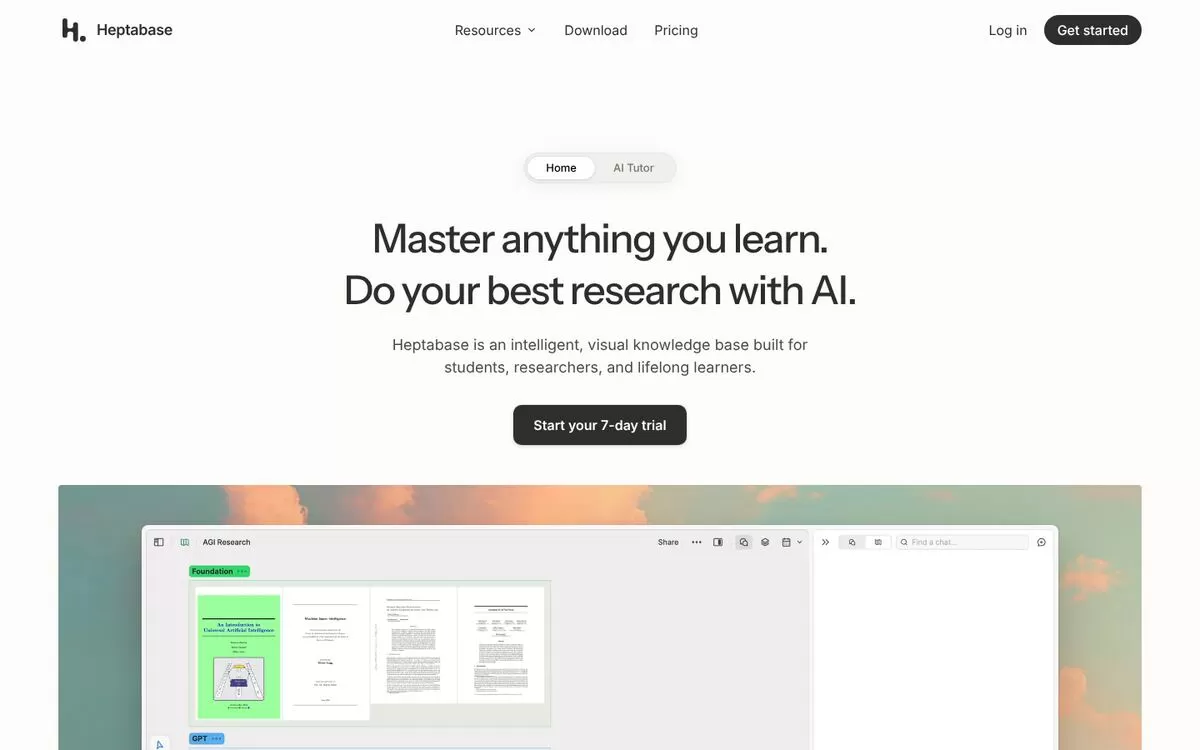
Heptabase is a visual knowledge base where you arrange cards on whiteboards. Its AI can explain your sources, take notes and organize your knowledge base, and it works with PDFs and YouTube videos.
Best for: Visual research and study
Free plan: 7-day trial
Price: Pro, Premium and Premium+ plans; see the Heptabase website for current prices
Website: heptabase.com
7. Notta
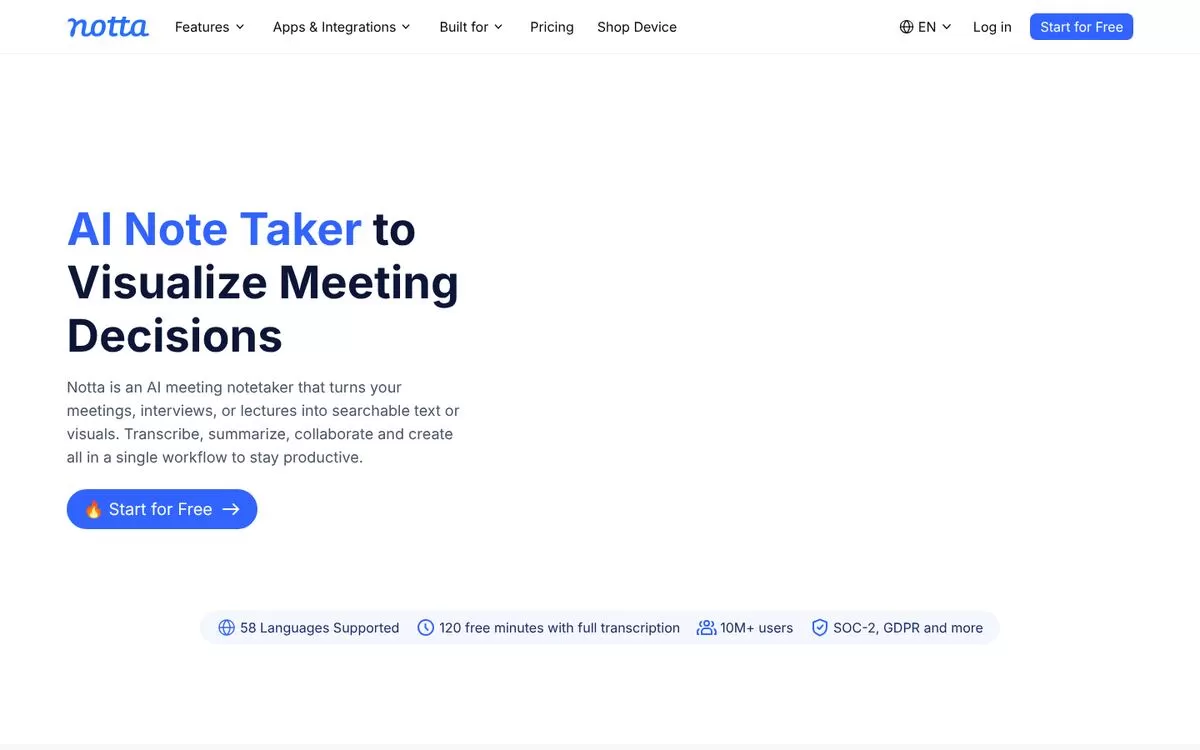
Notta is an AI note taker for meetings, interviews and lectures. It transcribes live or from uploaded files, then writes summaries and action items. It lists support for 58 languages.
Best for: Meeting and lecture notes
Free plan: Yes, 120 free transcription minutes a month
Price: Pro $8.17 per month, billed annually
Website: notta.ai
8. Microsoft OneNote
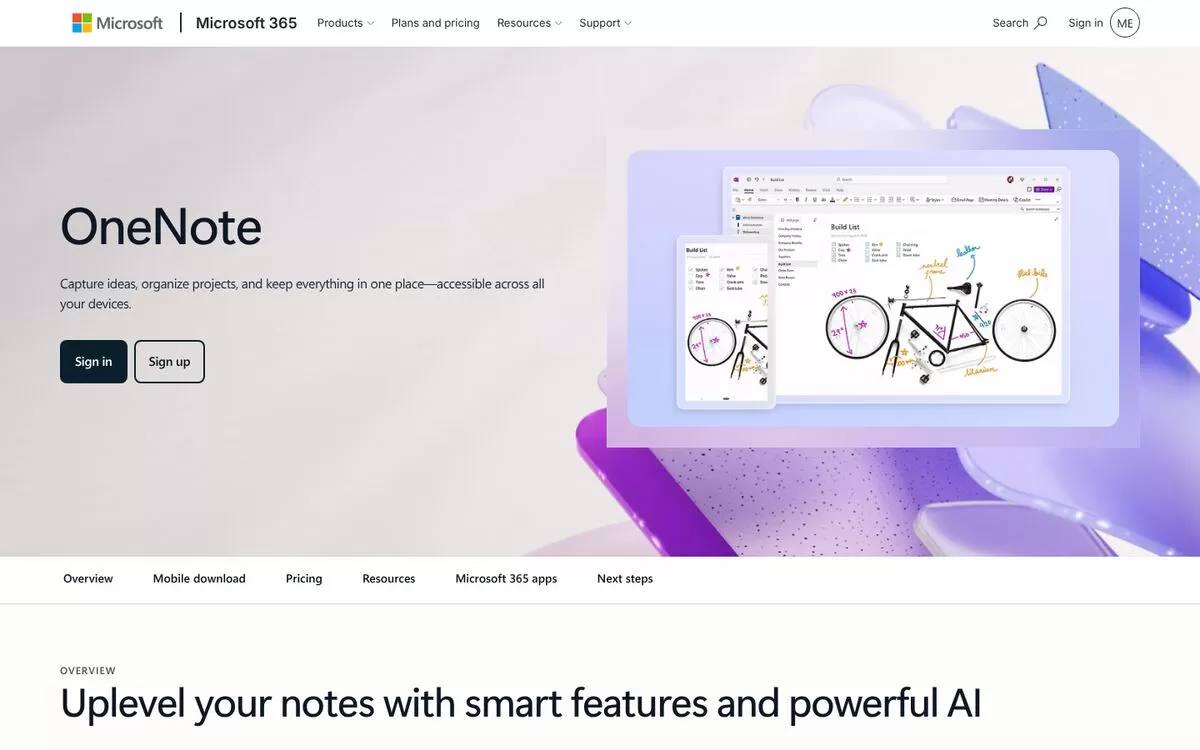
OneNote is Microsoft's notebook app. With Copilot, it can summarize a section or a page, turn notes into a task list and rewrite their tone or length. OneNote for the web is free to use.
Best for: Microsoft 365 usersFree plan: Yes, OneNote for the web is freePrice: Copilot needs a Microsoft Copilot (Work) license or, on Windows, an eligible Microsoft 365 plan; see the Microsoft website for pricesWebsite: microsoft.com
Free AI note-taking apps to start with
Gemini Notebook, Notion, Capacities, Mem, Saner.ai and Notta all have a free plan, so you can test a few before paying. Heptabase offers a 7-day trial instead.
Final verdict
Pick Gemini Notebook if you work from documents and research, Notion if your team needs one workspace, and Capacities or Heptabase if you think in connected ideas. Start with one free plan, move a week of real notes into it, and keep it only if you find things faster.


