
8 AI Photo Editors That Fix Photos in Seconds
Remove backgrounds, erase objects and retouch photos with AI

Key Takeaways
- Product shots: Photoroom
- Quick cleanups: Clipdrop
- Free Photoshop-style: Photopea
- Beginners: BeFunky
The 8 best AI photo editors in 2026 remove backgrounds, erase objects and retouch photos in a few clicks, and most have a free way to start.
Top 8 AI photo editors at a glance
| Tool | Best for | Free plan |
|---|---|---|
| 1. Photoroom | Product photos | Free trial on Pro and Max |
| 2. Pixelcut | Quick cutouts | Yes |
| 3. Clipdrop | Cleanup tools | Yes, with daily limits |
| 4. Fotor | All-round editing | Yes, Basic plan |
| 5. Pixlr | Free browser editing | Yes |
| 6. Picsart | Creators and video | Not listed on its pricing page |
| 7. BeFunky | Beginners | Yes |
| 8. Photopea | Photoshop-style work | Yes, free to use |
Jump toPhotoroomPixelcutClipdropFotorPixlrPicsartBeFunkyPhotopea
The 8 best AI photo editors in 2026
1. Photoroom
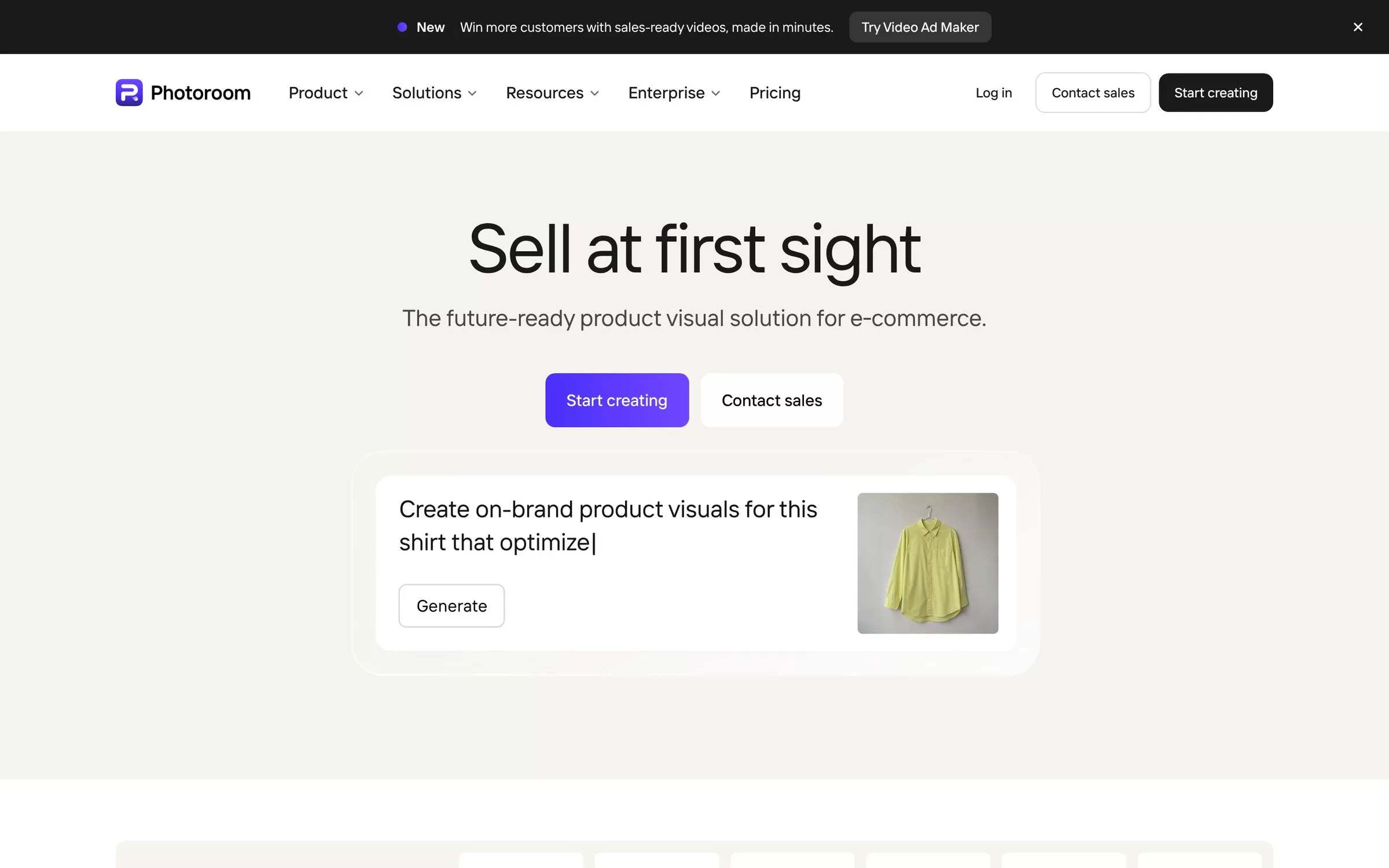
Photoroom is built for selling online. Its core tools include Background Remover, Retouch, AI Product Fixer and Image Enhancer, and its plans add AI Backgrounds and AI Fashion Models.
Best for: Product photos
Free plan: Free trial on Pro and Max
Price: Pro, Max and Ultra plans, billed yearly; Pro includes 8,000 AI credits and 1,000 exports a month
Website: photoroom.com
2. Pixelcut

Pixelcut covers Magic Eraser, Generative Fill, Expand Image and AI Backgrounds. The free plan has limited background removal and upscaling and exports without a watermark.
Best for: Quick cutouts
Free plan: Yes
Price: Pro US$8 a month billed yearly (US$10 monthly); Business US$24 a month billed yearly (US$30 monthly)
Website: pixelcut.ai
3. Clipdrop
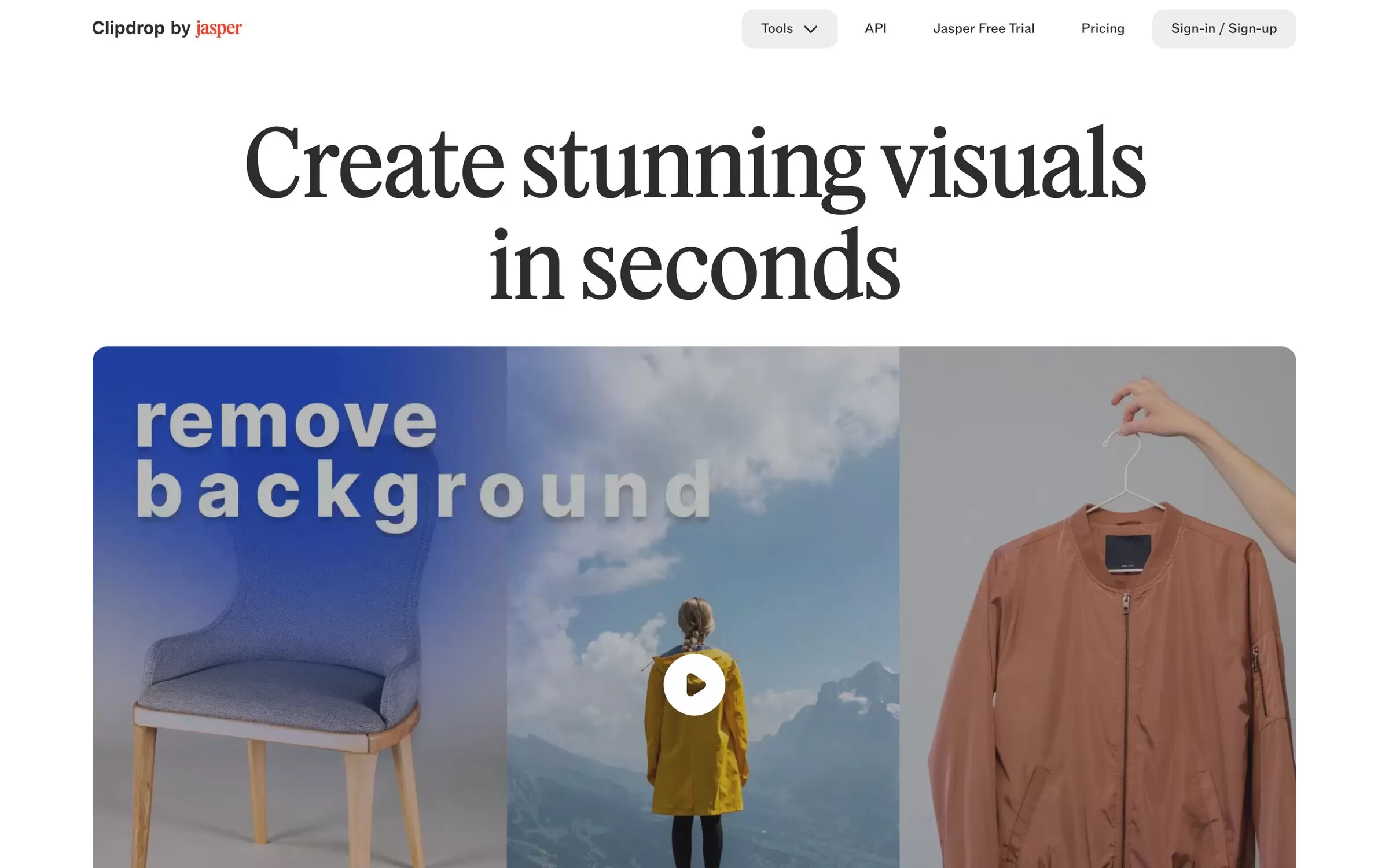
Clipdrop offers separate tools for Cleanup, Remove background, Replace background, Relight, Uncrop, Text remover and an image upscaler. The free plan allows 20 background removals every 24 hours.
Best for: Cleanup tools
Free plan: Yes, with daily limits
Price: Pro US$15 a month
Website: clipdrop.co
4. Fotor
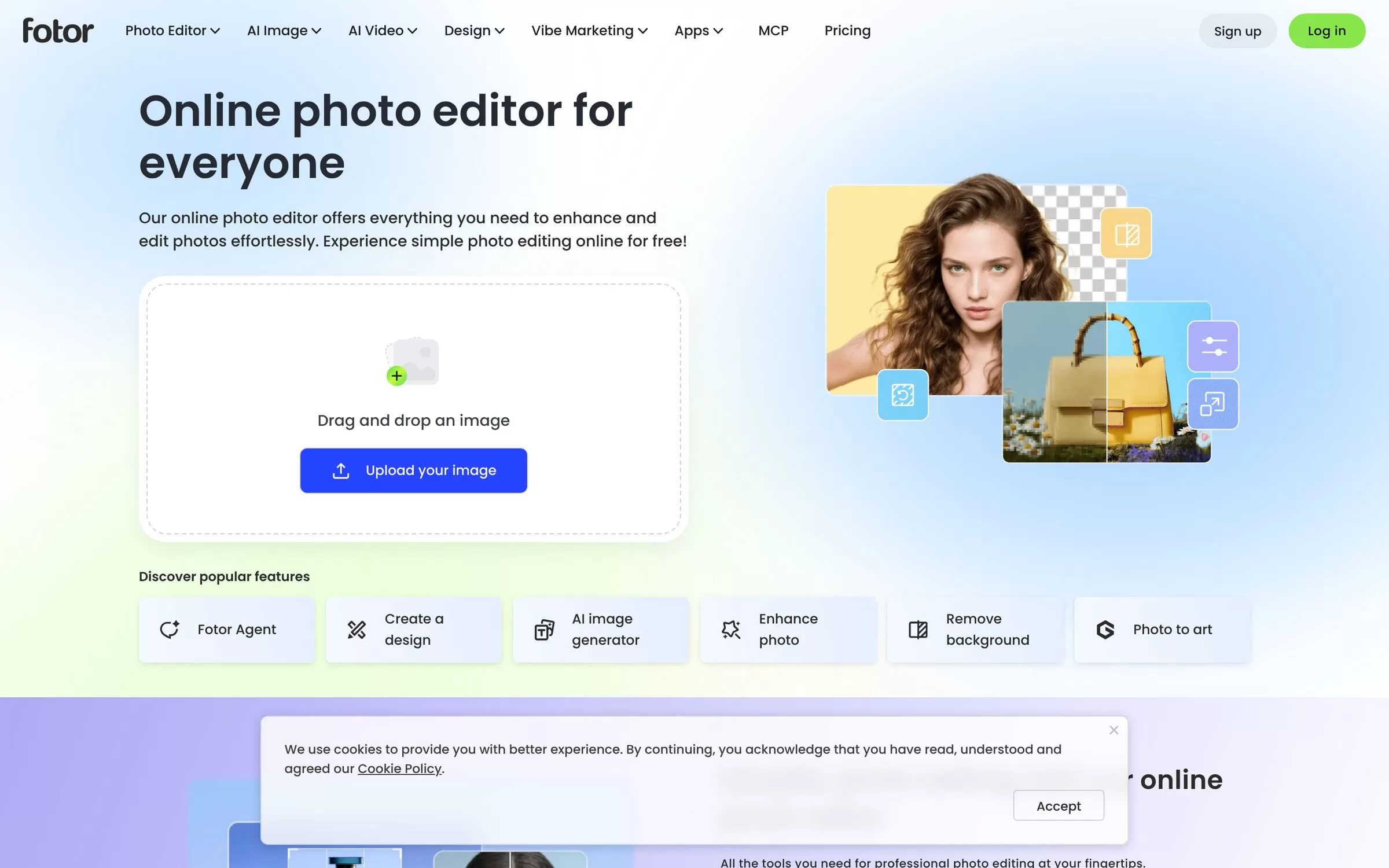
Fotor mixes classic editing with AI tools: AI Photo Enhancer, AI Background Remover, AI Object Remover, AI Replace and AI Expand. It also offers batch photo editing.
Best for: All-round editing
Free plan: Yes, Basic plan
Price: Pro, Pro+ and Max paid plans; prices on the Fotor pricing page
Website: fotor.com
5. Pixlr
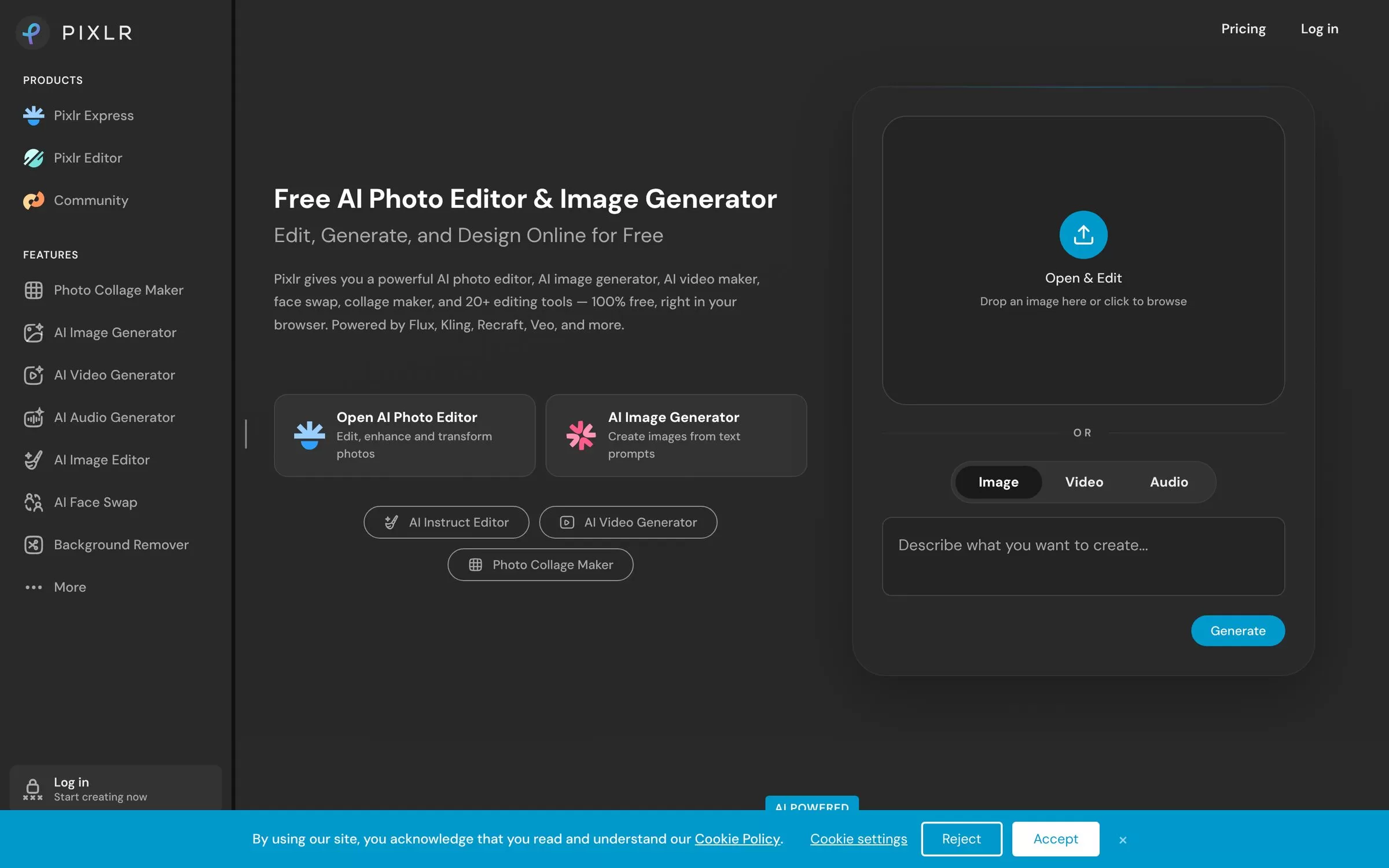
Pixlr runs in the browser and offers AI Remove Background, Remove Object, Generative Fill, Generative Expand and an AI Instruct Editor.
Best for: Free browser editing
Free plan: Yes
Price: Plus, Premium and Ultra paid plans; Plus is ad-free with 80 monthly AI credits
Website: pixlr.com
6. Picsart
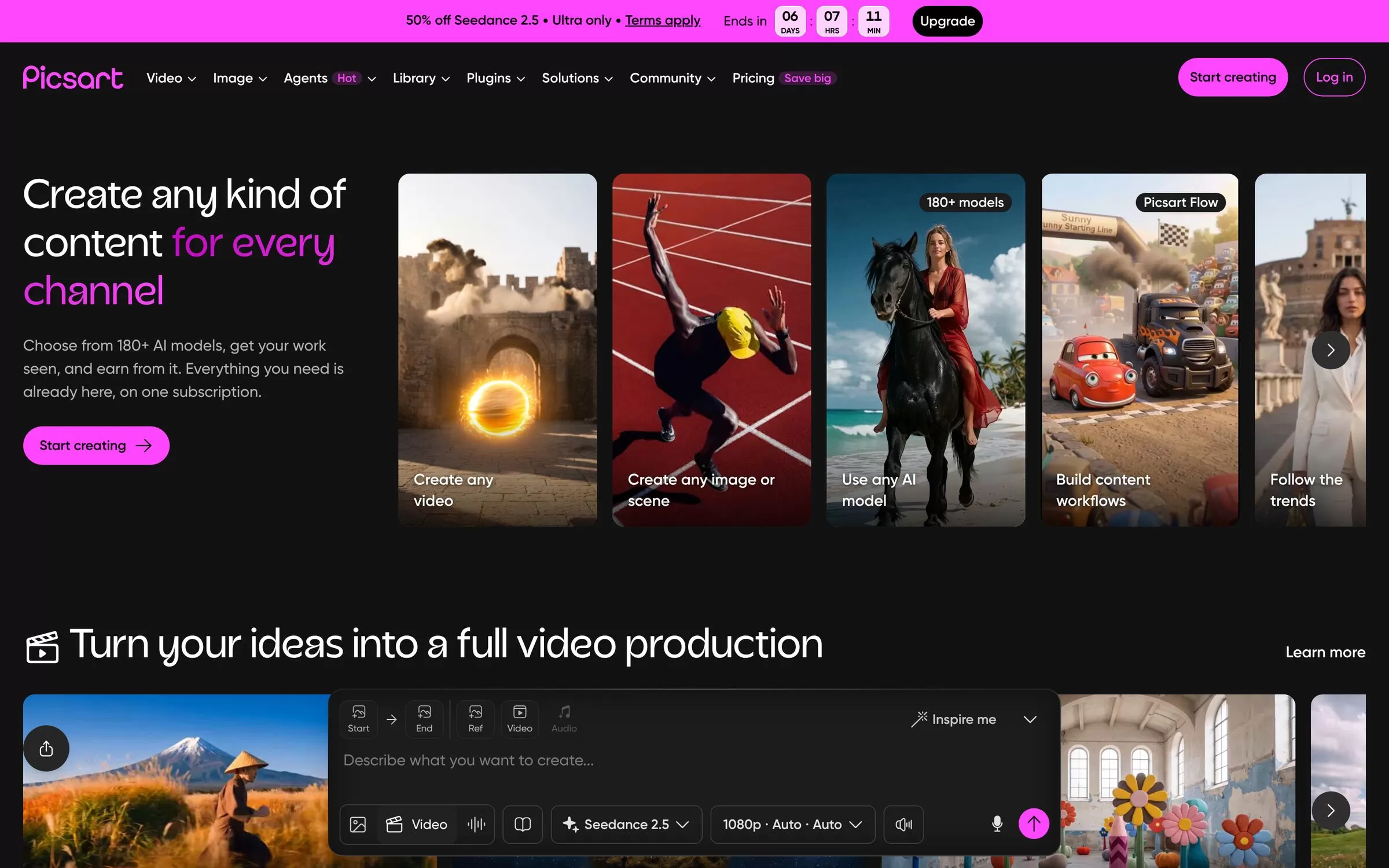
Picsart goes beyond photos with 180+ AI models for image and video. Its Pro plan includes background and object removal, a one-tap image enhancer and bulk editing of up to 50 images on Pro.
Best for: Creators and video
Free plan: Not listed on its pricing page
Price: Pro US$10.50 a month billed yearly; Ultra US$60 a month billed yearly per seat
Website: picsart.com
7. BeFunky
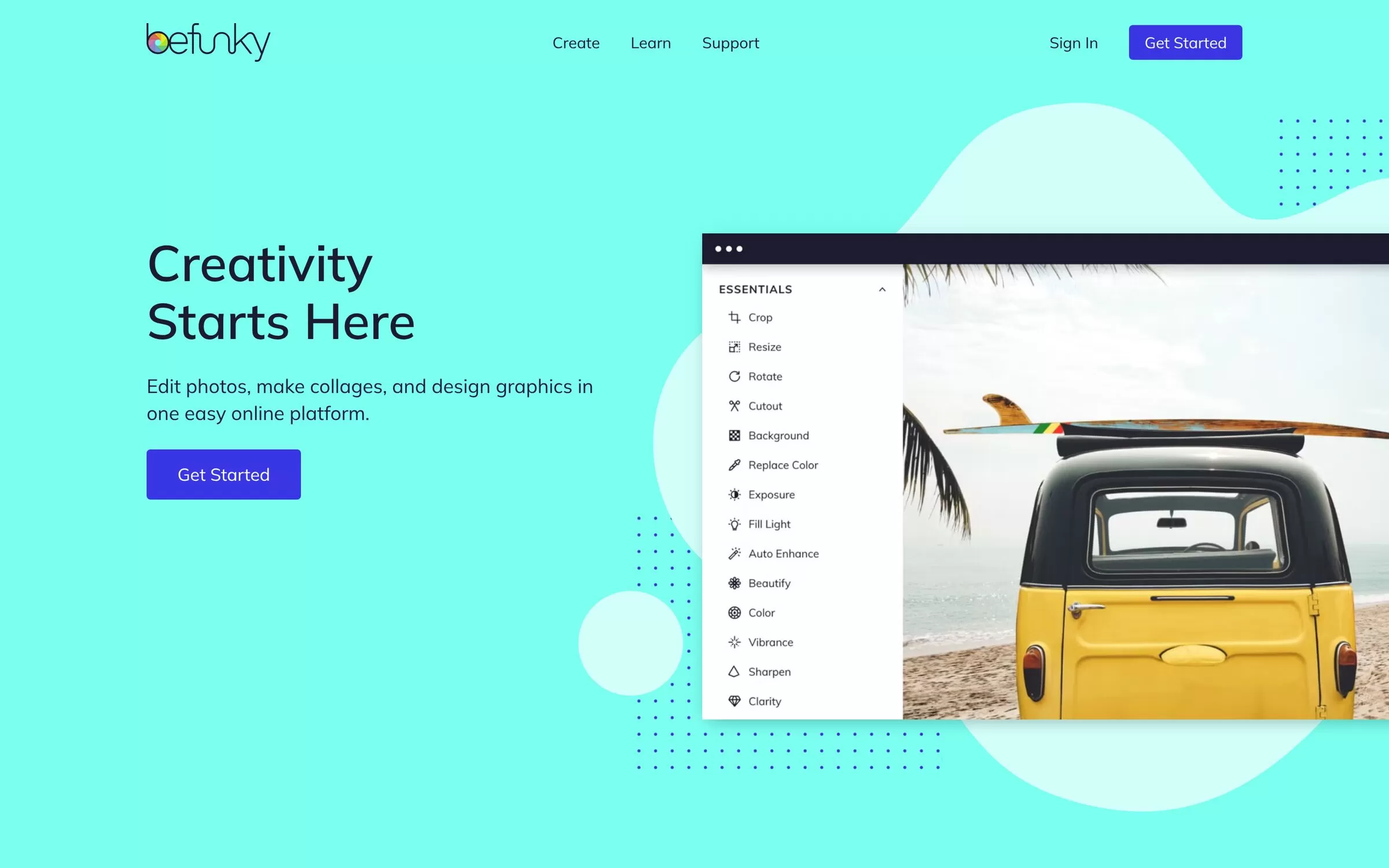
BeFunky is a simple editor for photos, collages and graphics. The free plan includes basic editing and up to 20 AI images, and Pro adds Batch AI tools for removing backgrounds from many images.
Best for: Beginners
Free plan: Yes
Price: Plus US$6.99 a month billed annually; Pro US$12.49 a month billed annually
Website: befunky.com
8. Photopea
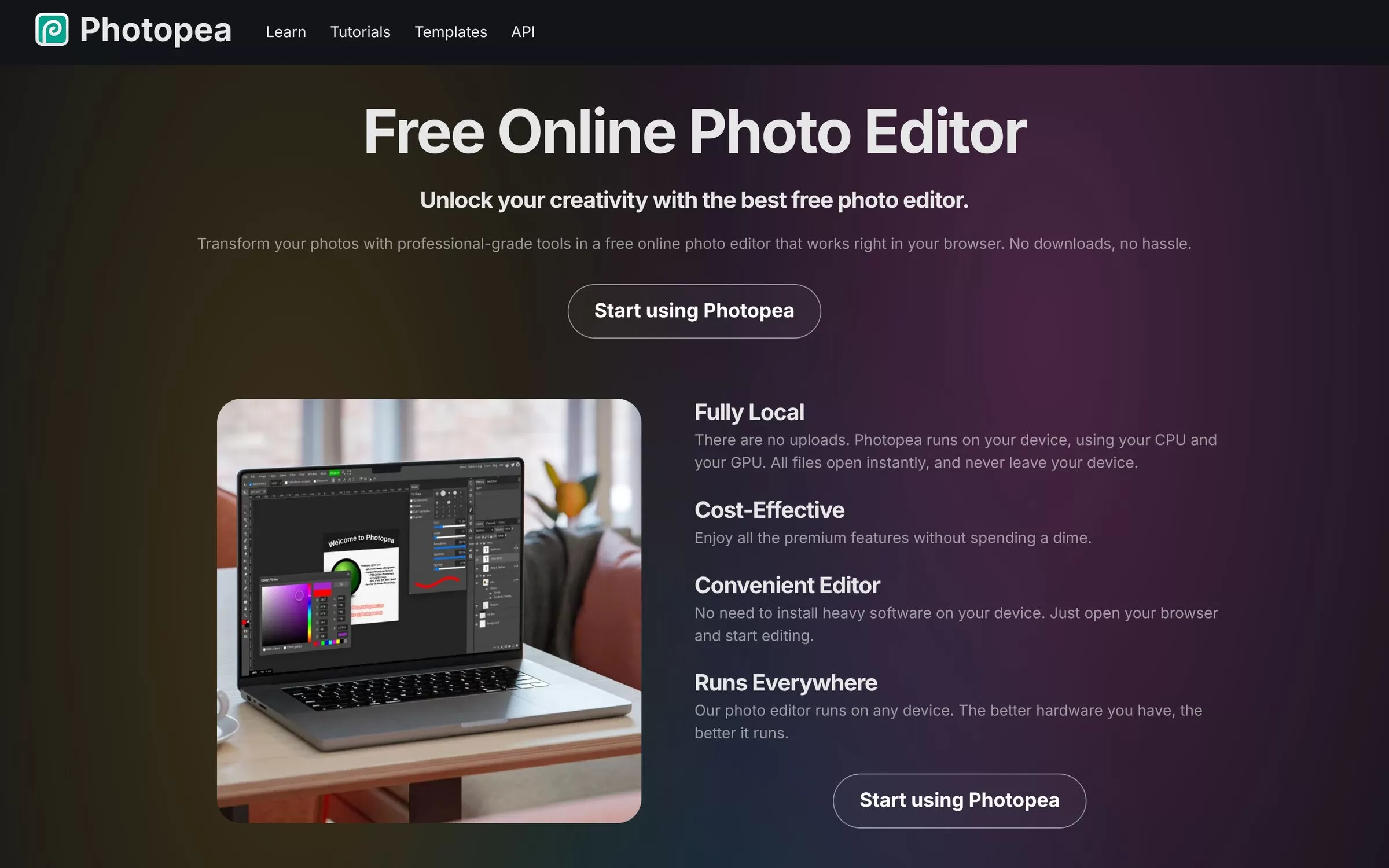
Photopea is a free browser editor that fully supports PSD files and has layers, masks and adjustment layers. Its AI removes a background in one click or replaces part of an image from a text description.
Best for: Photoshop-style work
Free plan: Yes, free to use
Price: Free
Website: photopea.com
Free AI photo editors: what to check first
Look at the free plan limits before you sign up. Clipdrop caps daily uses, Pixelcut limits background removal, and Fotor gives limited free credits on its Basic plan. Photopea and Pixlr both describe themselves as free to use.
Final verdict
For product shots, start with Photoroom or Pixelcut. For quick cleanups, try the free tools in Clipdrop. For Photoshop-style layers at no cost, open Photopea. Test two on one of your own photos and keep the one you like.


