
9 AI Background Removers That Cut Out Photos in Seconds
Free and paid tools for clean transparent cutouts, compared plainly.

Key Takeaways
- Easiest free: Pixelcut and Fotor
- Made in India: Erase.bg
- Hindi interface: Removal.ai
- Product photos: Photoroom
These 9 AI background removers in 2026 help you cut out a photo subject in seconds, with free plans, upload limits and prices checked on each tool's own website.
Top 9 AI background removers at a glance
| Tool | Best for | Free plan |
|---|---|---|
| 1. Pixelcut | Free HD cutouts | Yes |
| 2. Photoroom | Product photos | Free trial on Pro and Max plans |
| 3. Clipdrop | Quick one-off cutouts | Yes |
| 4. Fotor | Batch and video | Yes |
| 5. Erase.bg | Indian-made option | Yes |
| 6. Slazzer | Desktop and API use | Yes |
| 7. Removal.ai | Hindi interface | Yes |
| 8. PhotoScissors | Simple free use | Yes |
| 9. Cutout.pro | Credits and plugins | Yes |
Jump toPixelcutPhotoroomClipdropFotorErase.bgSlazzerRemoval.aiPhotoScissorsCutout.pro
The 9 best AI background removers in 2026
1. Pixelcut
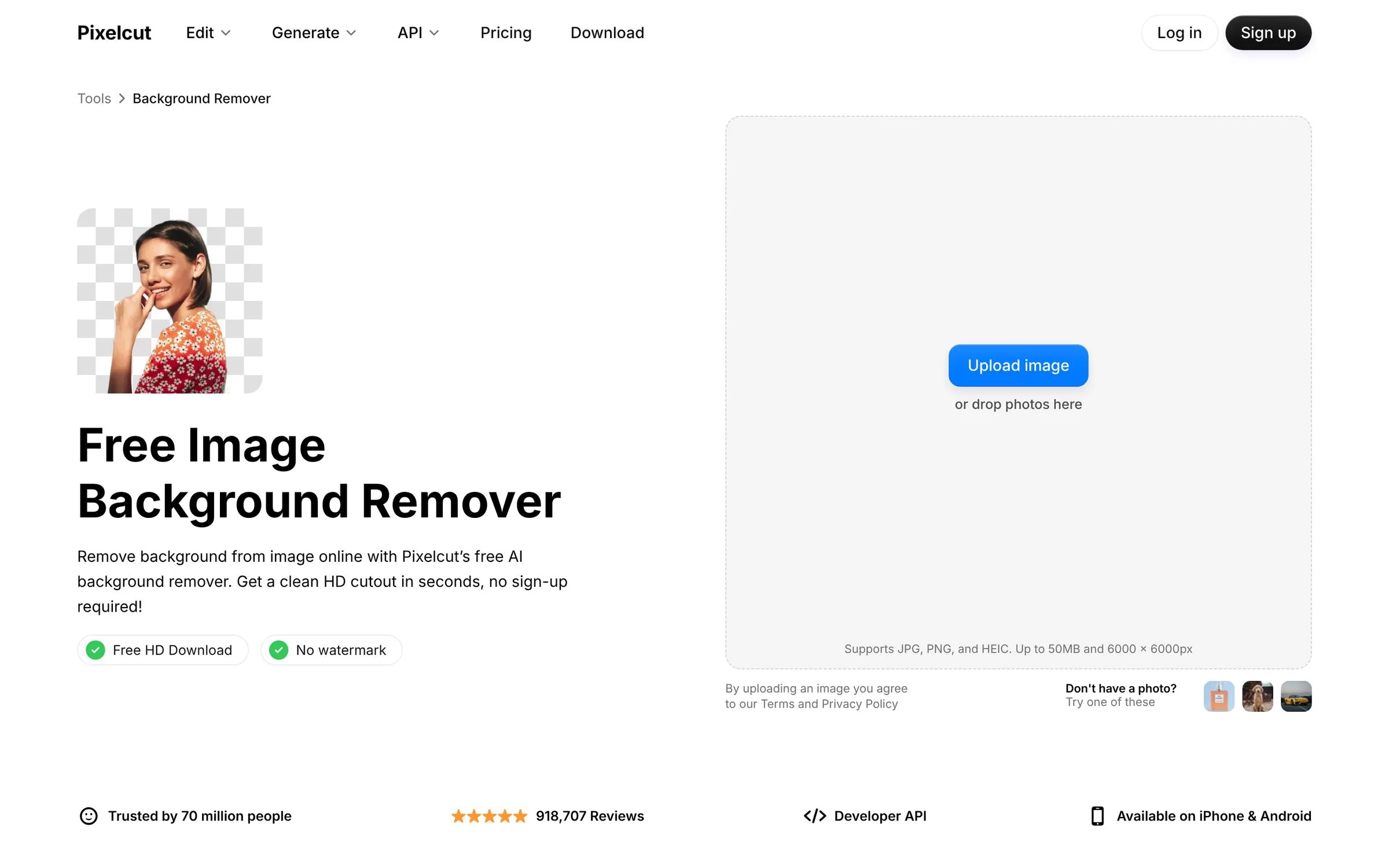
Pixelcut removes the background from a photo online with no sign-up and no watermark. It also has apps for iPhone and Android and batch editing for product shots.
Best for: Free HD cutouts
Free plan: Yes, free HD download, no watermark, no sign-up
Price: Free plan; paid Pro and Business plans listed on the Pixelcut pricing page
Website: pixelcut.ai
2. Photoroom
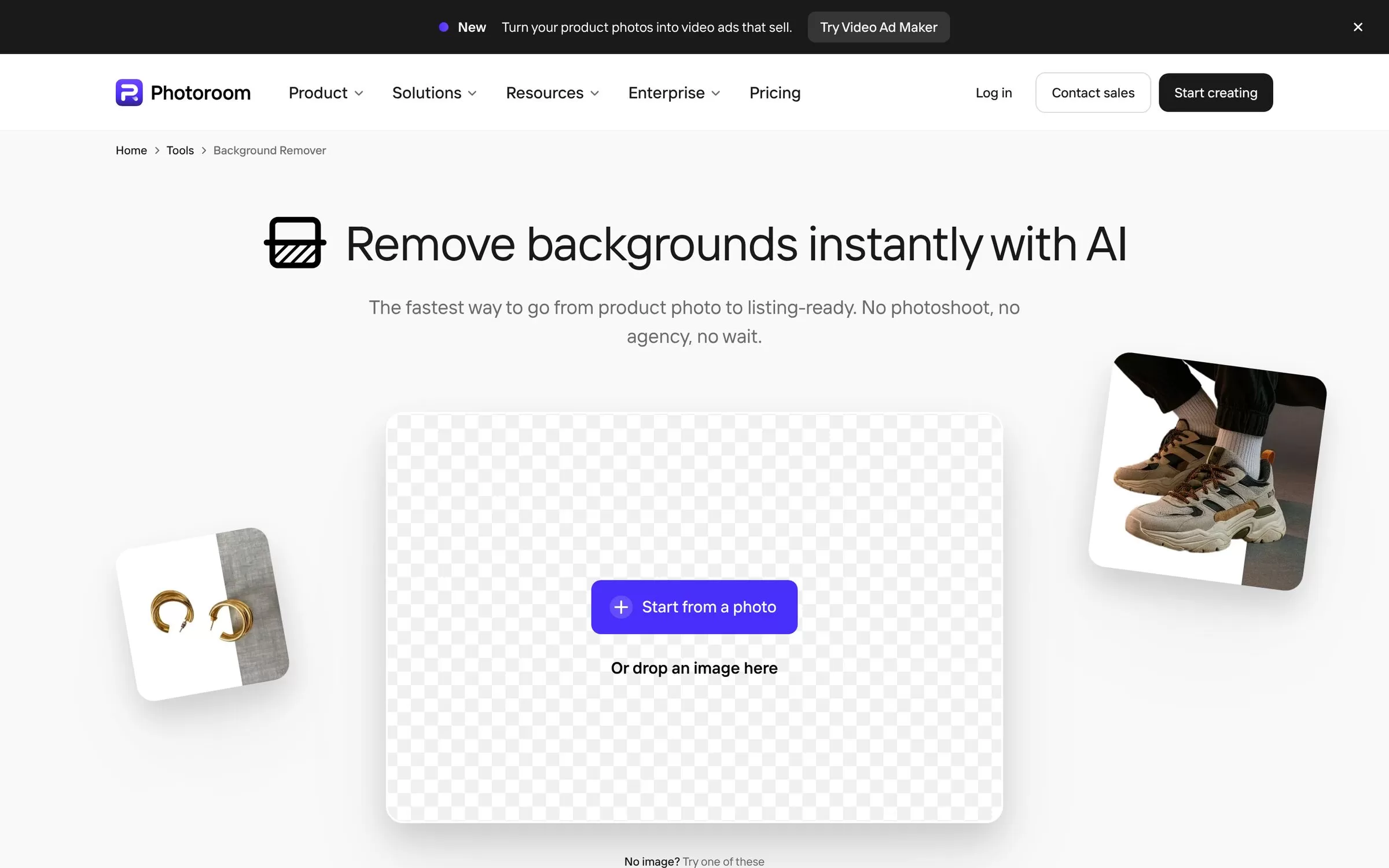
Photoroom turns a product photo into a clean listing image and also offers Batch Edit for many photos. It runs on the web, iPhone, iPad and Android.
Best for: Product photos
Free plan: Free trial on Pro and Max plans
Price: Pro, Max and Ultra plans, billed yearly; see the Photoroom pricing page
Website: photoroom.com
3. Clipdrop
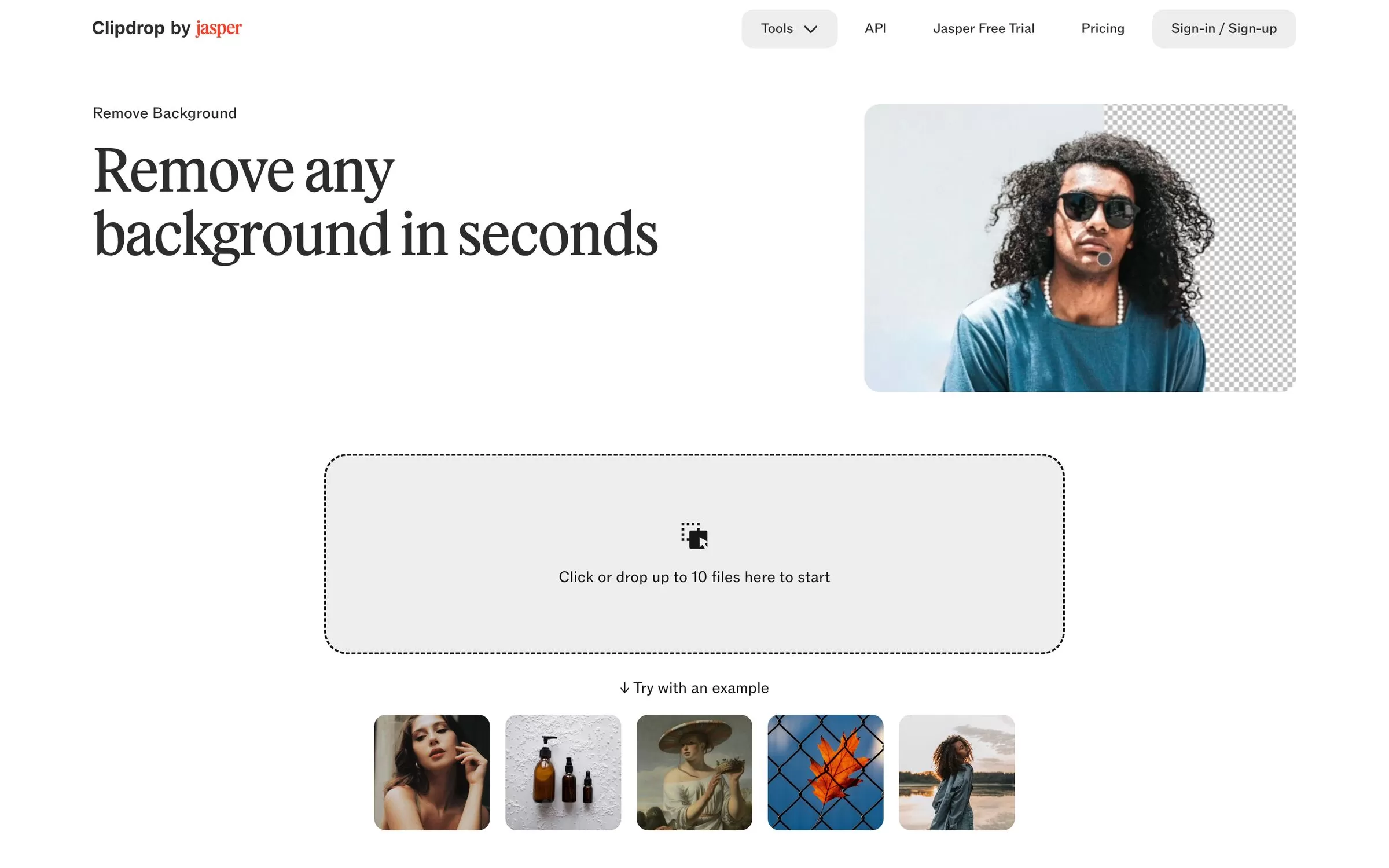
Clipdrop by Jasper removes backgrounds and lets you drop up to 10 files at once. It also has tools like Replace Background, Cleanup and Upscaler.
Best for: Quick one-off cutouts
Free plan: Yes, 20 background removals per 24 hours
Price: Paid Pro plan and usage-based API; see the Clipdrop pricing page
Website: clipdrop.co
4. Fotor
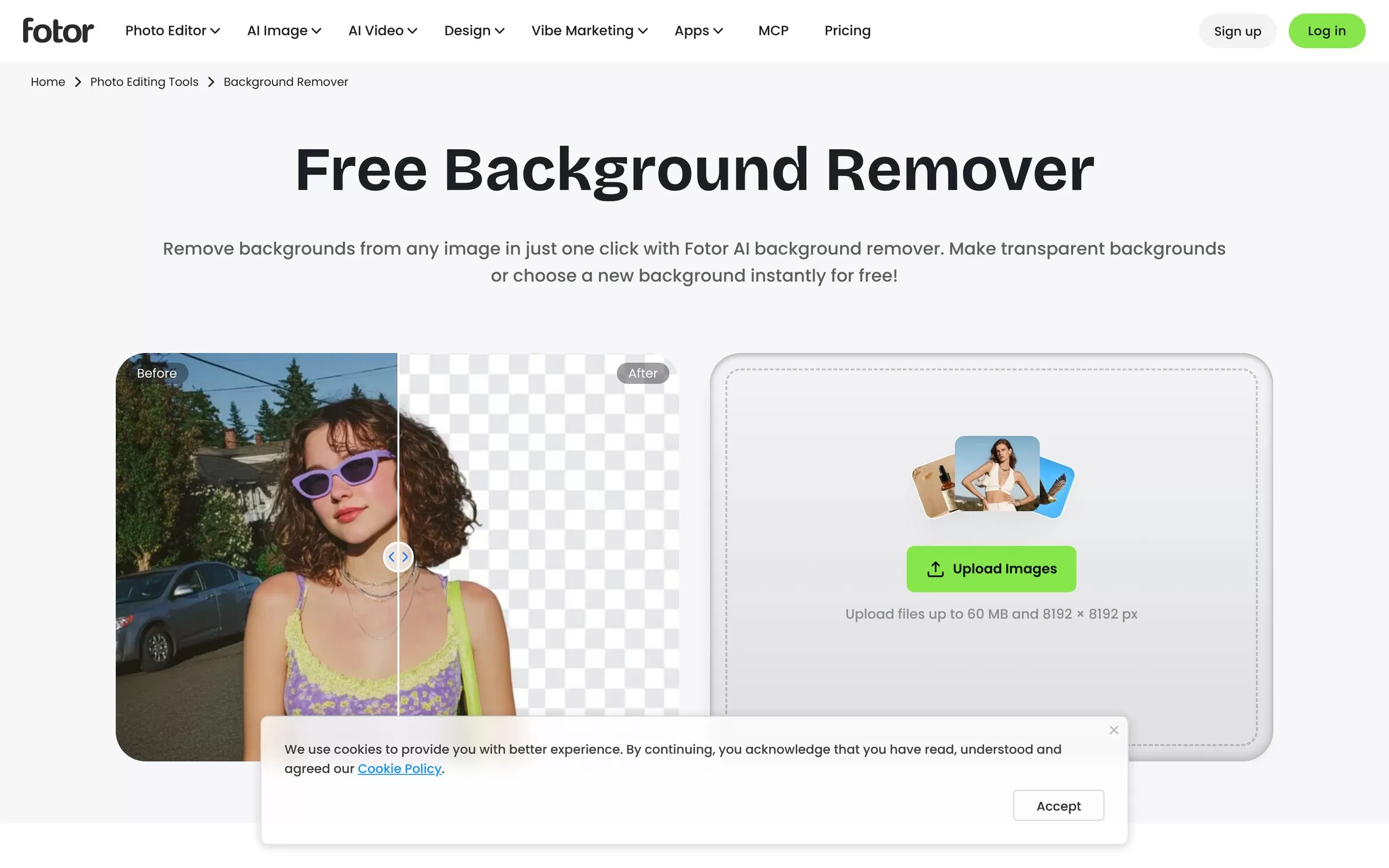
Fotor removes a background in one click, with no sign-up needed, and lets you swap in a new one. It can process up to 50 images per batch and also handles video.
Best for: Batch and video
Free plan: Yes, free to use with no sign-up
Price: Free Basic plan; paid Pro, Pro+ and Max plans on the Fotor pricing page
Website: fotor.com
5. Erase.bg
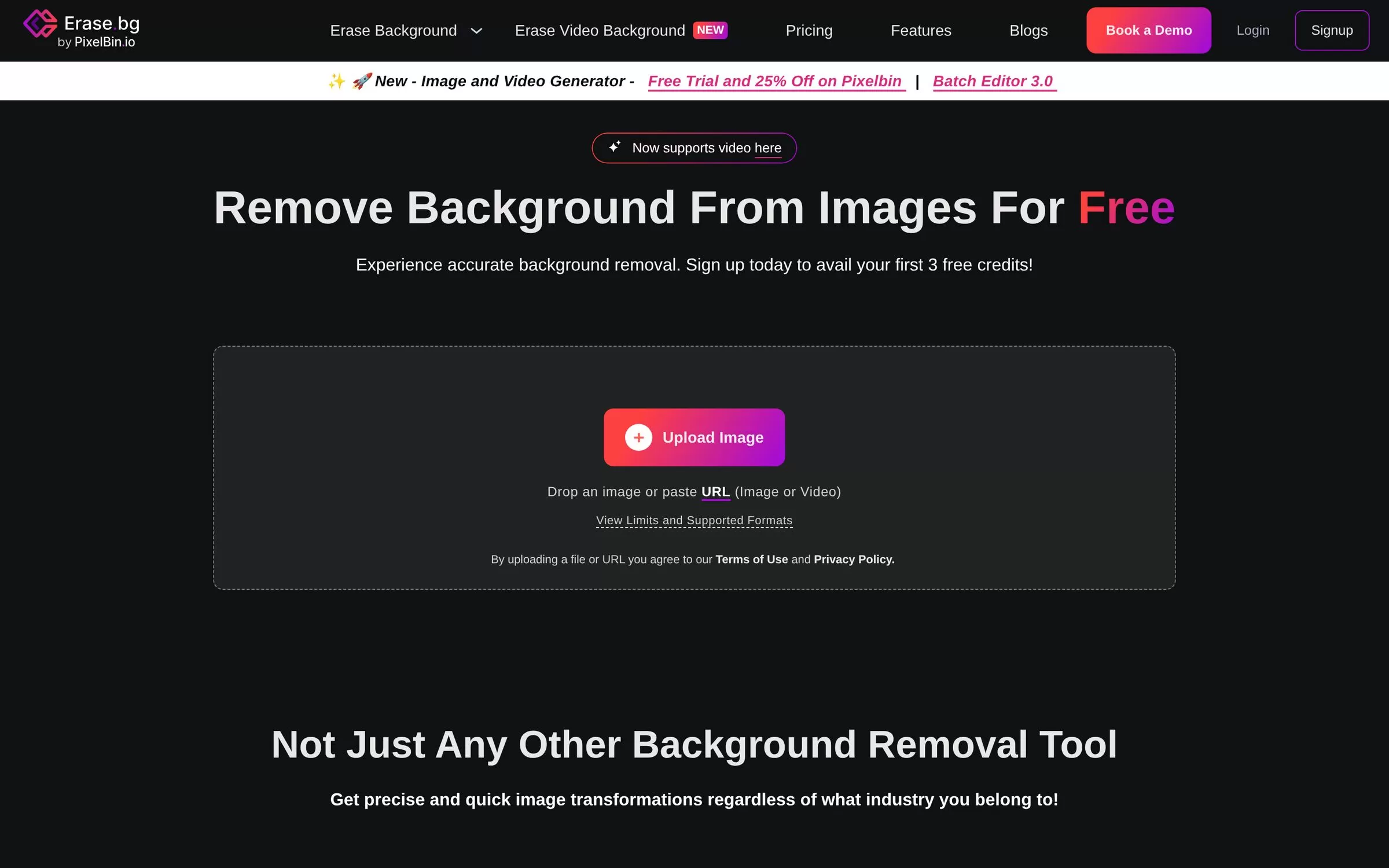
Erase.bg is made in India by Shopsense Retail Technologies and works with images up to 10,000 x 10,000 px. It also removes backgrounds from short videos.
Best for: Indian-made option
Free plan: Yes, free for personal use; 3 free HD downloads on signup
Price: Credit packs sold by credits; see the Erase.bg pricing page
Website: erase.bg
6. Slazzer
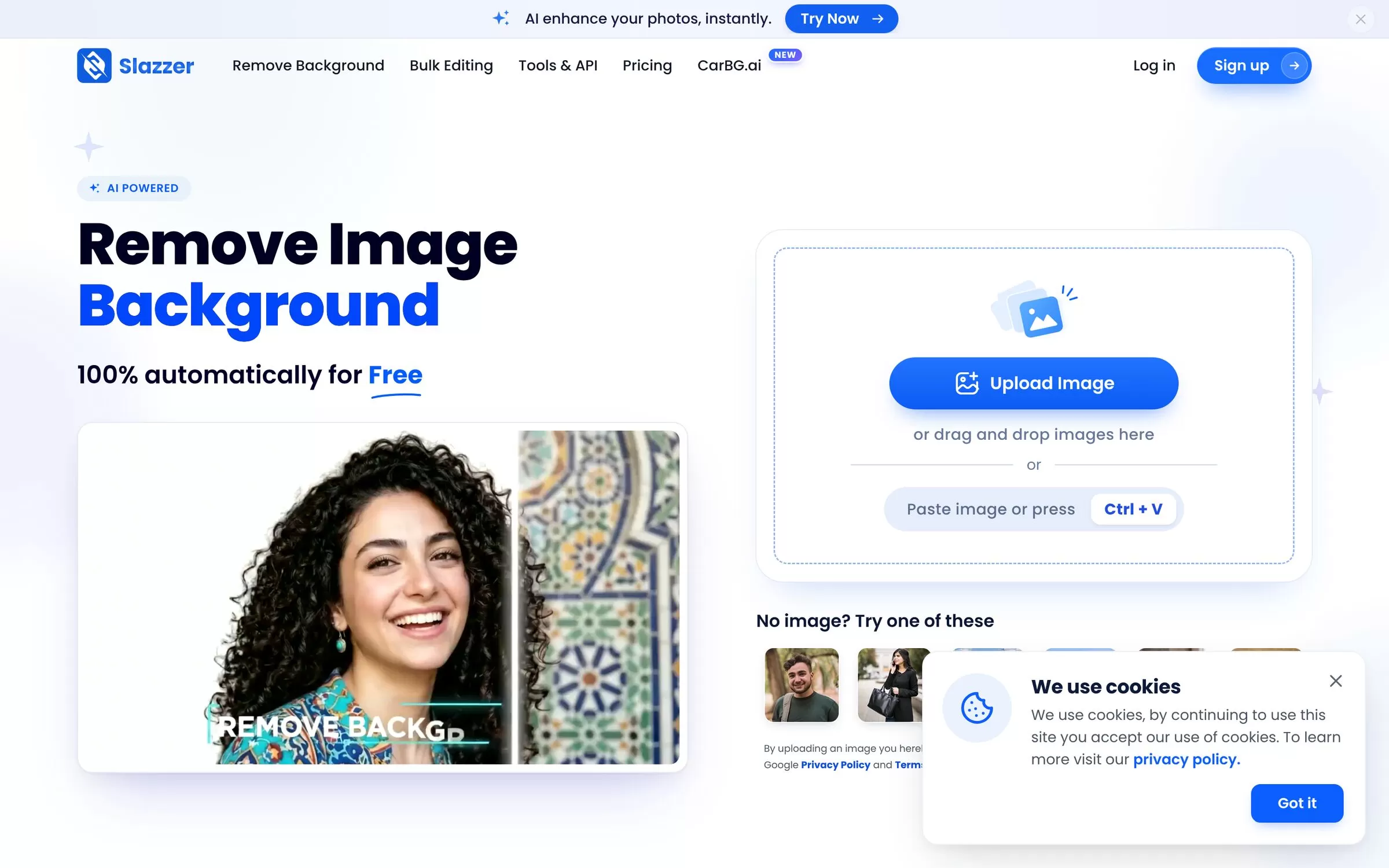
Slazzer removes backgrounds from images online and also has Windows, Mac and Linux apps, a Photoshop extension and an API. It adds tools like AI Upscale and Sky Replacement.
Best for: Desktop and API use
Free plan: Yes, 2 free credits and unlimited free low-resolution previews
Price: Subscriptions from 100 credits for $11; 10-credit top-up for $6
Website: slazzer.com
7. Removal.ai
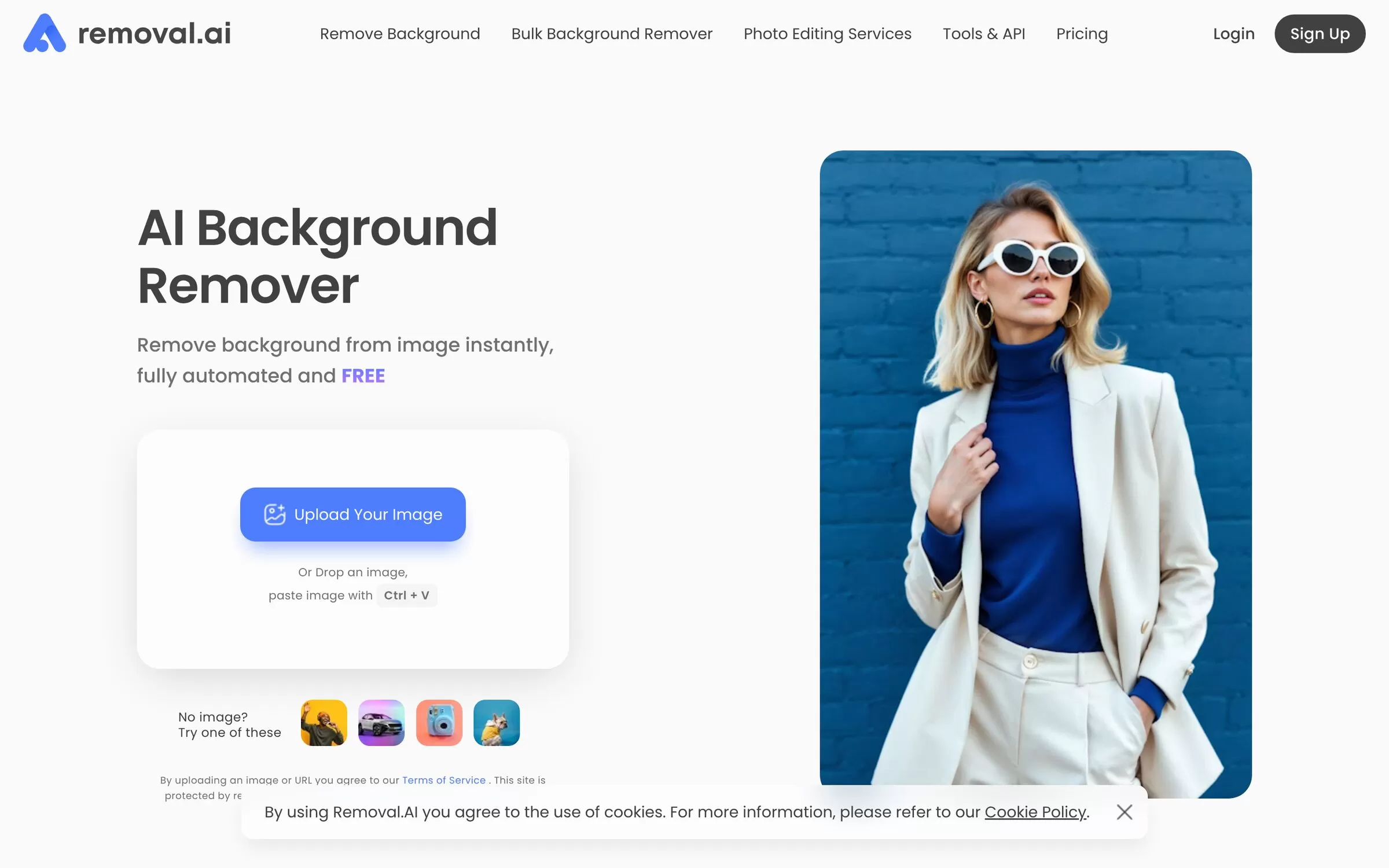
Removal.ai gives automatic cutouts with white, custom or transparent backgrounds and an interface that includes Hindi. It also offers an API and a desktop app.
Best for: Hindi interface
Free plan: Yes, free for low-resolution previews; 1 free credit on signup
Price: Subscription from 100 credits for $5.99; 3 credits for $1.89 one-time
Website: removal.ai
8. PhotoScissors
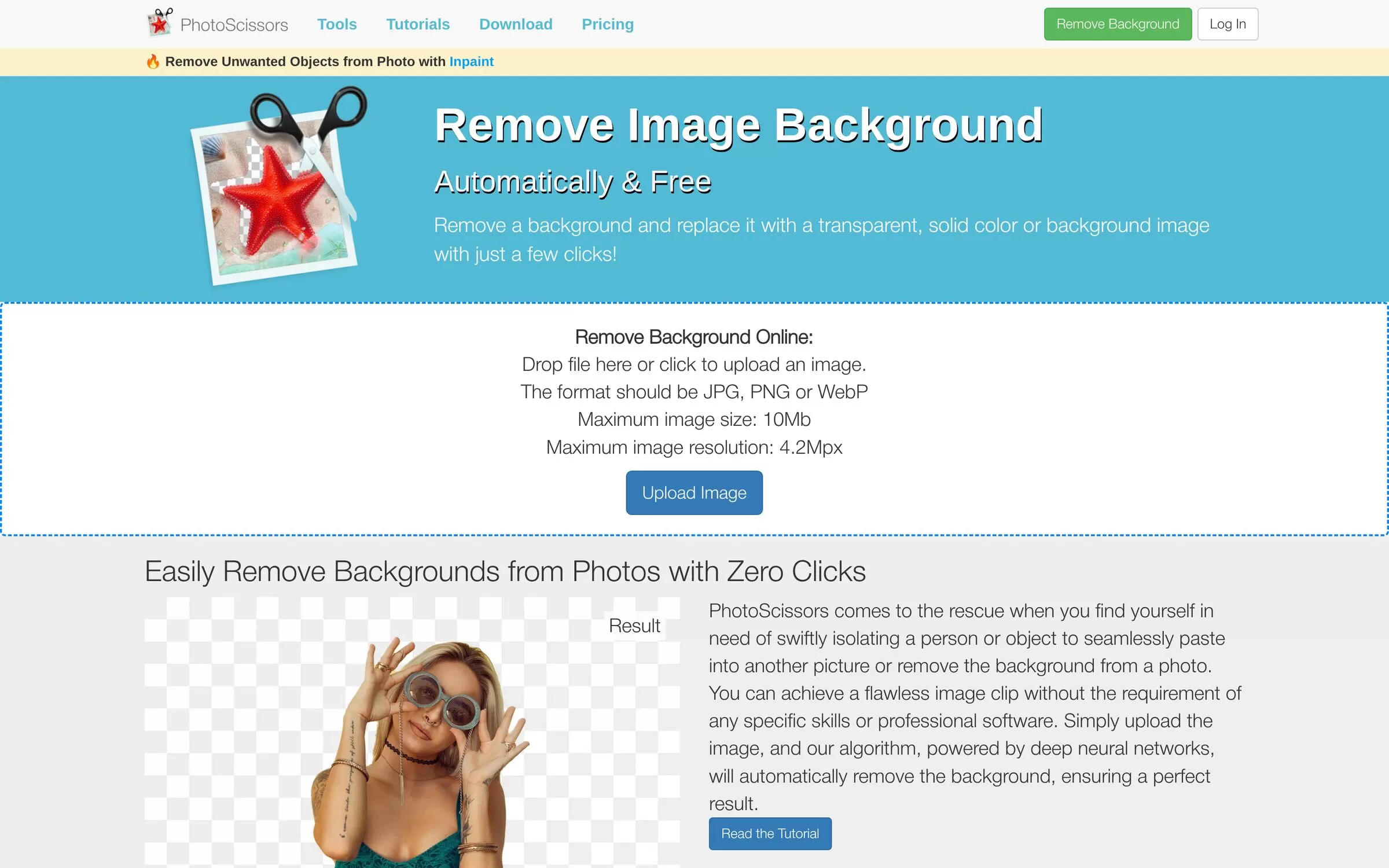
PhotoScissors removes a background and replaces it with a transparent, solid colour or another image. It also has a desktop version for Windows and Mac and an iOS app.
Best for: Simple free use
Free plan: Yes, free standard-definition downloads
Price: Pay as you go: 10 credits for $4.99
Website: photoscissors.com
9. Cutout.pro

Cutout.pro is an image and video editing platform with a free background remover. It has an API, desktop apps for Mac and Windows and a Shopify plugin.
Best for: Credits and plugins
Free plan: Yes, free account with 5 credits and free previews
Price: Subscription and pay-as-you-go credits; 30 credits for $4.99 pay as you go
Website: cutout.pro
Free AI background remover options
Pixelcut and Fotor need no sign-up, while Erase.bg, Slazzer, Removal.ai and Cutout.pro give a few free credits or low-resolution previews. Check each free limit before you upload product photos.
Final verdict
Start with Pixelcut or Fotor for free cutouts without signing up. Pick Photoroom for product listings, Erase.bg for an Indian-made option and Removal.ai if you want a Hindi interface.


