

Top use cases
Edit many files at once
Ask the agent to change several files, then review diffs and undo with checkpoints.
Plan before coding
Use Plan mode to agree on an approach, then switch to Act mode to run it.
Run tasks in CI
Run the agent headless in GitHub Actions or GitLab.
Cline FAQs
What is Cline?
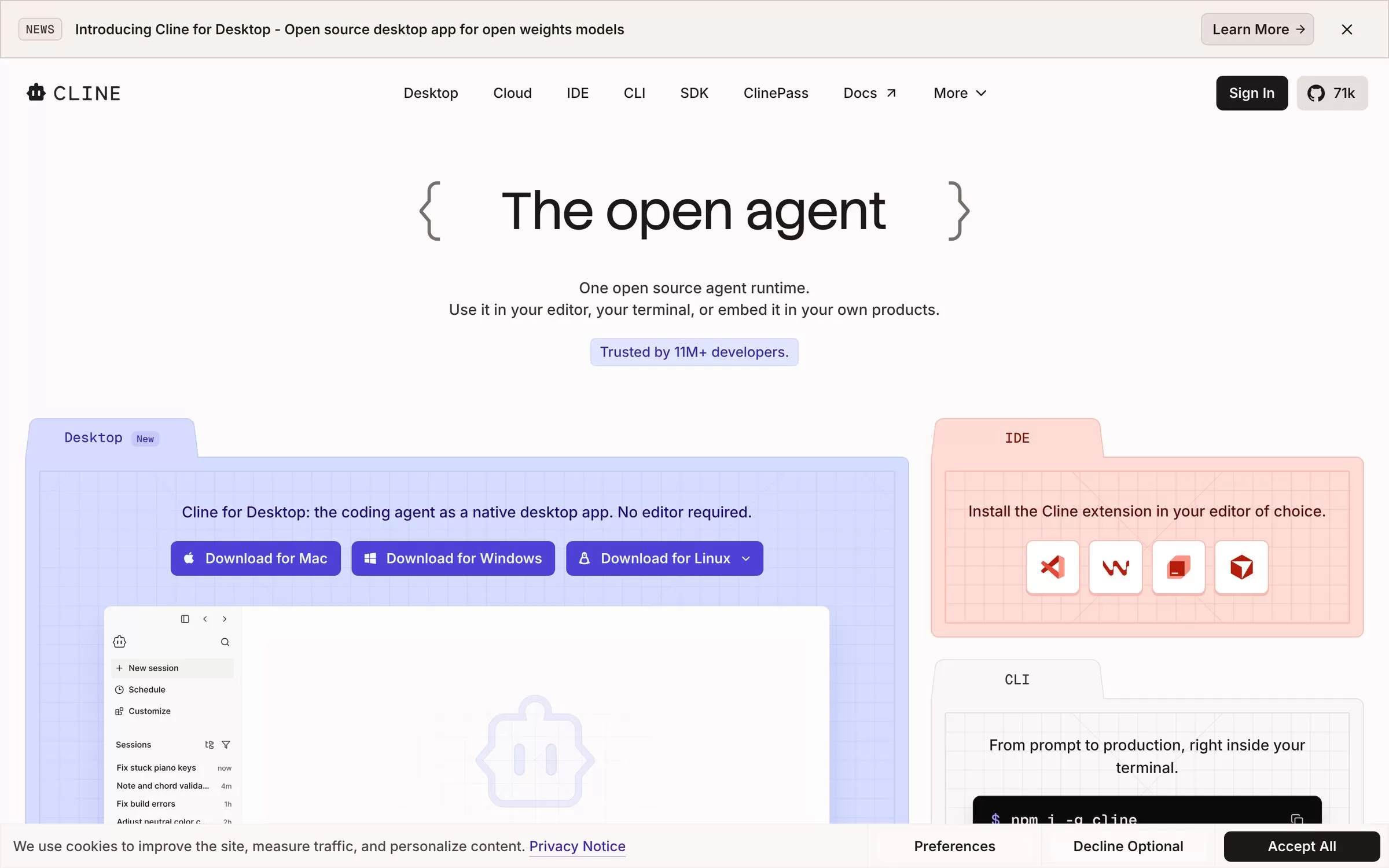
Cline is an open source AI coding agent that works in your editor, terminal or desktop app. Cline is an open source AI coding agent for editors like VS Code and JetBrains, plus a CLI and desktop app. You can use your own API key and choose from many models.
Is Cline free?
Yes, Cline has a free plan: free open source extension, you pay only for AI usage.
How much does Cline cost in India?
Cline lists its current plans on its website, cline.bot.
What is Cline best for?
Cline is best for individual developers. People use it to edit many files at once, plan before coding and run tasks in CI.
How to edit many files at once with Cline?
With Cline, you can ask the agent to change several files, then review diffs and undo with checkpoints.
How to plan before coding with Cline?
With Cline, you can use Plan mode to agree on an approach, then switch to Act mode to run it.
How to run tasks in CI with Cline?
With Cline, you can run the agent headless in GitHub Actions or GitLab.
What are the best Cline alternatives?
Popular alternatives in Coding include Claude Code, Bolt.new, v0 (by Vercel) and Kiro. Each has its own free plan and price, so compare them on the tool pages.
Where can I sign up for Cline?
On its official website, cline.bot. You can start on the free plan.
When were Cline's price and features last checked?
We checked them on the official site on 28 October 2026. Plans change often, so confirm the latest price on cline.bot before you pay.